

You’ll find FAQ displays transform digital signage into an educational powerhouse by offering instant access to vital info, catering to diverse learning styles. Students engage actively through interactive quizzes and polls, boosting their confidence and participation. Automated FAQs reduce repetitive inquiries, letting staff focus on more pressing tasks. Plus, real-time updates enhance safety and keep everyone informed efficiently. Stick around to uncover more ways these tools enhance education and community engagement.
Key Takeaways
- FAQ displays offer immediate answers, enhancing student autonomy and reducing dependency on staff for basic information.
- Interactive digital signage engages students through quizzes and polls, promoting active participation and learning.
- Multi-language FAQ options ensure inclusivity, providing essential information to diverse student populations.
- Automated FAQs reduce administrative queries, allowing educators to focus on teaching rather than routine inquiries.
- Real-time updates and event announcements keep students informed, fostering a dynamic and engaging educational environment.
How FAQ Displays Foster Independent Student Inquiry?
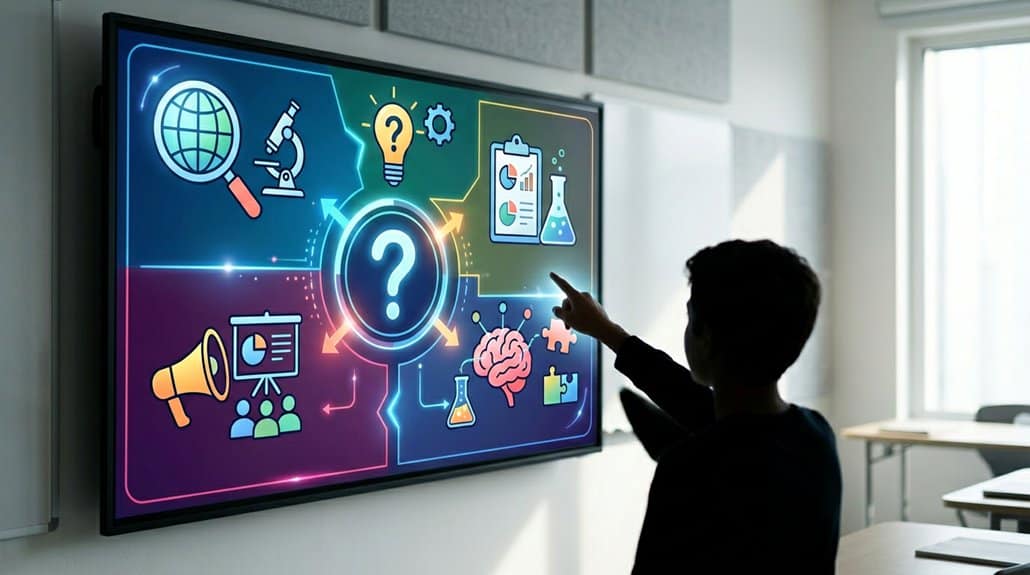
Have you ever wondered how technology can inspire students to learn independently? FAQ displays in digital signage are a powerful tool for fostering student autonomy. By providing immediate access to frequently asked questions, these displays empower students to find information on their own, promoting independent learning. Interactive touchscreens allow students to explore topics at their preferred pace, strengthening their confidence in maneuvering through educational content. Additionally, the ability to update content guarantees that the most current and relevant information is always on hand, further enhancing their inquiry process. Offering multi-language options makes these displays inclusive, catering to diverse student populations. With digital signage in place, communication and lesson efficacy improve, ensuring that students’ quest for knowledge is always supported.
Boosting Student Engagement With Interactive Tech
When schools integrate interactive tech into digital signage, student engagement skyrockets. Imagine interactive quizzes that transform standard lessons into dynamic experiences. These features not only make learning fun but also encourage active participation. With student polls, you can easily gauge opinions on topics, making students feel heard and involved in their education journey.
Research shows that 96% of students find media-rich content, like those used in interactive displays, enhances their educational experience. Tailored content and class-specific playlists can differentiate messages by grade or subject, aligning with various learning styles. By showcasing student-generated content, you foster creativity and ownership. This integration not only simplifies complex topics but also makes each lesson an interactive voyage, keeping students captivated and enthusiastic to learn.
Reducing Administrative Strain With Automated FAQS

Now that we’ve seen the remarkable impact of interactive technology on student engagement, let’s explore how automated FAQs can ease the administrative load in schools. By integrating FAQs into digital signage, schools streamline communication, reducing the administrative strain caused by incessant, repetitive inquiries. Instead of constantly fielding the same questions, automated systems provide instant answers, allowing staff to prioritize more urgent tasks. This enhances administrative efficiency, as personnel aren’t sidetracked by routine issues. Real-time updates keep information accurate, minimizing confusion for students and parents, and contributing to a more organized educational environment. Ultimately, deploying automated FAQs not only alleviates pressure on administration but also empowers students by equipping them with the knowledge they need at their fingertips.
Real Examples of Classroom FAQ Success
Imagine instantly accessing the answers to your questions right in your classroom—that’s the power of digital signage FAQs. Not only do they boost student engagement, but they also guarantee you have immediate access to essential information, directly enriching your learning experience. Schools are seeing firsthand how these systems dramatically cut down repetitive questions, giving everyone more time to focus on what really matters: teaching and learning.
Enhanced Student Engagement
How can digital signage make the classroom experience more engaging? By placing FAQ displays at the forefront of your learning environment, you invite students into a dynamic space that fosters peer collaboration and boosts educational involvement. Integrating these displays with tailored content curation—like class-specific playlists—makes learning more relatable and understandable, accommodating diverse learning styles.
In real classrooms, 96% of students found that video content enriched their educational journey. With rotating reminders and immediate updates, digital signage keeps everyone informed without relying on paper handouts. By showcasing student-generated FAQs, you can cultivate creativity and build a stronger school community. This participative approach promotes active engagement, turning your classroom into an interactive experience that keeps students genuinely interested and involved.
Immediate Information Access
Digital signage transforms how students access essential information in the classroom by making FAQ access immediate and seamless. With real-time updates, instructors can post answers to frequently asked questions on dynamic displays. This reduces confusion and provides clarity on class logistics. Remarkably, utilizing visual learning through digital screens boosts students’ independent access to resources, enhancing their educational experiences considerably.
Consider the following when leveraging digital signage:
| Feature | Benefit |
|---|---|
| Classroom schedules | Reduces inquiries |
| Upcoming assignments | Fosters autonomous learning |
| LMS integration | Keeps information current |
| Interactive displays | Increases student engagement |
| Video content | Enhances educational experiences |
Integrating digital signage with LMS guarantees that students access up-to-date class procedures and assignments effortlessly in their learning environments. This enhanced accessibility empowers students and streamlines communication.
Supporting Campus Events With Instant Updates
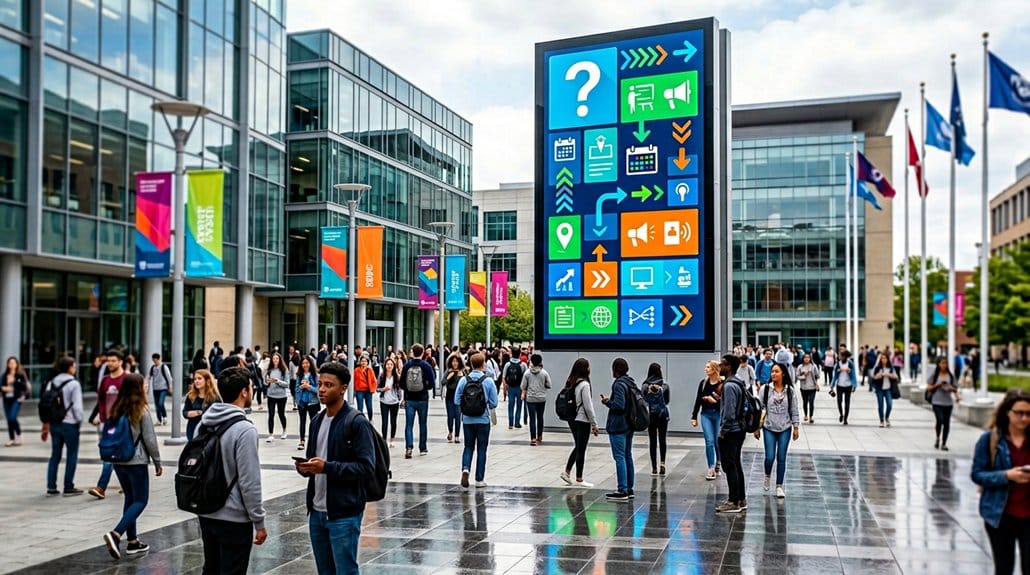
Sometimes, staying informed about campus events can be a challenge, but digital signage is changing the game. With real-time event alerts and seamless schedule synchronization, you’re never in the dark about what’s happening on campus. Digital signage automatically integrates with existing calendars, updating displays promptly without extra manual effort—talk about efficient communication! It’s not just about timely updates, though. Engaging graphics and dynamic content capture attention, making announcements for sports games or theater productions much more impactful than traditional methods. You can even see user-generated content promoting events, which helps build a sense of community. Plus, countdown timers ramp up excitement, ensuring you don’t miss out on exciting campus activities. Embrace digital signage to stay fully connected and participative.
Quick Access FAQs for Enhanced Safety
In an age where staying informed is paramount, leveraging technology to guarantee safety is just as essential as keeping up with campus events. Digital signage offers quick access to essential safety FAQs, directly contributing to emergency preparedness. By displaying real-time safety protocols and evacuation procedures, you reduce confusion during emergencies, guiding everyone through necessary actions efficiently. Interactive digital signs allow you to navigate safety-related FAQs with ease, enhancing your understanding and retention of critical information. Updates are automated, ensuring the information remains current, reflecting any protocol changes promptly. With 96% of students feeling that well-presented information heightens their educational experience, utilizing digital signage for safety FAQs profoundly boosts campus safety awareness, seamlessly integrating safety into everyday learning.
Digital Signage Engaging Diverse Communities
How can schools effectively reach their diverse communities through technology? Digital signage emerges as an essential tool, fostering cultural inclusivity by displaying multilingual content. This approach guarantees non-English-speaking families, an integral part of diverse school communities, stay informed and engaged. Utilizing real-time engagement, digital signage delivers timely announcements and event updates to students, parents, and staff, assuring everyone is on the same page. Interactive features like touchscreens invite students from different backgrounds to engage personally, catering to varied learning styles. In addition, showcasing student achievements and cultural events on digital displays celebrates diversity and boosts student morale. With 97% of students favoring digital information, this method greatly enhances engagement and learning within diverse educational environments.
Seamingly Integrate FAQ Displays
You can enhance student engagement by integrating FAQ displays into your school’s digital signage, providing quick and easy access to information. This setup not only makes information more accessible but also encourages students to actively seek out answers on their own. With interactive features and real-time updates, students can navigate through relevant content efficiently, making the learning environment more responsive and inclusive.
Enhance Student Inquiry Engagement
While schools aim to foster an environment ripe for learning, seamlessly integrating FAQ displays into digital signage can significantly enhance student inquiry engagement. By offering real-time feedback, these displays stimulate students’ curiosity and encourage them to seek out answers actively. You can tailor FAQ content to specific topics or grade levels, making it easier to address relevant questions and boost engagement. With digital signage, 97% of learners who prefer digital content over traditional methods will find the format appealing. Additionally, dynamic FAQs can be updated instantly, ensuring timely responses and aligning with the learning preferences of 96% of students who value video content. This adaptability fosters a more interactive and responsive educational experience, keeping students engaged and informed.
Promote Information Accessibility
Seamlessly integrating FAQ displays into digital signage empowers students and visitors by providing instant access to essential information, eliminating the need for constant assistance. With a focus on information clarity, these displays guarantee everyone can easily find answers, breaking down language barriers and fostering understanding. You’ll notice how repetitive questions about school policies or event schedules are now just a glance away, offering equitable resources for all.
Interactive elements enrich this setup, allowing users to engage with content tailored to their needs, enhancing the campus experience and promoting safety. By reducing the volume of inquiries directed at faculty, staff are able to concentrate more on critical educational tasks. Digital signage becomes a powerful tool for accessible learning, transforming the way information is consumed.
Easier Information Access for Everyone on Campus
Although traversing a bustling campus can often seem intimidating, digital signage offers a straightforward solution for everyone looking to access information quickly. With user-friendly interfaces and intuitive navigation, these displays make accessing real-time updates on schedules, events, and safety procedures straightforward. Interactive digital displays with FAQs empower you to find answers to common questions without eyeing a staff member for help.
In addition, these digital aids enhance campus navigation by offering interactive maps and directions, which minimize confusion and make your arrival or shift smoother. By also catering to multiple languages, digital signage affirms inclusivity, ensuring everyone can access essential announcements. Furthermore, cloud-based content management systems keep information current, so everything displayed is fresh and accurate, no matter where you are on campus.
Frequently Asked Questions
How Can Students Access Real-Time Updates on Class Schedule Changes?
You can access real-time updates on class schedule changes through the school’s online portal or mobile app. Make sure your notifications are enabled, so you’re instantly informed about any last-minute adjustments to your timetable. Stay updated!
What Are the Advantages of FAQ Displays Over Traditional Information Desks?
Think of FAQ displays as a magnet for user engagement, pulling people in effortlessly. They’re quick, accessible, and cut down on wait times, unlike traditional desks that can sometimes feel like walking through molasses.
How Are FAQ Displays Kept Up-To-Date With the Latest Campus Information?
You keep FAQ displays current by using content management systems for easy updates. Data integration helps automatically pull the latest campus information, ensuring displays are always relevant. You won’t worry about outdated info with that setup!
What Technology Platforms Support the Integration of FAQ Displays?
You’re looking at platforms like digital signage software with robust content management capabilities. These systems streamline the integration of FAQ displays, ensuring efficient updates and scheduling, so you can deliver current information seamlessly across your digital screens.
How Do FAQ Displays Cater to Students With Disabilities?
FAQ displays can accommodate students with disabilities by incorporating accessible design and assistive technology. Did you know 15% of the world’s population experiences disability? Ensuring these features helps level the educational playing field for everyone.
Conclusion
Think of digital signage as a modern-day compass, guiding students through the vast landscape of academia. Just as a compass empowers explorers to navigate uncharted territories, FAQ displays empower students to initiate self-directed inquiries. By seamlessly integrating into campus life, these digital beacons reduce administrative hurdles and foster a more engaged, informed community. Like a lighthouse in a storm, they illuminate the path for diverse communities, ensuring everyone has easy access to essential information.