

Use Airtable’s customizable features to elevate digital signage and enhance team visibility. By integrating real-time data sources, you guarantee your content is always up-to-date and relevant. Custom views let you highlight critical metrics and streamline workflows, promoting collaboration across team members. Workflow automation and synchronized updates keep everyone aligned, minimizing miscommunication. With tailored dashboards and feedback integration, you’re set for data-driven decision-making. Explore further to boost your digital signage effectiveness and team collaboration.
Key Takeaways
- Real-time updates in Airtable enhance team visibility on signage content changes and urgent notifications.
- Custom views in Airtable spotlight essential metrics, improving team focus on critical digital signage information.
- Workflow automation in Airtable ensures synchronized messaging, increasing clarity on project roles and responsibilities.
- Shared view links facilitate team collaboration by offering access to the latest signage data without compromising data security.
- Feedback integration enables teams to gauge content effectiveness and make informed decisions for signage improvements.
Understanding Airtable’s Impact on Digital Signage
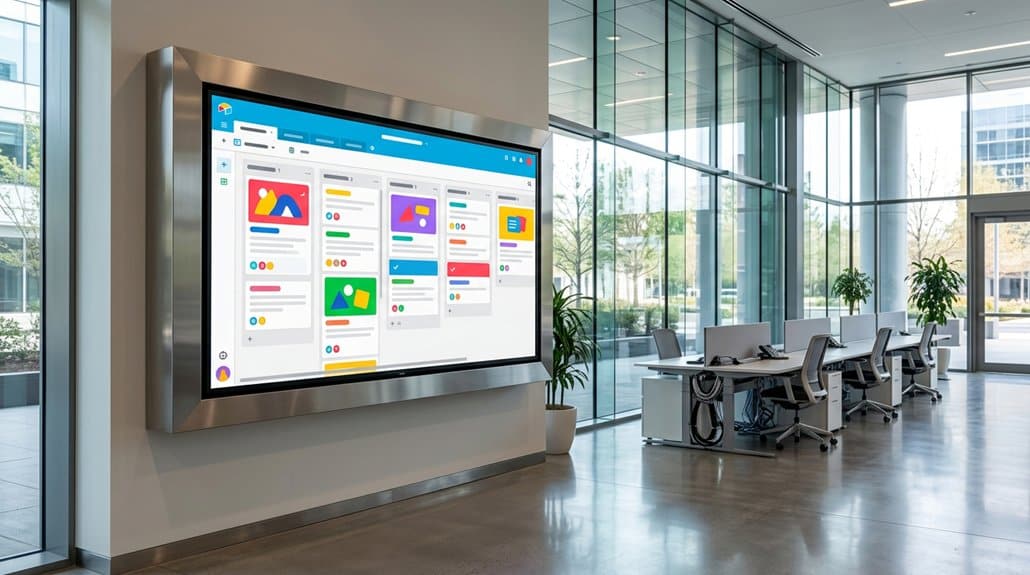
One might wonder how Airtable revolutionizes digital signage, but it’s clear that its impact is significant. With Airtable customization, you can tailor digital signage content to engage viewers effectively. The platform’s content scheduling guarantees displays are timely and relevant, boosting user engagement. Accessibility features enable diverse team members to collaborate effortlessly, guaranteeing information is current across locations.
Airtable’s real-time collaboration allows teams to update signage content instantly, enhancing responsiveness to dynamic markets. Data visualization tools transform complex data into clear, visual formats, improving metric comprehension. Its cross-platform compatibility guarantees seamless integration with existing signage solutions, optimizing workflow. The user interface is intuitive, making navigation straightforward, even for beginners. These features collectively contribute to precise content delivery and strategic visibility.
Setting Up Airtable for Digital Signage Campaigns
To effectively set up Airtable for your digital signage campaigns, start by integrating your data sources to guarantee real-time updates and accurate content delivery. Optimize data display through custom views, highlighting key metrics and urgent messages for immediate attention. Finally, synchronize your workflow across departments with Airtable’s collaborative tools, making certain everyone’s aligned and ready to execute each aspect of your campaign seamlessly.
Digital Signage Integration Tips
Release greater efficiency and flexibility by integrating Airtable with your digital signage campaigns. With Airtable’s robust content management capabilities, you can guarantee real-time updates across all your display screens. Begin by creating custom views to align specific content with targeted audience segments or locations. Automate scheduling and publication to maintain consistent, timely messaging and streamline workflows.
Airtable’s collaboration tools empower your team to gather instant feedback and implement swift adjustments, enhancing agility. Use these features to keep your content fresh and relevant without manual hassles. Additionally, peer into audience engagement through performance metrics available in Airtable, making your digital signage strategies data-driven and effective. Enhance the visual impact while saving time, creating both an engaging and efficient digital signage experience.
Data Display Optimization
While integrating Airtable with your digital signage systems, a key focus should be data display optimization to drive viewer engagement. You can leverage Airtable’s custom views to create powerful data visualizations, guaranteeing your content remains fresh. Highlight key metrics and campaign details relevant to your audience. This makes your information more engaging and actionable. Dashboards aggregate performance data, giving immediate insights into how campaigns perform across locations—no need for manual updates. Always aim for seamless synchronization and content freshness; these are essential for efficient operations. By using Airtable’s collaborative tools, feedback collection becomes easier, allowing your team to make data-driven decisions swiftly. This setup guarantees your digital signage campaigns are always relevant, engaging, and optimized for impact.
Workflow Synchronization Strategies
As you maximize data display optimization, it’s important to focus on how Airtable can facilitate seamless workflow synchronization for your digital signage campaigns. By leveraging workflow automation and content scheduling, you guarantee aligned messaging with marketing goals. Create custom views to efficiently track and assign digital signage tasks, enhancing collaboration and transparency. Airtable’s automation notifies teams of upcoming deadlines, streamlining updates to signage changes. Integrate existing tools to confirm data flows into Airtable without redundant input, maintaining accuracy and currency. Real-time updates and reporting provide visibility into campaign performance, enabling agile adjustments and informed decision-making. With Airtable, you’re equipped to synchronize workflows effectively, assuring your digital signage campaigns are timely and impactful across any deployment.
Optimizing Team Visibility With Customized Airtable Views
Leveraging customized Airtable views on digital signage lets you spotlight only the most relevant data, cutting through the noise to give your team a clear focus. By prioritizing data driven insights, you can strategically curate what appears on your interactive displays. Tailored layouts guarantee your team sees critical metrics and real-time updates, greatly improving visibility for ongoing projects and essential performance indicators. Create specific views for each department or initiative, empowering them to track unique KPIs without being bogged down by irrelevant information.
Integration with Airtable’s reporting tools means your digital signage automatically reflects the latest information, keeping stakeholders informed with the freshest insights. This optimized visibility not only drives precision in communication but also enhances informed decision-making, keeping your team efficient and aligned with organizational goals.
Using Custom Views to Enhance Collaboration in Digital Signage
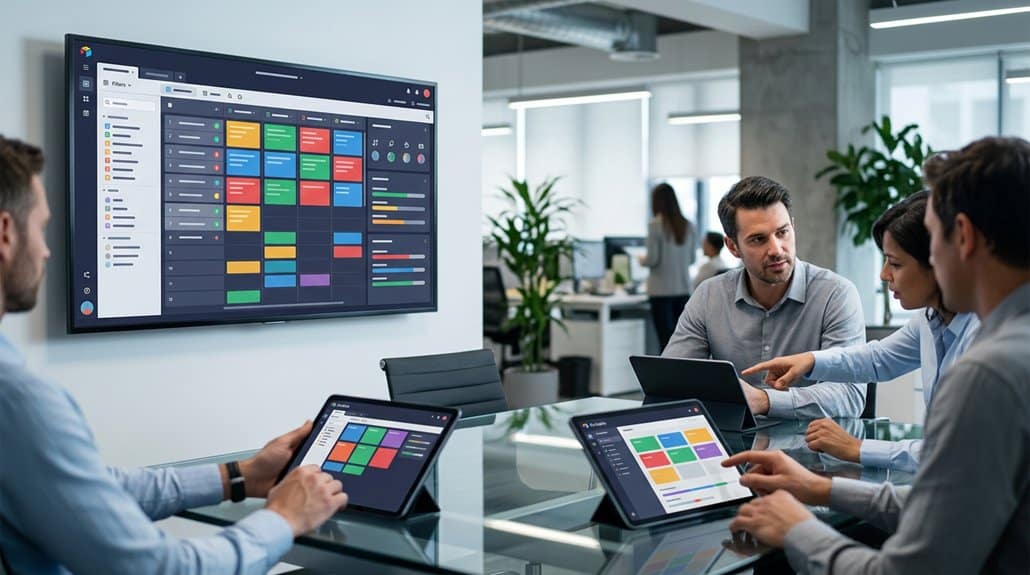
With Airtable’s custom views, digital signage becomes a powerful tool for enhancing collaboration within your team. Custom displays can be tailored to highlight relevant project updates, schedules, and content, ensuring improved visibility for all members. Design unique views that prioritize specific team needs, streamlining collaboration and fostering team engagement through focused discussions based on pertinent data.
Filtering and sorting capabilities in custom views allow you to quickly locate critical information, which minimizes time spent searching and boosts productivity. Real-time updates support dynamic communication during project execution, keeping everyone informed of changes. Integrating custom views with digital signage workflows lets you effectively share key performance metrics, upcoming events, and project statuses, cultivating a data-driven culture across your organization.
Proven Methods for Effective Digital Signage With Airtable
Digital signage can be transformed into a highly efficient communication tool with Airtable’s dynamic content management capabilities. By utilizing custom views, you can tailor content personalization to audiences, aligning visuals with their interests. Whether it’s project updates or promotional materials, Airtable allows you to focus your messaging precisely. Real-time updates guarantee your displays are always fresh, eliminating the need for manual adjustments. Use Airtable’s automation to schedule seamlessly, so content remains current without constant oversight. Integrate real-time feedback to gauge engagement—adjust accordingly to maximize impact. Collaborative tools in Airtable facilitate efficient approval workflows, ensuring alignment. These methods enhance effectiveness, allowing you to communicate visually rich content while maintaining clarity and precision.
Boosting Team Visibility With Airtable Features
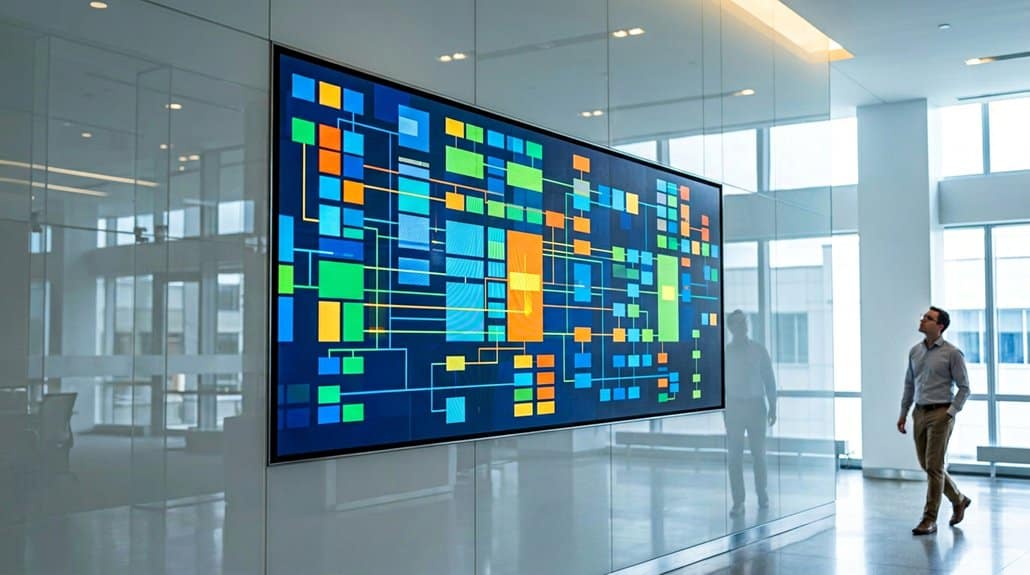
Seamlessly enhancing team visibility using Airtable’s features revolutionizes the management and execution of digital signage projects. It offers customizable interfaces for tailored views, ensuring every team member accesses relevant signage information. Real-time updates through interactive dashboards keep your teams informed with summaries of content and performance metrics. Centralized data management simplifies tracking content schedules and campaign launches, directly impacting your digital signage efforts.
Moreover, user feedback mechanisms can be integrated effortlessly, enabling you to collect essential input on signage effectiveness, driving informed future content decisions. Shared view links encourage collaboration without risking sensitive data, streamlining the approval process. With these tools, communication throughout the team improves, optimizing project success and team coordination.
Frequently Asked Questions
How Does Airtable Integrate With Existing Digital Signage Systems?
You can seamlessly integrate Airtable with digital signage systems using custom APIs. Leverage Airtable features for dynamic data management and automate content updates. Digital signage customization guarantees tailored displays highlighting real-time, visually engaging information.
What Are the Potential Security Concerns When Using Airtable for Digital Signage?
When using Airtable for digital signage, don’t let your knickers get in a twist over data privacy. Guarantee robust access control, user authentication, and content management processes are in place to mitigate unauthorized access or data breaches.
Can Airtable Support Large-Scale Digital Signage Networks Efficiently?
Airtable can support large-scale digital signage networks efficiently, given its robust data synchronization and real-time updates. Guarantee network scalability by managing user access levels, optimizing resources to maintain high-performance displays and smooth operation across multiple locations.
How Does Airtable Handle Offline Scenarios in Digital Signage Applications?
Imagine your screens going down during peak hours; Airtable’s offline data synchronization guarantees they won’t skip a beat. With effective content caching, your displays stay updated, minimizing disruptions and keeping visual content smooth when connectivity wavers.
Are There Costs Associated With Using Airtable for Digital Signage?
Yes, Airtable pricing involves subscription tiers with various feature comparisons. Some tiers may suit your digital signage needs better than others. Evaluate your usage limitations carefully to choose the appropriate tier for cost-effective team visibility.
Conclusion
You’ve seen how Airtable transforms digital signage to enhance team visibility. Setting up is straightforward; optimizing is key. Custom views streamline collaboration, while proven methods bolster effective display. Visualize a seamless process where data aligns, teams synergize, and outcomes exceed expectations. Imagine a dynamic, agile workspace where visibility drives success. With Airtable, you’re not just managing data; you’re elevating your team’s communication, engagement, and productivity. Embrace these tools, and watch your digital signage strategy shine.