
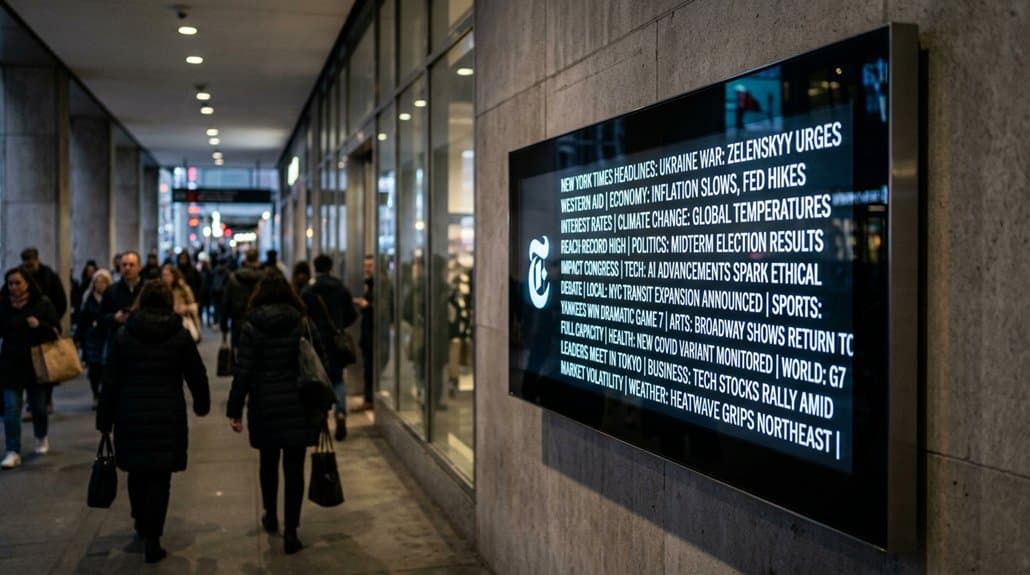
You can transform your digital signage into a dynamic news hub by integrating The New York Times app for live headlines. With customizable settings, you’ll captivate audiences by tailoring news categories and choosing between Light or Dark themes. Enhance viewer experience through interactive features like touch-screens and QR codes, while analytics help optimize content engagement. This setup guarantees your audience always has access to the freshest information. Explore further to discover how seamlessly your display can evolve.
Key Takeaways
- Integrate the New York Times app in digital signage for displaying live headlines using the OptiSigns platform.
- Customize settings for category selection, display theme, and content refresh rates for a tailored viewing experience.
- Enhance viewer engagement with interactive storytelling through articles and visuals merged with trending news topics.
- Diagnose and resolve display issues by ensuring device compatibility, stable internet, and appropriate app configuration.
- Utilize data analytics to personalize content, refine strategies, and maximize audience engagement through real-time insights.
Leveraging New York Times for Dynamic Signage Solutions
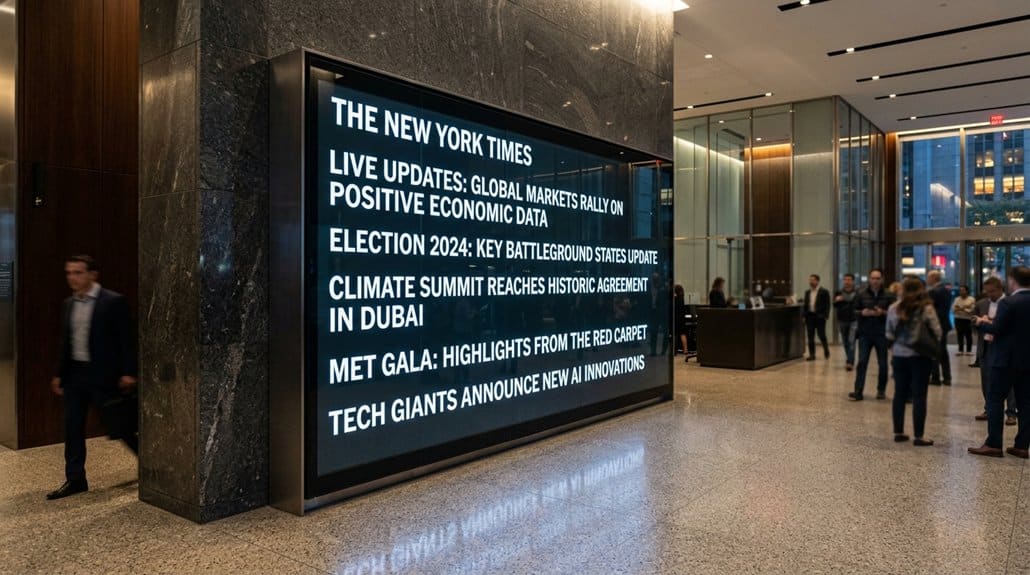
Transform your digital signage into a dynamic news hub by leveraging The New York Times app. With its blend of interactive storytelling through articles and visuals, the app keeps audiences captivated and informed. You can tailor content by selecting news categories and setting refresh rates, ensuring it resonates with your viewers’ interests. Audience feedback is enhanced as the engaging content invites viewers to interact with the signage more frequently.
Integrating The New York Times into platforms like Screenly or OptiSigns is seamless, involving no extra hardware. This means reliable, real-time updates keep your information current while boosting credibility. Whether for a business or organization, displaying live headlines becomes straightforward and effective, turning your signage into a trusted source for news.
Setting up Your Digital Signage With New York Times
With your digital signage ready to captivate audiences using the engaging content of The New York Times, the next step is to configure it for peak impact. Start by ensuring screen compatibility and pairing your screen with the OptiSigns portal at [app.optisigns.com](http://app.optisigns.com/). Access the Files/Assets section to add the New York Times app. Setting app permissions comes next, allowing you to:
Configure your digital signage with The New York Times app on OptiSigns for maximum audience engagement.
- Choose a region and desired news category.
- Select a display theme, either Light or Dark.
- Adjust scrolling speeds to dictate how headlines shift.
- Customize date formats and font sizes for best visibility.
- Finalize settings and save to add it to your playlist.
Once configured, your digital signage will deliver dynamic, eye-catching headlines.
How to Easily Integrate the New York Times App
Integrating the New York Times app into your digital signage is a breeze, offering an instant upgrade to your content display. To start with app integration, access the app gallery and add the New York Times app by entering a name and optional description. Guarantee your digital updates remain fresh by setting a refresh rate for the RSS widget and determining the number of posts shown. You can decide whether to display post images or stick to text-based content, aligning with your audience’s preferences. After configuring these settings, save changes and assign the app to a specific screen or include it in your playlist. This seamless integration guarantees that your audience receives engaging, real-time news content effortlessly.
Enhancing Visual Appeal With Customizable Settings
Following the seamless integration of the New York Times app, let’s explore how you can boost the visual appeal of your digital signage. Visual customization is key, with theme selection allowing you to choose between Light or Dark Themes depending on your environment. Enhance content aesthetics with color integration by selecting HEX codes for background and text colors, guaranteeing branding alignment. Font adjustment is available to improve readability and adapt to user preferences, making certain your message is clear. Display personalization provides design flexibility, letting you tailor article display duration for a context-driven experience.
- Theme selection: Choose between Light or Dark
- Color integration: Customize with HEX codes
- Font adjustment: Guarantee branding alignment
- Design flexibility: Adapt to user preferences
- Readability enhancement: Improve content clarity
Customizing News to Engage Your Audience

To keep your audience engaged, tailor The New York Times content by selecting news categories that match their interests, ensuring relevance and intrigue. Adjust how often the news updates and how many stories are shown to keep the information fresh and attention-grabbing. Enhance the viewer connection by using visuals like images and choosing the right theme and font size to align with your brand’s look and feel.
Tailoring News Categories
One way to captivate your digital signage audience is by tailoring news categories that align with their interests and your brand’s identity. By doing this, you’ll guarantee the content resonates and enhances engagement. Consider your target audience and how you can provide value through brand alignment. The New York Times offers diverse topics perfect for customizing.
- Local News: Keep your community informed about nearby happenings.
- Politics: Engage those interested in current political climates.
- Business: Offer insights and trends relevant to your industry.
- Technology: Attract tech-savvy individuals with the latest innovations.
- Culture: Share arts and lifestyle articles to entertain and educate.
Utilize configuration features to update content regularly, maintaining freshness and brand consistency, and effectively capturing audience attention.
Enhancing Viewer Connection
Personalization transforms passive viewers into engaged participants by aligning news content with their interests. Customizing the New York Times feed helps you resonate more deeply by selecting relevant categories and topics, boosting connection and viewer engagement. Don’t underestimate the power of viewer feedback; it’s vital for refining content personalization to make sure your digital signage remains intriguing. Integrating imagery with headlines not only enhances visual interest but also prolongs viewer attention. Regular updates reinforce credibility and trust.
Here’s how you can customize effectively:
| Feature | Benefit | Viewer Impact |
|---|---|---|
| Category Selection | Relevancy Increase | Higher Engagement |
| Imagery Integration | Visual Appeal | Prolonged Viewing |
| Refresh Rate Adjustment | Timely Information | Enhanced Interaction |
| Customized Appearance | Brand Alignment | Stronger Connection |
| Regular Updates | Trust Building | Informed Viewers |
Strategically customize to keep audiences connected.
Updating Content in Real-Time
You can guarantee your digital signage is always current by using the New York Times app, which enables real-time news integration and dynamic content display. With customizable refresh rates for new headlines and the ability to choose between images or text-only formats, you can keep your audience engaged with the latest updates. Tailor the content further by selecting news categories that resonate with your viewers, guaranteeing relevant and timely information at all times.
Real-Time News Integration
Imagine accessing up-to-the-minute news effortlessly as headlines change in real-time on your digital signage displays. This integration with the New York Times app delivers breaking news, ensuring your audience is always informed. It enhances engagement, offering immediate content updates that reflect trending topics. Customization options let you highlight categories tailored to your audience, encouraging valuable feedback. Here are ways it benefits you:
- Automatic updates: Stay current with the latest news.
- Customization: Select categories that resonate with your audience’s interests.
- Refresh rates: Control how often new stories appear, keeping content lively.
- Visually engaging media: Combine rich text and graphics for immersive displays.
- Enhanced storytelling: Captivate viewers with compelling, real-world narratives.
Leverage these features to create an impactful viewing experience.
Dynamic Content Display
As digital signage evolves, leveraging the power of real-time updates can immensely enhance viewer engagement. With the New York Times app, you can display live headlines to guarantee audiences get the most current breaking news and trending stories. By customizing the refresh rate of your RSS feed, you’ll keep your content fresh and relevant, an essential part of your engagement strategies.
Moreover, diverse formats such as articles, images, and headlines offer dynamic content that captivates viewers. Tailor news based on specific categories to align with your audience’s interests, maximizing relevance. This kind of content personalization not only maintains viewer attention but also encourages a deeper connection with the information displayed. Integrating The New York Times enriches your digital signage, blending timely articles and visuals for peak impact.
Diagnosing Display and Update Glitches
Tackling display and update glitches on your digital signage doesn’t have to be a headache. Identifying errors and using effective troubleshooting techniques are key. Begin by making certain your device is compatible and properly connected to prevent display issues with the New York Times app. Check the RSS widget’s refresh rate; a misconfigured rate can display outdated headlines.
- Verify: Make sure the app shows the correct number of posts; a low limit might restrict headlines.
- Confirm: Reliable internet is essential; poor connectivity disrupts updates, leading to glitches.
- Configure: Adjust settings for ideal display, reducing content errors.
- Connect: Make sure all cables and connections are secure.
- Consult: Persistent issues? Contact the digital signage support team for app configuration help.
Stay proactive and your display will consistently perform without a hitch.
Boosting Engagement via Interactive Features
To boost engagement, you can leverage the New York Times app’s interactive features that transform passive viewing into an engaging experience. By utilizing dynamic content like images, videos, and hyperlinks, you’ll create a enthralling narrative that keeps your audience glued to the screen. Tailoring news topics to fit your brand and audience interests not only guarantees relevance but also invites viewers to interact and stay updated with real-time headlines.
Enhancing Viewer Interaction
Interactive features on digital signage, such as touch-screens or QR code scanning, can markedly enhance how viewers engage with The New York Times content. By blending articles, visuals, and interactive elements, you create engaging storytelling that hooks audiences more than static displays. These features offer a personalized experience, allowing you to pick and customize news categories that resonate with your interests. Involving viewers through interactive storytelling not only boosts engagement but also establishes a two-way communication channel via viewer feedback. Keeping audience attention is possible with features like:
- Touch-screen interfaces to explore content deeply.
- QR code scanning for easy access to detailed stories.
- Interactive polls for real-time opinions and feedback.
- Custom news categories to match audience interests.
- Trending topic alerts for instant updates.
Utilizing Dynamic Content
Incorporate dynamic content into your digital signage to elevate viewer interaction and engagement. Use real-time updates from The New York Times app to guarantee your audience always sees the freshest headlines. Integrating interactive features like clickable articles or multimedia content boosts engagement and solicits direct audience feedback, creating a more immersive experience. Offer content personalization by customizing news categories to cater to your audience’s unique interests, confirming that what they see resonates personally with them. With customizable options, you can tailor the display to keep viewers’ attention effectively. Highlight trending topics dynamically with rich media elements—images and videos enhance visual appeal and improve retention. By doing so, you transform your digital signage into a gateway for meaningful interaction and engagement.
Using Analytics to Increase Viewership
Analytics-driven insights are revolutionizing how you display New York Times content on digital signage. By utilizing audience analytics, you can craft engagement strategies that enhance content personalization. Incorporating performance metrics enables you to understand viewing patterns, guaranteeing headline enhancement and targeted viewer segmentation. Here’s how you can employ these tools effectively:
- Track viewer interaction to identify what popular headlines and content resonate most.
- Monitor real-time performance with metrics like dwell time and click-through rates.
- Analyze demographic data to tailor content to specific segments, boosting relevance.
- A/B test various presentations for best engagement and viewer interest.
- Leverage historical insights to adjust timing for peak viewership, aligning with breaking news.
Harnessing these strategies guarantees your digital signage captivates and retains your audience.
Automating News Updates for Seamless Delivery
Elevate your digital signage experience by embracing automated news updates, ensuring seamless delivery of fresh content at all times. By integrating the New York Times app, you can display real-time, automated headlines that keep your audience engaged with the latest stories. Set specific refresh rates to update RSS feeds at intervals that keep your content both fresh and enthralling. Customization options let you align news categories with your audience’s interests or your branding strategy, making sure the content is always relevant.
For a truly seamless integration, leverage digital signage platforms that support diverse media formats, combining visual appeal with dynamic content. This streamlined approach not only maintains current and relevant news but reduces the need for manual updates, effectively freeing up your resources.
Frequently Asked Questions
Is It the Best Digital Signage for Big Events?
It’s among the best digital signage options for big events due to excellent event engagement and headline visibility. You’ll capture attention with real-time updates and immersive displays, ensuring your audience stays informed and highly engaged throughout.
How to Operate a Digital Signage Display?
You’re about to unseal the secret to operating a digital signage display. Master content management and nail your display configuration, and you’ll transform your screens into powerful communication tools. Ready to captivate your audience with cutting-edge visuals?
Can a Digital Signage Display Be Used as a TV?
Yes, you can use a digital signage display as a TV. With TV compatibility and multi-purpose use, it’ll integrate streaming services effortlessly. Just make certain of the correct inputs and configurations for the ideal viewing and audio experience.
What Is a Digital Signage Display?
A digital signage display is like a dynamic canvas. It uses content management systems to show versatile media, boosting audience engagement in real-time. You can easily update it, grabbing attention and conveying messages effectively in high-traffic areas.
Conclusion
With the New York Times on your digital signage, you’re not just keeping audiences informed; you’re keeping them on the edge of their seats. Custom settings, interactive elements, and automated updates guarantee viewers stay engaged without missing a heartbeat. If you encounter glitches, don’t sweat it—diagnosing and resolving them is a piece of cake. By utilizing analytics, you’ll fine-tune your display’s impact, guaranteeing your dynamic news solutions are running like a well-oiled machine.