
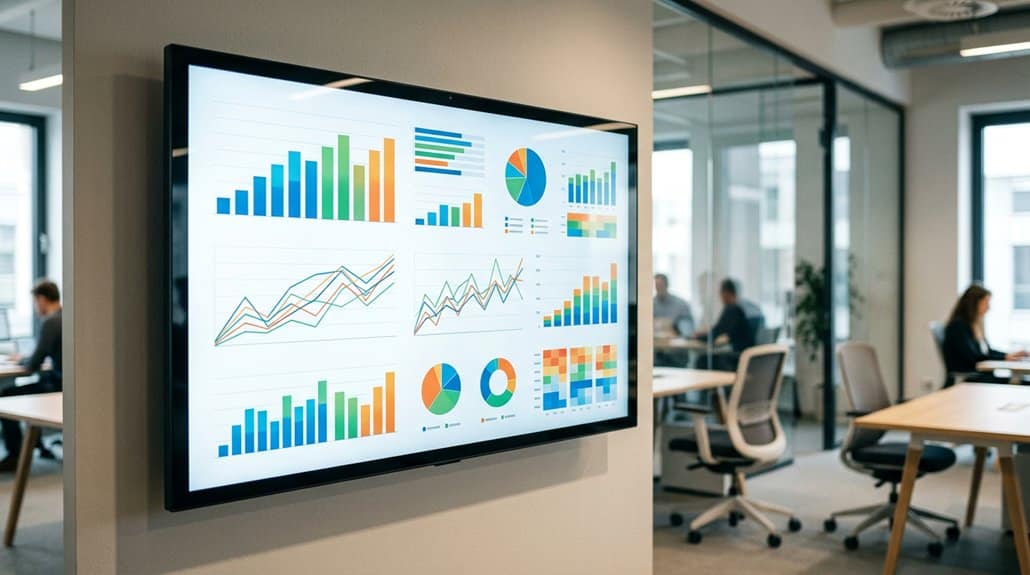
Integrating Google Docs into digital signage lets you display real-time metrics seamlessly, enhancing decision-making and engagement. With cloud-based functionality, you can guarantee data accuracy while eliminating the need for manual updates. Choosing effective integration tools like EasySignage or Geckoboard maximizes your signage’s potential. Secure your system with protocols like OAuth2, and use visually appealing displays to captivate audiences. Discover how real-time metrics can transform your digital signage for effective communication and collaboration in the dynamic environment.
Key Takeaways
- Google Docs integration allows real-time data updates, enhancing display precision on digital signage.
- Utilizing cloud-based Google Docs ensures current information with seamless synchronization and minimal manual updates.
- Tools like Geckoboard and EasySignage optimize data visualization for engaging presentations on digital signage.
- Real-time metrics facilitate swift responses and informed decisions, improving team collaboration and stakeholder engagement.
- Dynamic content from Google Docs maintains audience interest and enhances understanding with visual charts and reports.
Using Google Docs as a Digital Signage Tool
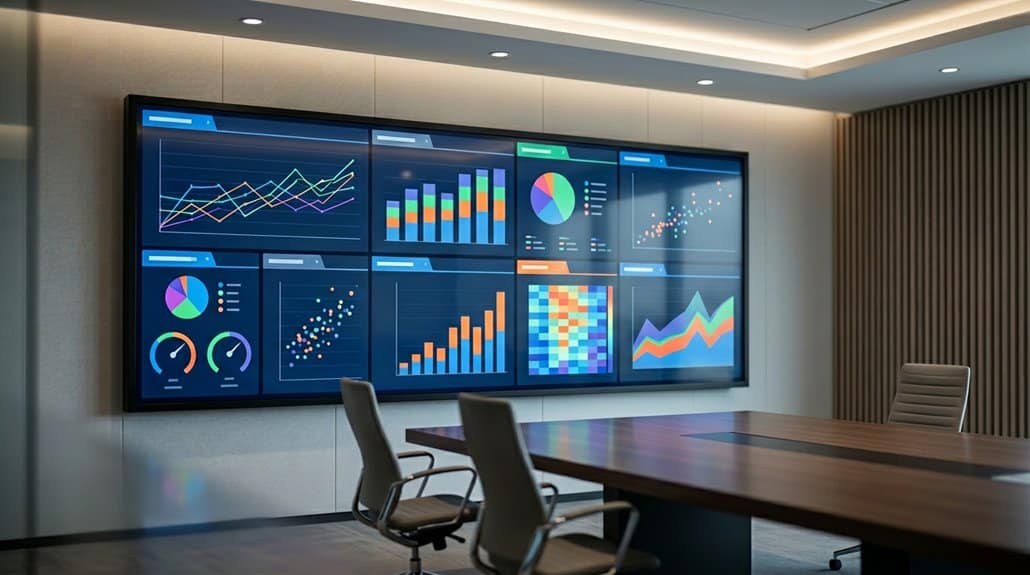
Integrating Google Docs into your digital signage system is a smart move that can transform how you display real-time information. The cloud-based functionality of Google Docs provides several benefits, ensuring your digital signage strategies are both dynamic and efficient. With immediate updates, your metrics are always accurate and relevant, keeping your team and audience informed.
Google Docs seamlessly integrates with digital signage platforms, eliminating the need for manual content updates and promoting a smooth viewing experience. You can present visually appealing reports and charts that enhance comprehension, even from a distance. This integration fosters improved communication, allowing team members to access critical data swiftly during meetings or events. By leveraging these Google Docs benefits, your digital signage strategy becomes more impactful and resourceful.
Why Display Metrics in Real-Time Matters
You’re in a fast-paced environment where quick decisions can make a difference, and displaying metrics in real-time on digital signage is a game-changer. With up-to-the-minute data accessible at a glance, you can swiftly respond to shifts in trends and enhance decision-making. Using Google Docs guarantees seamless collaboration, keeping everyone on the same page with accurate, current information.
Enhancing Data Accessibility
When it comes to enhancing data accessibility, displaying metrics in real time on digital signage is a game-changer for organizations seeking agility and clarity. Real-time data sharing guarantees crucial information is available instantly, enhancing visual clarity for easier comprehension. By integrating Google Docs with digital signage, you enable seamless updates, meaning every stakeholder interacts with the most current data. This immediate access boosts transparency and accountability, fostering a culture where employees can efficiently track progress toward goals. Minimized lag between data creation and consumption reduces miscommunication and curtails outdated information, streamlining organizational workflows. The dynamic visual presentation of real-time metrics not only captivates your audience but also enhances understanding, ultimately leading to improved efficiency across the board.
Improving Decision Making
Displaying real-time metrics through Google Docs on digital signage is crucial for enhancing decision-making, mainly because it keeps your team informed with the latest data, allowing them to react swiftly to changes. Enhanced collaboration thrives when your team has instant access to key performance indicators, fostering informed discussions during meetings. This seamless data flow encourages data-driven strategies, propelling your team toward improved outcomes. Data visualization simplifies complex information, reducing cognitive load and directing attention to essential metrics. With automated updates from Google Docs, you’ll eliminate manual data entry, ensuring your metrics are accurate and current. Time-sensitive information, like sales figures or operational stats, becomes more actionable and impactful, driving performance improvements and empowering your team to make timely, well-informed decisions.
Deciding on Integration Tools for Google Docs
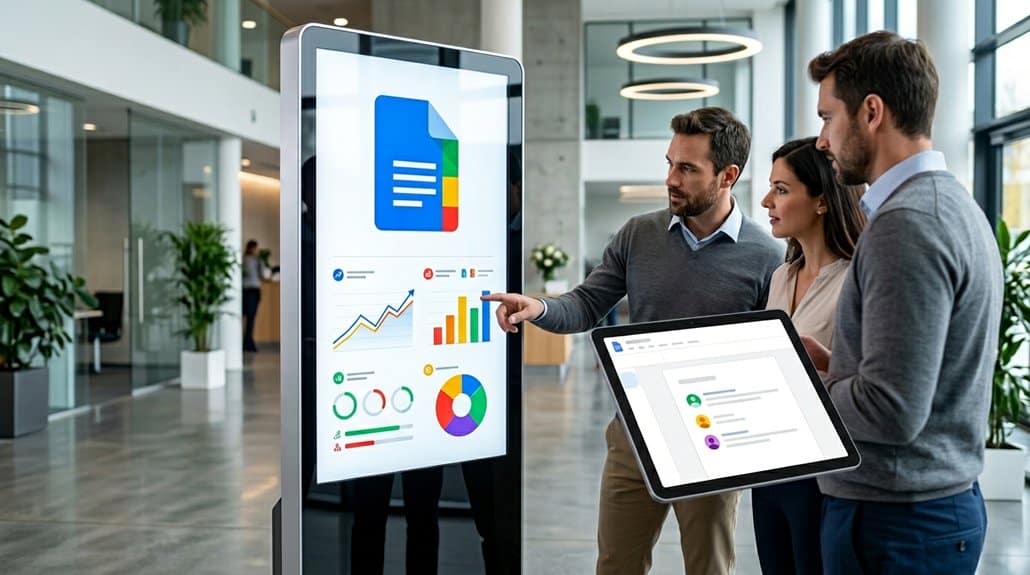
Choosing the right integration tools for Google Docs is essential for maximizing your digital signage strategy. With options like EasySignage and Geckoboard, you can overcome integration challenges, seamlessly connecting Google Docs to your digital displays for real-time data updates. Comparing these tools, you’ll find that EasySignage excels in ease of use, while Geckoboard offers robust data visualization capabilities. Both enhance visual engagement by displaying dynamic content, guaranteeing your presentations remain accurate and relevant.
Utilizing Google Docs guarantees that any changes made are instantly reflected, promoting real-time collaboration. For targeted communication, Valotalive allows you to efficiently display specific content to the right audience. Consider your needs for collaboration and content targeting when evaluating these integration solutions, ensuring maximum effectiveness in your digital signage system.
Securely Setting Up Your Digital Signage System
Securing your digital signage system is essential to safeguarding sensitive information and guaranteeing seamless operation. Start by setting up secure authentication protocols like OAuth2 to ensure only authorized users can access and display Google Docs content. Protect your network by implementing HTTPS, encrypting data as it flows between devices and the internet, enhancing network security. Regularly update your digital signage software and manage Google Drive permissions to prevent vulnerabilities. Control access by setting user roles and permissions in Google Drive, limiting who can view or edit specific documents. Finally, consider a firewall and robust network security protocols to shield your system from external threats while displaying real-time metrics. These steps guarantee your digital signage operates securely and efficiently.
Automating Data Sync From Google Sheets
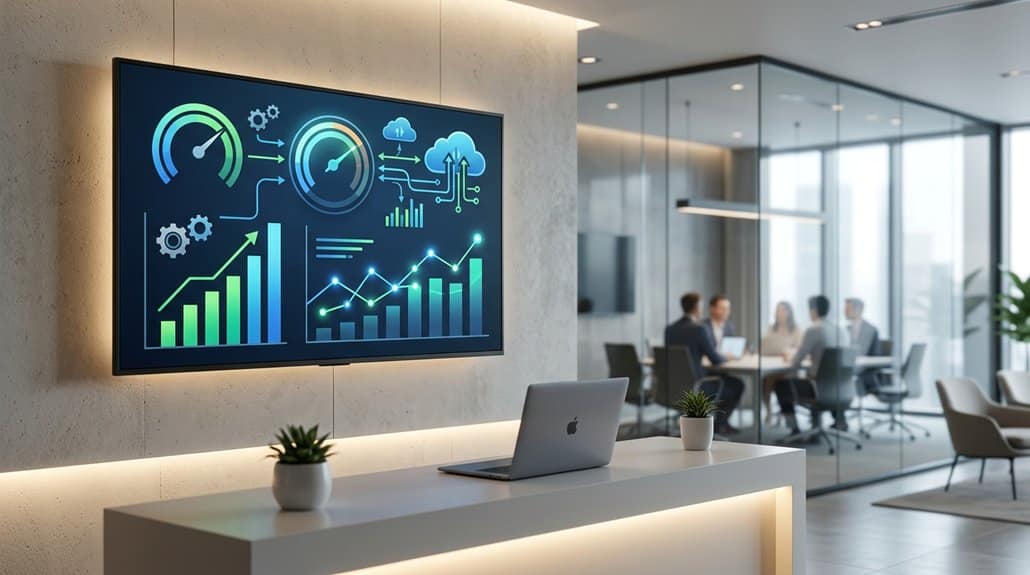
How can you guarantee your digital signage always displays the most current data without constant manual updates? Automating data synchronization from Google Sheets is your answer. By setting up Google Sheets to publish data publicly or via specific links, you enable seamless integration with digital signage platforms like EasySignage. This means your metrics update in real-time, instantly reflecting changes in your displays. Automatic syncing not only saves time but also drastically reduces the likelihood of errors associated with repetitive manual updates. Imagine having your performance metrics and live insights right at your fingertips, displayed instantly. It enhances decision-making and keeps stakeholders informed with the most accurate data. Say goodbye to manual data management and embrace the efficiency of automation.
Crafting Visually Stunning Metric Displays
Creating visually stunning metric displays in Google Docs entails utilizing design techniques that transform your data into compelling visuals. Start by incorporating high-resolution images and dynamic charts. This guarantees your displays are not only eye-catching but also enhance viewer engagement. Establish a strong visual hierarchy by using color-coded visuals and graphs, making it easier for viewers to identify key trends at a glance. Stick to design consistency by using uniform fonts and layouts that reinforce brand identity, ensuring a polished and professional look for your metrics. Organize your data logically with headers and bullet points for quick comprehension. Finally, take advantage of Google Docs’ real-time updates to keep your displays current without manual interventions.
Positioning Screens for Maximum Engagement
Maximizing engagement with your digital signage starts with strategic screen placement. Position your screens in high-traffic areas like lobbies and conference rooms to catch the eyes of employees and visitors alike. In open spaces, opt for larger displays with HD or 4K resolution. This enhances clarity and guarantees everyone, even at a distance, sees your content vividly. Don’t overlook the importance of ideal lighting. Assess the surrounding lighting conditions and choose screen brightness that offers high contrast, making content visible even in bright settings. Arrange furniture thoughtfully to eliminate obstructions and provide comfortable viewing angles, reducing neck strain. Incorporating multiple screens in key locations can seamlessly direct attention to critical metrics, maintaining a cohesive flow of information throughout your office.
Real-World Success With Google Docs on Displays
In today’s digital workplace, the integration of Google Docs with digital signage is transforming how teams collaborate and share information. By combining real-time metric visibility with collaborative environments and visual storytelling, businesses are harnessing the power of cloud-based updates. This guarantees your information is not only current but presented with display aesthetics that captivate.
| Benefit | Impact |
|---|---|
| User Feedback | Informed, relevant decisions |
| Engagement Techniques | Enhanced team interaction |
| Metric Relevance | Targeted audience insights |
Real-world success stories emphasize the importance of interaction strategies and audience targeting. User feedback highlights how these elements lead to increased productivity and decision-making efficacy. So, next time you’re using Google Docs on digital signage, remember, it’s more than just data display—it’s about crafting a narrative that resonates.
Solving Common Digital Signage Integration Issues
You’re not alone if you’ve faced display visibility challenges or struggled with keeping your digital signage up-to-date. Streamlining real-time data updates and enhancing system integration processes with Google Docs can make a world of difference. By focusing on improving these areas, you guarantee that your signage is both informative and engaging for your audience.
Overcoming Display Visibility Challenges
Why struggle with poorly visible digital signage when enhancing display performance is within reach? Start by focusing on contrast optimization and font selection. Utilize high-contrast color combinations and choose large, clear fonts to guarantee readability from a distance. This minimizes viewer confusion and keeps engagement high.
Confirm the screen size and resolution fit your environment, opting for HD or 4K to maintain clarity even in varied lighting. Logical organization of content in your Google Docs with clear headings further aids quick data interpretation.
Consider these strategies:
| Challenge | Solution |
|---|---|
| Low visibility | Contrast optimization, large fonts |
| Distant viewing | Large screen, HD/4K resolution |
| Content confusion | Structured Google Docs format |
| Connectivity issues | Reliable internet, cloud software |
Implement these tips to make your digital signage more effective and viewer-friendly.
Streamlining Real-Time Data Updates
Once your digital signage is clear and visible, it’s time to focus on keeping your content fresh with seamless real-time updates. When integrating Google Docs, you’ll enhance your display content strategy by ensuring updates occur instantly without manual effort. This integration not only promotes collaboration through cloud-powered software but also optimizes your data update frequency, maintaining accuracy across all screens.
To achieve this, set sharing permissions correctly, such as publishing documents to the web, which allows digital signage platforms to access the latest data automatically. This approach minimizes discrepancies, ensuring displayed information aligns with your Google Docs. By embracing digital signage solutions that integrate smoothly with Google Docs, you boost engagement and provide timely metrics and updates, keeping your audience informed and engaged.
Enhancing System Integration Processes
Integrating digital signage systems with tools like Google Docs can be a seamless process if approached correctly, although common pitfalls may still arise. Effective system integration demands thoughtful process optimization to guarantee real-time data synchronization. By using cloud-powered software, you can update Google Docs from anywhere, minimizing integration issues and promoting flexibility in content management. The real-time collaboration feature lets multiple users contribute, maximizing team productivity without creating version conflicts. These optimizations reduce discrepancies and enhance the accuracy of displayed metrics. Additionally, remote access through digital signage allows your organization to easily showcase essential updates, improving internal communication. To solve common integration challenges, prioritize a clear strategy that leverages these tools’ capabilities, guaranteeing your digital signage is always current and cohesive.
Staying Updated: Real-Time Metric Displays
With the power of Google Docs, keeping digital signage updated with real-time metrics has never been easier. Real-time accuracy is crucial for displaying relevant information, and Google Docs guarantees your digital signage reflects the freshest data instantaneously. Unlike static updates, Google Docs’ cloud-based nature allows for collaborative updates, meaning multiple team members can contribute to the accuracy and timeliness of the displayed metrics seamlessly.
Utilizing integrations like EasySignage, you can link Google Docs directly to your digital signage system. This integration means that every change in Google Docs is instantly visible on your screens, minimizing discrepancies and maintaining consistent data display. Real-time metric displays engage stakeholders effectively, enabling them to make better-informed decisions with quick access to current data.
Frequently Asked Questions
What Are the Metrics for Digital Signage?
You’re looking at metrics like audience engagement and how they interact with content. Track KPIs, sales figures, and dwell time to optimize content strategy. Analyze impression counts and click-through rates for insights into your digital signage’s effectiveness.
Which Google App Allows for Real-Time Collaboration on Documents?
You’ll want to use Google Docs, the perfect tool for real-time collaboration. It lets you effectively utilize document sharing and collaborative tools, ensuring everyone’s on the same page with instant updates and seamless teamwork.
Does Google Docs Show Changes in Real Time?
You’re right on the money! Google Docs does show changes in real time. With its live document updates and seamless collaboration, you’ll always stay in the loop with everyone’s edits effortlessly reflected across connected devices.
What Is Real Time Information Digital Signage?
Real-time information digital signage lets you display live data instantly with advanced display technology. It’s perfect for environments that need immediate updates, providing dynamic, accurate content that keeps viewers informed and enhances decision-making and operational efficiency.
Conclusion
Imagine a bustling retail store where screens effortlessly display sales data pulled from Google Docs, instantly boosting staff morale. By integrating Google Docs with digital signage, you guarantee your team stays informed, empowered, and ready to act on real-time insights. It’s about more than just tech—it’s transforming your workplace into a dynamic, data-driven environment. Feel the momentum as you seamlessly blend technology with teamwork, leading to improved performance and a sharper competitive edge.