
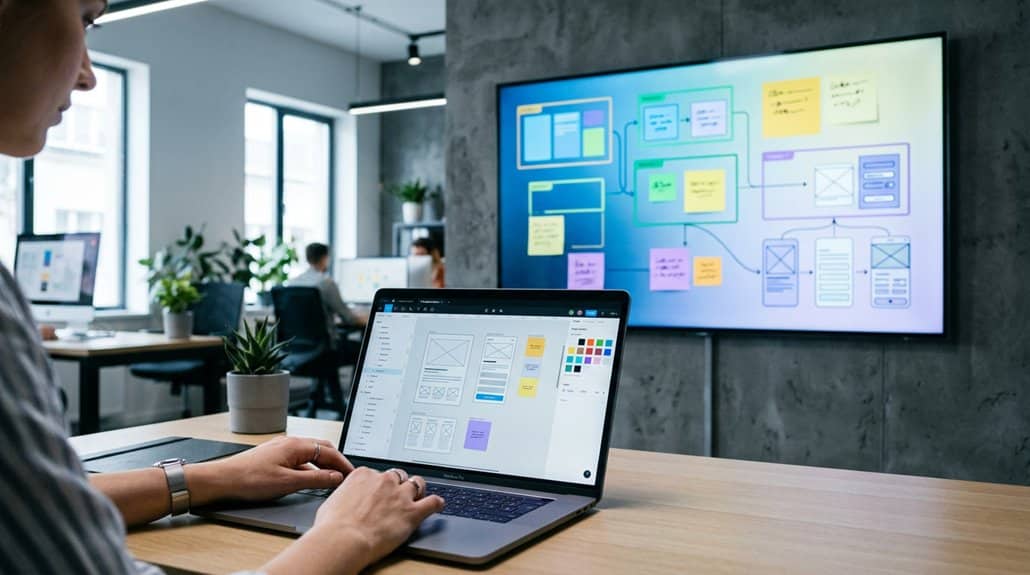
Unleash the potential of Figma for your digital signage. Collaborate seamlessly with real-time updates, tapping into dynamic design improvements and feedback. Optimize resolutions to match screen dimensions and maximize visual clarity, while enhancing engagement through striking interactive elements and color-optimized designs. Integrate smoothly with signage software like ScreenCloud, ensuring your content stays fresh and consistent. Discover how successful teams use Figma to transform ideas into enchanting displays that fascinate and engage—it’s all just a step away.
Key Takeaways
- Utilize Figma’s collaborative features for real-time team feedback and live design updates on digital signage screens.
- Set canvas resolutions to 1920×1080 or 3840×2160 for clarity, and use RGB color modes for vibrant visuals.
- Integrate ScreenCloud with Figma to ensure continuous design updates and visual consistency across all screens.
- Conduct A/B tests and monitor engagement metrics to refine designs and enhance audience interaction.
- Leverage vector editing and CSS animations in Figma for dynamic, attention-grabbing digital signage content.
Discover Why Figma Excels for Digital Signage Design
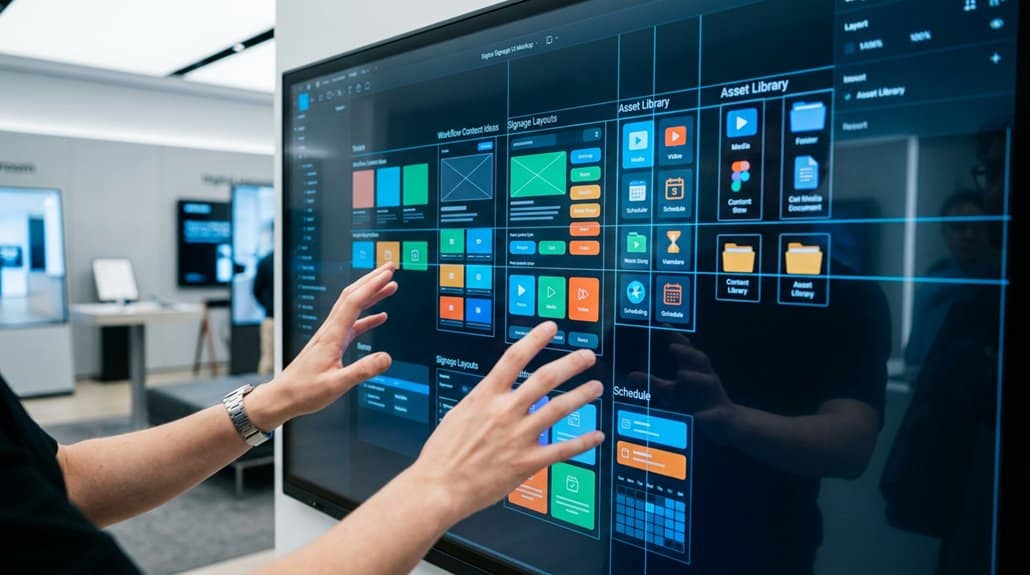
When it comes to designing for digital signage, Figma shines by fostering a collaborative environment that elevates your team’s workflow. One of the key Figma advantages is its built-in sharing capabilities, allowing you to share live project links seamlessly. Your team can now receive real-time feedback directly on digital signage screens, ensuring everyone’s on the same page. With the Embed app, integrating Figma designs into displays becomes a breeze; the newest iterations are instantly visible, promoting a culture of design thinking across your workspace. ScreenCloud integration supports live updates, ensuring revisions made by designers instantly appear on office TVs. This straightforward setup minimizes communication barriers, enhancing engagement and letting everyone actively participate, even non-designers.
Optimizing Figma: Resolution & Color Settings for Signage
When setting up your Figma design for digital signage, it’s important to align your canvas resolution with the display’s exact pixel dimensions, guaranteeing your images project crisply without blurriness on large screens. Pay attention to RGB color settings for vibrancy and accuracy, as this mode aligns perfectly with digital displays, enhancing your design’s visual impact. Don’t forget the clarity of your text; maintain at least a 24px font size to assure readability from different viewing distances.
Perfecting Resolution for Clarity
To achieve crystal-clear visuals on digital signage, aligning Figma’s canvas resolution with your display’s pixel dimensions is key. Start by setting canvas dimensions to match common resolutions like 1920×1080 for Full HD or 3840×2160 for 4K. This guarantees sharp, vibrant visuals without blurriness. Figma’s export settings allow you to save designs at least 300 DPI, maintaining detail when layered on larger screens.
Here’s a quick reference:
| Display Type | Canvas Dimensions | Recommended DPI |
|---|---|---|
| Full HD | 1920×1080 | 300 |
| 4K | 3840×2160 | 300 |
| Large Scale | Custom Size | 300+ |
These settings help elevate your digital signage designs, offering clarity and attention-grabbing precision. Remember, a well-optimized canvas makes your content pop to viewers, no matter where it’s displayed.
Optimizing Color for Visibility
Maximize the impact of your digital signage design by mastering color optimization in Figma. Start with RGB color modes for vibrant displays. To guarantee visibility, apply a color contrast ratio of at least 4.5:1, especially for text, making sure it’s clear from various distances. This ratio enhances accessibility features, benefiting all viewers. Analyze your color choices under different lighting conditions since brightness affects legibility and engagement. Don’t underestimate the importance of resolution; aim for at least 1080p to guarantee your design looks sharp and detailed. Utilize Figma’s zoom tool to maintain clarity and avoid distortion when embedded on large screens. By calibrating these elements thoughtfully, your designs will captivate audiences and convey your message effectively.
Craft Stunning Signage Content That Captivates
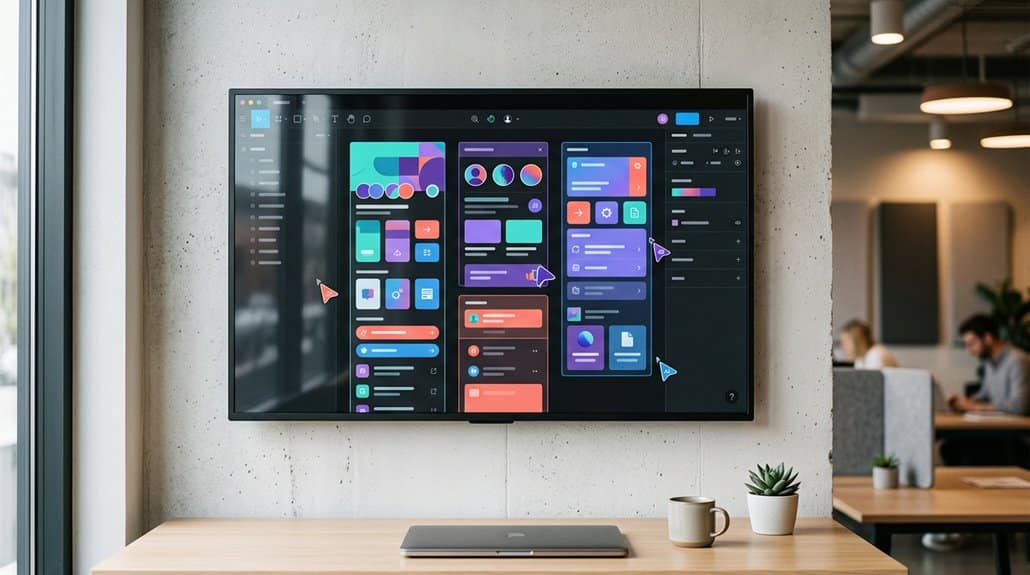
When you’re crafting stunning signage content that captivates, embracing Figma’s integrations can supercharge your creative workflow. Use the ScreenCloud integration for seamless real-time visual updates that instantly capture attention and keep everyone’s ideas in sync. Maximize engagement with Figma’s design tools and templates, ensuring your content remains fresh, dynamic, and perfectly aligned with your brand’s identity.
Harnessing Design Tool Integrations
Imagine transforming your digital signage into a live canvas where creativity thrives and collaboration knows no bounds. Harness Figma’s Embed app and ScreenCloud to create dynamic, design tooltips-filled displays that amaze your team and audience. Enjoy seamless integration by sharing public links that keep everyone updated with responsive layouts right on your digital screens.
Picture your office buzzing with the latest visual assets as real-time project changes from Figma automatically appear. No more cumbersome software juggling—just pure design magic at your fingertips. This setup not only accelerates workflow efficiency but also inspires a culture of creativity and openness. Witness engaged team members and captivated clients, all thanks to the effortless blend of cutting-edge design tools and effective digital communication.
Leveraging Real-Time Visual Updates
As you embrace real-time visual updates, you’re not just enhancing your digital signage; you’re crafting an engaging narrative that captivates and informs. Leveraging Figma’s Embed app, you can share dynamic design projects on digital signage screens, keeping everyone abreast of the latest changes and insights. This real-time collaboration fosters a vibrant environment where design feedback flows seamlessly. With ScreenCloud, you can effortlessly showcase these designs on office TVs, allowing team members of all skill levels to engage in the process. Witnessing design evolution live enhances communication and invites immediate feedback, narrowing the gap between design and decision. Experience a streamlined workflow as approvals happen faster, with everyone drawing inspiration from the collective creativity around them.
Maximizing Creative Engagement
Embracing the vibrant potential of real-time updates sets the stage for maximizing creative engagement through digital signage. Utilize Figma’s collaborative design features to spark creative brainstorming and craft engaging content. With seamless integration into ScreenCloud, your team’s dynamic designs appear instantly on screens, allowing for iterative enhancements that engage every viewer. This integration empowers you to target your audience by adapting content to match their preferences and expectations. Experiment with Figma’s advanced tools like vector editing to guarantee your signage isn’t just seen, but truly noticed. Add CSS animations directly into designs for lively updates that respond to events. By embedding Figma projects into ScreenCloud, you simplify access and nurture a culture of continuous creative exploration and audience connection.
Collaborate Seamlessly With Your Team in Figma

Engage in seamless collaboration with Figma, where effortless teamwork becomes a reality. Figma’s built-in sharing features streamline team collaboration by providing real-time access to design projects. Easily integrate design feedback by allowing team members to directly annotate and suggest improvements within the platform. This dynamic interaction fosters a rich environment for creativity and diverse input.
With ScreenCloud’s Embed app, you can bring your collaborative efforts to life by displaying live Figma projects on digital signage screens. This means everyone can stay updated with the latest iterations instantly, no additional software needed. The zoom factor adjustments guarantee clarity, helping fine details shine during discussions. Figma’s accessibility extends participation, allowing anyone to view and comment, amplifying team synergy and guaranteeing visually-focused presentations.
Add Eye-Catching Interactivity and Animation
While standard digital signage is informative, enhancing it with Figma’s interactivity and animations can transform the viewing experience into a mesmerizing journey. By integrating CSS-based engaging animations and dynamic text updates, you can grab your audience’s attention effortlessly. Figma’s prototyping tools let you add animated shifts and hover effects, bringing life to your office TVs. Here’s how to maximize engagement:
- Dynamic Text: Use it to display real-time information smoothly and vividly.
- Animated Shifts: Seamlessly move from one slide to another to maintain viewer interest.
- Interactive Prototypes: Make displays clickable for deeper audience interaction.
- Built-in Plugins: Add trendy animated GIFs or vectors effortlessly.
- ScreenCloud Embed: Keep your designs fresh with instant updates.
Harness these tools for a truly engaging digital display.
Seamlessly Integrate Figma Designs Into Signage Software
Building on the enthralling interactivity and animation possibilities, integrating Figma designs directly into signage software guarantees your visuals aren’t just engaging but also consistently up-to-date. By leveraging Figma’s real-time design sharing through ScreenCloud’s Embed app, you can effortlessly display ongoing projects on digital displays. Simply grab embed codes from Figma for a seamless setup that keeps your office TVs showcasing the freshest designs without fuss. Use ScreenCloud’s Dashboards feature to circulate public Figma links, promoting online collaboration while ensuring every design iteration shines with clarity and vibrancy. Live updates, including zoom adjustments, mean that whether you’re on a small screen or a large display, the visuals maintain their engaging allure. It’s a streamlined way to foster continuous innovation and collaboration within teams.
Test, Iterate, and Perfect Your Signage Designs
Testing your designs on digital signage screens releases the invaluable potential for real-time feedback, empowering teams like yours to swiftly spot issues with layout, color contrast, and readability before content goes live. Visual testing is essential to perfect your designs, and with tools like Figma, you’re equipped to iterate smoothly based on this immediate design feedback.
- Real-time updates with ScreenCloud: Instantly sync Figma changes for seamless modifications.
- A/B test variations: Experiment with alternate designs to see what captures attention most.
- Collaborative design reviews: Foster team input to refine and optimize visuals.
- Performance monitoring: Track engagement metrics to guide continuous improvements.
- Data-driven design improvements: Leverage feedback to make informed tweaks.
Keep Your Signage Designs Up-to-Date With Figma
Harness the power of Figma to effortlessly keep your signage designs current and engaging. By integrating Figma with ScreenCloud, changes to your designs are automatically applied to digital signage screens, maintaining visual consistency and perfect branding alignment across all displays. Your team can collaborate in real-time, sharing in-progress projects through embedded links, guaranteeing everyone stays informed. The Figma Embed app allows you to showcase intricate design elements without distractions, focusing on core visuals for stronger impact. Collect direct feedback on digital displays to refine your designs seamlessly. Figma’s cloud-based features enable efficient exporting and integration into digital signage workflows, simplifying the process of keeping content fresh and relevant. This guarantees your audience always experiences updated, cohesive, and on-brand visual messages.
Real-World Success Stories Using Figma for Digital Signage
Although many businesses endeavor for innovation, real-world success stories showcase how Figma has become a game-changer for digital signage. Imagine leveraging live dashboards that provide real-time project updates, enhancing team collaboration. With Figma, you can integrate designs into digital signage using platforms like ScreenCloud, encouraging instant user feedback during meetings. Witness a retail business thriving with a 30% boost in customer engagement by sharing Figma mockups on their signage. Your marketing team could achieve a 25% faster design approval process by displaying collaborative projects on office TVs. Figma empowers you to experiment with design iterations in real time, revealing new levels of creativity and innovation.
Figma transforms digital signage, boosting team collaboration and customer engagement with real-time design integration and feedback.
- Live project updates for transparency
- Instant user feedback during collaborations
- 30% customer engagement increase
- 25% faster design approvals
- Real-time design iteration experimentation
Frequently Asked Questions
What Is the 8 Rule in Figma?
The 8 Rule in Figma uses an 8-pixel grid for consistent spacing and alignment. It enhances Figma collaboration by creating standardized layouts. Use Figma shortcuts to quickly snap elements to the grid, ensuring visual harmony and improved navigation.
Are Designers Leaving Figma?
Imagine maneuvering a user interface where Figma’s changes falter; yes, some designers are leaving. They’re drawn to competitors offering fluid, intuitive experiences. The alteration’s palpable in vibrant forums discussing greener, smoother pastures in design domains.
Is Digital Signage Profitable?
Yes, digital signage is profitable. You’ll boost revenue generation by leveraging its dynamic visuals, drawing customer attention. The benefits of increased sales and customer engagement make investing in digital signage a smart, lucrative decision for any business.
Which Is Better, Canva or Figma?
In a 2022 survey, 68% preferred Figma for design collaboration. If seamless teamwork and detailed customization are your priorities, choose Figma for superior design comparison, user experience, and feature analysis. Consider pricing structures before deciding.
Conclusion
You’ve journeyed through a digital design landscape where Figma meets digital signage, balancing creativity with precision. It’s a world where vibrant colors and crisp resolutions dance together, eye-catching animations enhance static displays, and seamless collaboration is just a click away. You’ve explored the potential to integrate, test, and refine your ideas until they shine. Now, it’s your turn to transform digital signage from ordinary to extraordinary, using Figma as your ultimate creative tool.