
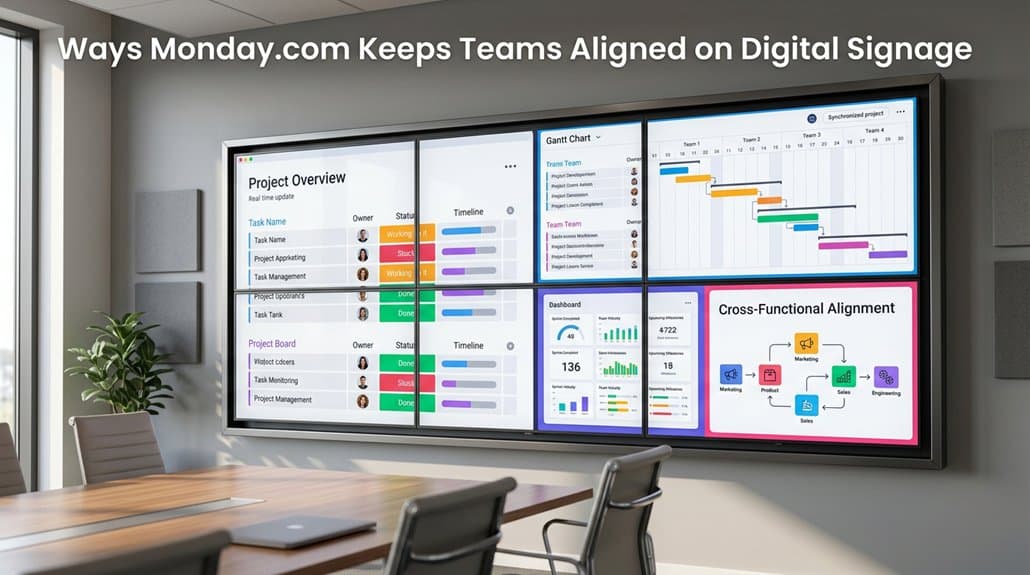
With Monday.com’s integration with digital signage, you can effortlessly keep your team aligned. Set up customized dashboards to showcase real-time updates on key metrics and project timelines. This visual approach promotes transparency and collaboration, empowering teams through dynamic, automatic updates. By highlighting task priorities with color-coded statuses and engaging infographics, you’ll boost motivation and accountability. Discover how these strategies can transform your team’s workflow and drive productivity forward.
Key Takeaways
- Monday.com integration allows real-time project updates on digital signage, promoting team alignment.
- Automatic refresh features ensure information remains current, reducing manual updates.
- Visual dashboards on digital displays enhance project progress visibility using charts and graphs.
- Customized dashboards showcase key metrics, fostering transparency and accountability among teams.
- Color-coded statuses and shareable views improve task prioritization and responsibility awareness.
Understanding and Setting Up Monday.com for Digital Signage
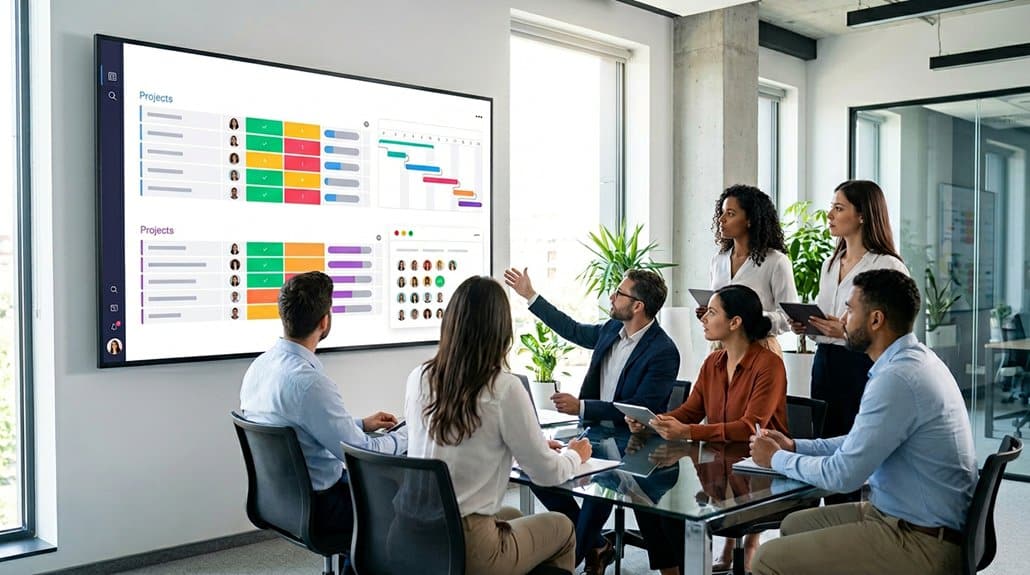
Steering the integration of Monday.com with digital signage might seem intimidating, but a few simple steps can seamlessly bridge the gap. Begin by copying the embed code from your Monday account. This specific code lets you transfer data effectively to your digital signage platform. Just paste it into the app configuration page—simple as that! Adjust additional settings such as zoom factor and duration for ideal display. Once you save these settings, your signage is primed to project real-time data without manual updates, showcasing dynamic project metrics. The integration benefits are significant: your team gains enhanced communication and alignment. With essential project statuses on display in common areas, everyone stays informed and focused, fostering an efficient and collaborative environment.
Initial Configuration: Setting Up Your Dashboard Display
Start your digital signage journey by integrating your Monday.com boards with the perfect embed code. Simply paste it into your digital signage app’s configuration page, then fine-tune settings like zoom and display duration for an ideal viewing experience. Don’t forget to save your setup to showcase real-time project updates and task progress seamlessly.
Embed Code Integration
When you’re setting up Monday.com for digital signage, harnessing the power of embed code integration can streamline the process. Begin by copying the embed code from your preferred Monday board. This code is your gateway to displaying real-time updates seamlessly. Simply paste it into your digital signage application‘s configuration page, and you’re on your way. However, integration challenges can arise if the embed code isn’t formatted correctly for display. Precision is essential to guarantee accurate representation of your dashboard, minimizing potential hiccups. With the right setup, your digital signage benefits from real-time syncing—no more manual updates! This integration transforms how information flows within your organization, keeping everyone on the same page effortlessly. Follow this setup to maintain dynamic, up-to-date displays.
Adjust Display Settings
To optimize your digital signage display, it’s crucial to precisely adjust the display settings for a seamless visual experience. Begin by embedding the shareable view link from Monday.com into the EasySignage app configuration. Once your dashboard is set, be certain to fine-tune the settings to boost display readability and align with your team’s setting preferences. Adjust:
- Zoom factor: Make sure all project details are visible without strain.
- Duration: Set how long each update should stay on screen.
- Visual elements: Choose font sizes and color contrasts that enhance readability.
- Periodic reviews: Regularly update settings to remain aligned with evolving workflows.
This dynamic setup fosters a well-informed team by broadcasting critical project updates effectively. Don’t forget, the right display settings make all the difference!
Save and Finalize
Power up your digital signage with a seamless Monday.com integration! To craft an effective digital strategy that aligns with signage trends, you need to finalize your display setup effectively. Begin by copying the embed code from your Monday.com account. Paste this valuable code into the app configuration page to integrate your board seamlessly. Customize your display with settings adjustments, including Zoom factor and default duration, to perfectly fit your needs. The key step? Remember to save these changes! By finalizing this setup, your digital dashboard springs to life, reflecting real-time updates without any manual hassle. Stay ahead in digital signage by ensuring your display is always current, allowing you to focus on driving effective communication and collaboration within your team.
Sharing Insights Through Visual Dashboards
In today’s fast-paced work environment, leveraging visual dashboards through Monday.com is a game changer for sharing insights seamlessly via digital signage. You’ll gain real-time visual insights into the project’s progress, guaranteeing data clarity across your team. With automatic updates, there’s no need for manual refreshes, keeping information current effortlessly. Visual elements like charts and graphs improve understanding, making workload distribution and task prioritization straightforward.
Leveraging visual dashboards offers real-time insights and data clarity, transforming project management with ease and efficiency.
- Seamless integration with digital signage guarantees everyone sees up-to-date information.
- Enhanced data clarity helps in making swift decisions and aligning with team objectives.
- Visual representation of metrics boosts understanding and transparency.
- Culture of accountability is fostered by showcasing team goals and progress, motivating alignment.
Ultimately, these visual dashboards transform the way your team stays informed and aligned.
Boost Collaboration With Visual Sharing
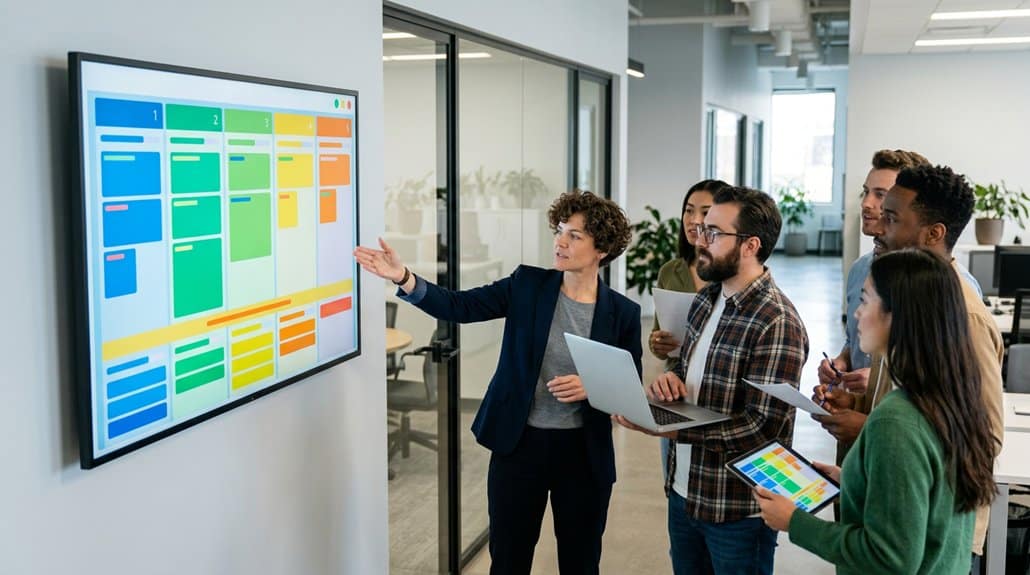
Boost your team’s collaboration with Monday.com’s dynamic visual sharing capabilities that offer real-time project updates. By seamlessly integrating with digital signage platforms, you can streamline workflows and keep everyone on the same page with visually engaging project dashboards. This not only enhances transparency and communication but also keeps the focus on strategic tasks, minimizing the headache of manual updates.
Real-Time Project Updates
Imagine instantly accessing the latest updates on your project right where you and your team gather most often. Real-time project updates on Monday.com’s digital signage play an essential role in keeping your team aligned and boosting team motivation. By displaying immediate task statuses and progress, you guarantee transparency and project accountability across your organization. Visual sharing allows everyone to see key metrics and deadlines, which serve as constant nudges to stay on course.
- Automatic Updates: No need for manual refreshes, enhancing focus and efficiency.
- Clear Visuals: Foster collaboration with clear representations of ongoing tasks.
- Accountability: Encourage responsibility as everyone tracks real-time progress.
- Prioritization: Improve task management by keeping vital deadlines visible.
This proactive approach empowers your team, enhancing collaboration and driving success.
Streamlined Workflow Integration
With real-time project updates already setting the pace for seamless team alignment, the synergy between Monday.com and digital signage takes a step further with streamlined workflow integration. Through task visualization, your team can easily stay synchronized, as digital signage showcases key metrics, project timelines, and critical announcements, boosting collaboration and engagement. The automatic refresh feature is a game-changer, reducing the need for manual updates and allowing you to focus more on achieving project goals. Customized dashboards on digital displays promote transparency and accountability, enhancing communication and limiting misunderstandings. This visual sharing reinforces key priorities and deadlines, effectively improving overall team productivity. Keep everyone on the same page effortlessly, as seamless workflow integration sets the foundation for successful projects.
Dynamic Visual Dashboards
Picture a workspace where digital signages breathe life into your team’s progress with vibrant, real-time visual dashboards powered by Monday.com. These dynamic boards bring dashboard customization to a new level, showcasing your team’s performance with unmatched visual engagement. By displaying critical tasks, deadlines, and project statuses on digital signage, you guarantee that everyone stays consistently aligned and informed.
- Real-time updates: No need for manual content refreshes; everything syncs automatically.
- Customizable displays: Tailor dashboards to spotlight the information most crucial to your team.
- Enhanced visibility: Key metrics are in plain sight, promoting seamless communication.
- Facilitated collaboration: Up-to-date info keeps everyone focused on collective goals.
Adopting these visual-sharing practices means your team isn’t just working together; they’re thriving together.
Choose Key Metrics to Display on Digital Signage
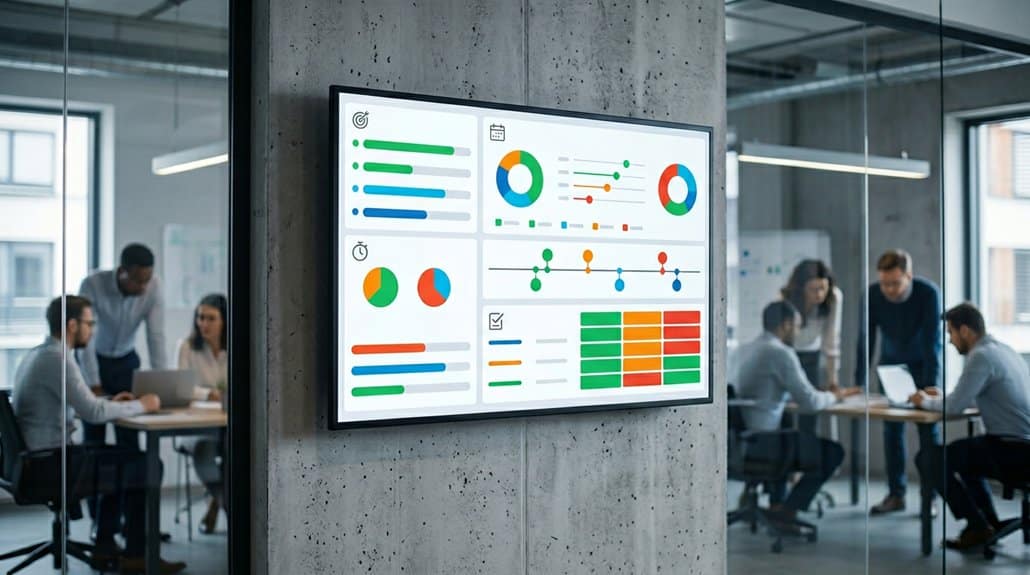
When deciding which key metrics to display on digital signage, it’s crucial to select data that provides immediate value and clarity to your team. Key performance indicators like overall project progress percentages offer quick visual insights through data visualization. Display percentages of completed tasks against planned ones to help your team understand productivity levels. Dynamic task completion rates allow for a real-time comparison of completed tasks to total assignments, enhancing focus. Visualize upcoming deadlines using countdown widgets to maintain momentum on critical tasks. Guarantee equitable workload distribution by using visual tools like pie charts or bar graphs, which help prevent burnout. Finally, share customer feedback and satisfaction scores to illustrate success and identify improvement areas, pivoting team goals as needed.
Optimize Visuals for Employee Engagement
In today’s fast-paced work environment, four key strategies can transform your digital signage into a powerhouse of employee engagement. By focusing on visual storytelling, you can captivate your team’s attention and convey essential information more effectively. Start by incorporating vibrant, clear visuals like charts and graphs to translate complex metrics into digestible content. Use color-coded statuses to instantly highlight task urgency and priorities. Don’t forget about engaging infographics, which not only showcase achievements but also spark motivation by marking project milestones.
Transform digital signage into an engagement powerhouse with vibrant visuals and color-coded urgency indicators.
- Use visual storytelling with vibrant charts and graphs
- Incorporate color-coded statuses for quick communication
- Engage with visual designs to showcase achievements
- Position digital signage in high-traffic areas for visibility
These tactics will keep employees informed and motivated, enhancing engagement across your team.
Streamline Updates With Live Data
Effortlessly keeping your team updated is essential, especially when working on dynamic projects. With Monday.com, you can integrate seamlessly with digital signage to showcase live updates, using data visualization to make effective communication a breeze. Automatic updates guarantee that changes and task statuses reflect in real-time, eliminating the need for manual content refreshes. This not only boosts workflow efficiency but also saves you valuable time. Displaying customizable project dashboards keeps your team aligned and aware of key metrics.
| Feature | Benefit | Result |
|---|---|---|
| Seamless Integration | Real-time data visualization | Enhanced communication |
| Automatic Updates | No manual intervention needed | Time-saving and efficient |
| Customizable Dashboards | Project metrics on display | Improved team alignment |
Live data fosters transparency, motivating everyone by showcasing KPIs and milestones.
Overcome Common Integration Challenges
You’re probably aware that integrating Monday.com with your digital signage presents its challenges, but simplifying data integration starts with guaranteeing proper access permissions and correctly formatted embed links. Without these in place, you might face visibility issues or malfunctioning dashboards. To guarantee real-time updates, keep an eye on refresh rates and stay updated with both platforms to avoid displaying outdated information.
Simplifying Data Integration
Steering through the complexities of data integration can often seem like an intimidating task, but with Monday.com, it becomes a streamlined process that puts you in control. This platform’s user-friendly integration simplifies embedding real-time dashboards into digital signage, transforming challenges into seamless experiences. By embracing integration best practices, you can enhance data visualization, ensuring your team has direct access to key metrics that drive productivity.
Here’s how Monday.com simplifies your data integration:
- Real-time dashboards: Automatically reflecting updates on digital displays.
- Customizable URLs: Share specific boards while keeping sensitive data secure.
- Seamless access: Integration with EasySignage boosts project communication.
- Regular syncing: Keeps everyone updated with the most current project progress.
With these features, Monday.com takes the complexity out of data integration, so your team stays aligned and informed.
Ensuring Real-Time Updates
While Monday.com makes data integration a breeze, verifying real-time updates is the next step in optimizing your digital signage strategy. With seamless integration with platforms like EasySignage, Monday.com verifies real-time synchronization of project dashboards across office screens. This way, you won’t need to worry about manual content refreshes, thanks to automatic content updates that save you time and effort. Timely information appears instantly, allowing teams to monitor project progress and deadlines effortlessly. Plus, you can control refresh rates to keep content relevant, providing instant updates on task statuses and milestones. By integrating Monday.com with digital signage, you’re not just enhancing transparency but also fostering a collaborative culture with shared, up-to-date visuals, keeping everyone aligned and informed.
Real-World Examples of Effective Signage Displays
Imagine walking into a bustling office where digital signage displays featuring Monday.com dashboards greet you with a vivid picture of your team’s progress—it’s like having a project pulse on every wall. These displays guarantee effective messaging and boost audience engagement by showcasing real-time updates.
Digital signage with Monday.com dashboards brings your team’s progress to life, ensuring everyone stays informed and engaged.
You’ll find transparency and accountability skyrocketing as key performance metrics flash on strategic screens. Misunderstandings are minimized, with real-time data right at your fingertips, fostering a well-informed, aligned team without a hitch. Here’s how:
- High-traffic area integrations: Displays catch every eye, making sure everyone’s in the loop.
- Task completion rates: Track and celebrate the team’s accomplishments visibly.
- Automatic updates: Stay current without lifting a finger.
- Deadline reminders: Keep upcoming tasks visible to drive focus and action.
How to Use Data for Constant Improvement
When you harness the power of data on Monday.com, you’re accessing a treasure trove of insights essential for constant improvement. Start by utilizing custom KPIs to track project-specific metrics, such as customer response times. This grants actionable insights for strategic, data-driven adjustments. By leveraging real-time data analytics, you can identify workflow bottlenecks, empowering teams to enhance operational efficiency with informed decisions. Regularly review performance metrics, like task completion rates and resource utilization, to pinpoint trends and areas requiring enhancement. Integrated client feedback surveys help measure customer satisfaction, guiding necessary refinements. Cultivating a culture of continuous improvement through consistent data trend analysis leads to iterative enhancements in team practices and project delivery. It’s not just about data; it’s about growth.
Frequently Asked Questions
Is Monday an Israeli Company?
Yes, Monday.com is an Israeli startup. It’s renowned for its software planning tools that boost agile project management and team collaboration. Immerse yourself in their platform to elevate your team’s efficiency and streamline your collaborative efforts seamlessly.
Can Monday.Com Integrate With Microsoft Teams?
Absolutely, you won’t believe how seamless the monday.com features are with Microsoft Teams integration! It’s a productivity powerhouse, letting you manage tasks, updates, and more directly within Teams, keeping everyone in the loop effortlessly.
How Do You Configure Digital Signage on Teams Rooms?
To configure digital signage on Teams Rooms, integrate your Monday.com with the signage platform. Copy and paste the embed code into the software, adjusting settings for ideal visibility. This setup boosts team collaboration and keeps everyone informed.
What Are the Best Practices for Digital Signage?
For best digital signage practices, prioritize digital display strategies that highlight key metrics with visual hierarchies. Embrace content scheduling best practices to automate updates for timely accuracy. Don’t clutter; use engaging visuals to enhance team communication and focus.
Conclusion
In a world where miscommunication can derail progress, Monday.com serves as a beacon of clarity for your digital signage needs. Juxtapose chaos against organized dashboards that boost collaboration and streamline updates, allowing your team to thrive amid challenges. By choosing key metrics and sharing insights visually, you transform confusion into clarity. Embrace the power of live data and guarantee continuous improvement. Immerse yourself in real-world examples, and you’ll find your team’s alignment isn’t just possible—it’s inevitable.