
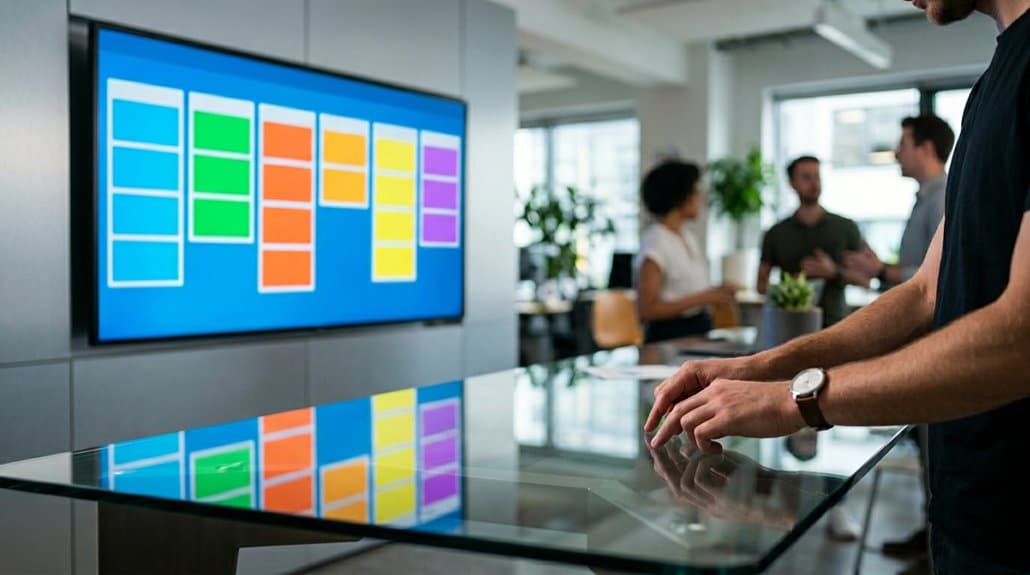
Using Trello on digital signage enhances team visibility by displaying real-time updates on projects and tasks, fostering collaboration and accountability. You’ll streamline communication, reduce misalignment, and boost productivity with instant access to task statuses. Real-time notifications keep your team informed, ensuring everyone stays aligned and engaged. These displays promote efficient task prioritization and resource allocation, cutting down on unnecessary coordination. Discover how integrating Trello with digital screens can strategically boost your team’s transparency and effectiveness.
Key Takeaways
- Trello on digital signage provides real-time project updates, enhancing team visibility and engagement.
- Public display of Trello boards fosters a culture of accountability and deadline awareness.
- Digital signage with Trello eliminates communication silos and improves task transparency.
- Real-time notifications via digital displays keep teams immediately informed on task changes and deadlines.
- Visual tools on digital signage aid in efficient task prioritization and resource allocation.
How Trello Transforms Team Visibility on Digital Displays
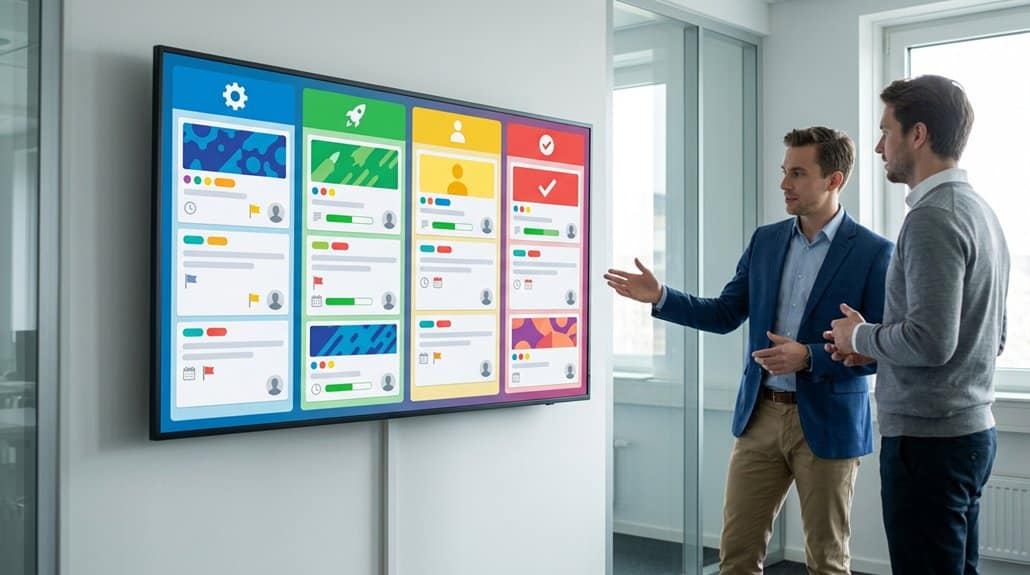
Leveraging Trello on digital signage transforms team visibility by providing real-time updates on projects, which everyone can access at a glance. By integrating Trello with digital displays, you’ll foster team engagement and visual collaboration. The visual aspect guarantees that all team members are on the same page, literally and figuratively, improving communication and reducing misalignments. You’ll see enhanced accountability as tasks and deadlines are publicly displayed, motivating individuals to stay committed to responsibilities. By serving as a centralized hub, these displays eliminate wasted time searching for updates and data. Furthermore, utilizing Trello’s Dashboard and Calendar views aligns day-to-day tasks with strategic goals, boosting productivity. This strategic approach enriches team interactions and sustains focus on achieving project milestones.
Enhancing Project Clarity Through Trello Boards on Screens
By leveraging Trello boards on digital signage, you enhance project transparency, optimizing team visibility and communication. Real-time updates on screens streamline task management, ensuring everyone knows what needs attention and reducing time spent on unnecessary coordination. This strategic display fosters a unified team approach, prioritizing tasks effectively and improving resource allocation.
Optimizing Visibility and Communication
Although accessing Trello boards directly on your computer or smartphone is convenient, displaying them on digital signage in the workplace greatly elevates project visibility and communication. This approach fosters team collaboration through constant visual engagement, eliminating the need for repetitive logins and providing instant access to essential information. Real-time updates on office TVs guarantee everyone stays informed about project status, creating a culture of accountability.
- Visual engagement: Simplifies task prioritization and aligns efforts with business needs.
- Team collaboration: Common reference point reduces email and messaging clutter.
- Accountability: Public visibility of task statuses and responsibilities boosts morale and teamwork.
Digital signage showcasing Trello boards not only simplifies the way tasks are viewed but also effectively enhances your team’s communication strategies by minimizing miscommunication.
Streamlining Task Management
Integrating Trello boards into digital signage revolutionizes task management by offering instant, clear visibility of project timelines. This setup enhances task transparency, allowing real-time updates on assignments, deadlines, and statuses to be prominently displayed. Team members and managers can swiftly assess task priorities and make resource allocation decisions. The visual display helps prevent communication silos and encourages stronger collaboration between teams, providing a unified view of all projects.
Responsibility tracking becomes more straightforward, with clearly assigned tasks making accountability visible to everyone. The public display nurtures a culture of ownership and motivates team members to meet deadlines. Overall, displaying Trello boards on screens serves as a thorough information hub, actively tracking progress and efficiently addressing delays, boosting clarity, and streamlining management.
Use Visual Trello Updates to Reduce Communication Silos

Displaying Trello boards on digital signage can effectively eliminate communication silos within an organization. By offering real-time access to project updates, you’re ensuring everyone is aligned strategically, fostering remote collaboration without the noise of back-and-forth emails. Visible Trello boards act as a universal reference, minimizing miscommunication and unifying team objectives.
- Remote Collaboration: Boost cooperation across geographical boundaries, ensuring all team members have a clear view of project progress.
- Strategic Alignment: Keep everyone on the same page, reducing discrepancies in understanding, and aligning departmental goals.
- Enhanced Visibility: By displaying updates on office screens, departments understand each other’s priorities, which encourages accountability and open dialogue.
Ultimately, visual Trello updates greatly reduce communication barriers, fostering a cohesive work environment.
Keep Your Team Informed With Real-Time Notifications
Visual Trello updates aren’t just reshaping strategic alignment; they’re also keeping your team informed with immediate notifications. These real-time notifications from Trello are pivotal in maintaining real-time engagement, ensuring your team stays proactive with instant updates on tasks, assignments, and deadlines. Integrating Trello notifications on digital signage allows your visual updates to be front and center, eliminating the need for constant browser refreshes or email checks. Your team can quickly adapt to shifts in project priorities without delay, enhancing responsiveness.
With Trello notifications displayed on office TVs, your team achieves a new level of operational efficiency. By minimizing reliance on messaging apps, you foster accountability and collaboration across departments. This seamless information flow keeps everyone aligned, clearly knowing who’s handling specific tasks.
Boost Productivity With Trello-Centralized Displays
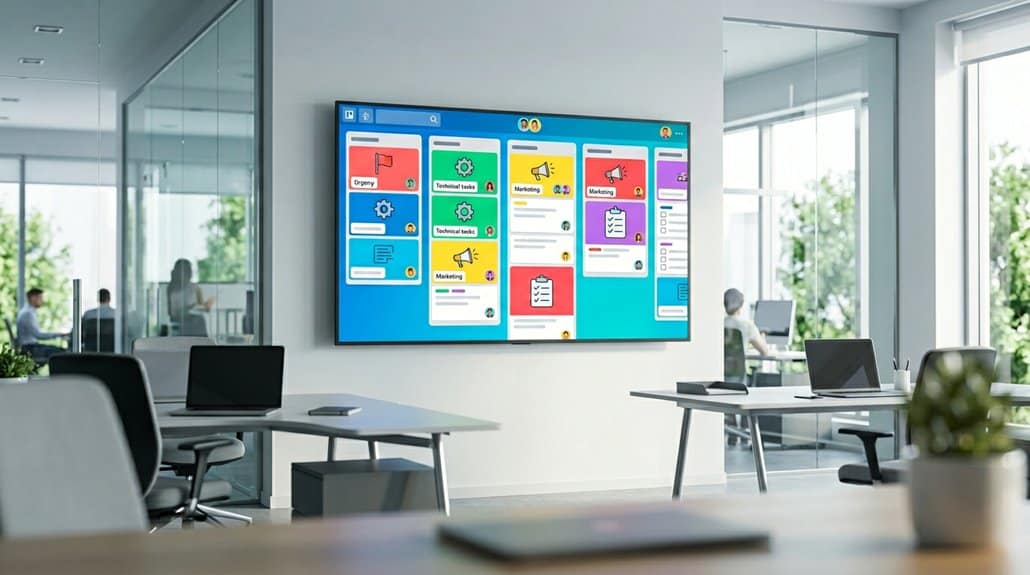
Maximize your team’s efficiency by leveraging Trello-centralized displays to enhance task prioritization and optimize coordination. With Trello boards shown on digital signage, everyone can easily track high-priority items and align on objectives, minimizing tool-switching distractions. This transparency fosters seamless collaboration and guarantees resources are allocated effectively, driving overall productivity.
Enhance Task Prioritization
When you integrate Trello’s robust task organization on digital signage, you enable your team to swiftly identify and prioritize urgent tasks, adapting efficiently to real-time project developments. Using task highlighting and visual cues, Trello’s displays deliver immediate clarity on your team’s priorities. This visibility aligns team efforts with business objectives and streamlines resource allocation. By displaying project statuses on office TVs, you’re ensuring everyone remains focused on high-priority activities, with looming deadlines in full view. This not only enhances your team’s productivity but also allows for prompt workload adjustments.
- Immediate task identification for effective prioritization
- Continuous alignment of tasks with strategic goals
- Reduction in tool toggling, minimizing wasted time
Trello’s strategic use of visual cues fosters a responsive project management environment.
Optimize Team Coordination
While traditional communication methods often lead to fragmented interactions, integrating Trello boards on digital signage guarantees seamless coordination by providing real-time updates on tasks and deadlines. This approach enhances team alignment by visually displaying task priorities and statuses, enabling you to make quicker decisions and efficient resource allocations. By using collaboration tools like Trello, you minimize the need for endless emails and messages, fostering a more streamlined interaction framework that bolsters productivity. The centralized display of critical updates keeps everyone focused on shared business objectives, amplifying accountability and capacity management. With enhanced visibility of workloads, you’ll easily manage individual responsibilities, ensuring deadlines are met. Ultimately, Trello on digital signage optimizes coordination, driving your team to achieve aligned strategic goals with greater efficacy.
Efficient Task Prioritization With Visual Trello Updates
The adoption of visual Trello updates on digital signage transforms task prioritization by providing teams with immediate clarity on high-priority items and deadlines. Task visualization on these screens allows for quick assessments, ensuring priority alignment with business objectives. Real-time views enable effortless adjustments, optimizing resource allocation and minimizing missed deadlines.
Implementing these visual tools enhances team productivity by fostering accountability. With task statuses transparently displayed, your team can instantly focus on central projects, promoting ownership and responsibility.
Enhance clarity further through:
- Color coding: Simplify task organization and status assessment.
- Transparent displays: Foster a collective focus and minimize oversight.
- Immediate visibility: Facilitate priority recalibration as required.
This strategic approach empowers your team to manage tasks effectively and efficiently.
Make Quick, Data-Driven Decisions With On-Screen Trello Insights
Leveraging on-screen Trello insights equips teams with the ability to make quick, data-driven decisions by providing real-time updates on project statuses and task assignments. This integration enhances project transparency through effective data visualization, making it easier to assess progress instantly. By displaying task priorities on digital signage, urgent needs are highlighted, which enables efficient resource allocation and timely responses to shifting project demands.
The Trello Dashboard view consolidates essential metrics like due dates and workloads, preventing overcommitment and team burnout. Publicly displayed insights heighten team awareness regarding ongoing challenges, streamlining collaborative problem-solving for quicker issue resolution. Real-time visibility into task completion promotes proactive behavior, ensuring deadlines are met and collective goals are achieved effectively, fostering an optimized project management environment.
Use Trello Displays to Build Accountability
Leveraging Trello displays on digital signage is a strategic way to enhance task ownership, as each team member’s responsibilities are clearly visible to the entire group. You’ll find that this increased visibility naturally promotes deadline awareness and instills a sense of accountability. By continuously showcasing task updates, you guarantee the team stays aligned and proactive in addressing workflow gaps.
Enhance Task Ownership
Imagine walking into your office and seeing Trello boards displayed prominently on digital signage. This setup enhances task ownership by making responsibilities crystal clear and empowering your team. With every member aware of their specific role, accountability is naturally fostered.
- Transparency: Everyone can track milestones and individual contributions, reinforcing a culture of commitment.
- Collaboration: Public visibility of task progress encourages timely support, improving cooperation and preventing missed deadlines.
- Recognition: Celebrating achievements visibly boosts morale and acknowledges the team’s collective effort.
When task ownership is evident, your team is empowered to take responsibility for its work, leading to improved performance. The straightforward systems of public Trello boards support an environment where accountability thrives strategically.
Promote Deadline Awareness
While displaying Trello boards on digital signage, you’ll find that project deadlines become an omnipresent force in your team’s workflow. Deadline reminders and task visibility are enhanced as each member sees the board, which leads to better accountability. Publicly displayed deadlines foster a culture where team members are more likely to take ownership of their tasks. You’ll notice fewer missed tasks and improved project timeliness, as everyone can clearly see task statuses and upcoming deadlines on office TVs.
Trello’s clear organization aids in identifying approaching deadlines. This transparency allows your team to adjust workloads and resource allocations proactively. Additionally, celebrating completed tasks and met deadlines visibly can inspire your team to sustain high performance and consistently meet future deadlines.
Connect Trello Seamlessly With Digital Displays
Integrating Trello with digital displays offers a strategic advantage for any collaborative workspace. By leveraging platforms like Fugo CMS, you can establish a secure, encrypted connection that safeguards Trello login credentials, ensuring Trello security in your digital integration efforts. Real-time dashboards projected on office TVs enhance project visibility and communication, leading to more aligned teams and reduced miscommunication.
- Enhanced Visibility: Display Trello boards in key locations to keep deadlines and critical tasks front and center.
- Secure Access: Encryption protects sensitive login information, maintaining confidentiality while providing essential updates.
- Custom Display: Tailor which boards or lists are shown, catering to specific team needs for better decision-making.
Transform how you showcase information, enabling teams to track progress efficiently and make informed decisions.
Set up Clear Trello Displays With These Best Practices
To maximize the effectiveness of Trello displays on digital signage, consider using best practices that enhance clarity and accessibility. Choose accessible fonts paired with contrasting colors to guarantee information is visible from different angles. Prioritize essential visuals by focusing on critical data and eliminating unnecessary metrics, simplifying graphs to maintain clarity. Highlight key trends and issues with a blend of historical and current data, aiding informed decision-making and comprehension of project progress. Adapt your Trello dashboard to fit the display size and audience distance, ensuring legibility. Regularly update content, using color codes or visual markers to indicate task status, which fosters quick priority recognition and boosts team productivity. This strategic setup keeps your team engaged and informed.
Frequently Asked Questions
How Secure Is My Trello Data When Displayed on Digital Signage?
Your Trello data’s security on digital signage depends on data encryption and access controls implemented. Guarantee robust encryption protocols are in place, and restrict access to authorized personnel to protect sensitive information from potential breaches. Prioritize safety measures.
Can Trello on Digital Displays Support Remote Team Members?
Yes, it can. Trello on digital displays facilitates remote collaboration by providing visual updates, ensuring all team members stay informed regardless of location. It’s strategic in maintaining alignment and enhancing productivity with real-time project visibility.
Is a Dedicated Hardware Setup Necessary for Using Trello on Digital Signage?
You don’t need a dedicated hardware setup. Trello’s hardware requirements are minimal, allowing various display technology options like smart TVs and digital signage players. Just confirm compatibility with your chosen technology for seamless integration and ideal visibility.
What Customization Options Are Available for Trello Digital Signage Displays?
You can customize Trello digital signage displays using custom templates to match your brand’s style. Interactive features let you engage with content dynamically, ensuring you’re strategically optimizing visibility and engagement for your team’s workflow needs.
How Can Smaller Teams Benefit From Using Trello on Digital Signage?
Imagine keeping everyone aligned effortlessly. Smaller teams can massively enhance team collaboration and project tracking by displaying Trello boards on digital signage. You’ll see tasks clearly, track progress in real-time, and guarantee nothing slips through the cracks.
Conclusion
By integrating Trello with digital signage, you’re not just enhancing visibility; you’re revolutionizing team dynamics. This strategic approach questions the notion that communication silos are inevitable in remote work environments. With real-time updates and centralized information, you can make data-driven decisions swiftly, holding your team accountable while fostering collaboration. The truth is, Trello displays aren’t just tools—they’re catalysts for productivity. Start using them effectively, and watch your team’s efficiency soar.