
Transform your venue into a buzzing sports hub by integrating ESPN on your digital signage to stream live sports headlines and updates. You’ll need an OptiSigns-capable device to get started and can customize content with ease. Enhance audience engagement with real-time scores, lively themes, and tailored feeds that match your audience’s preferences. Keep customers hooked with relevant sports news in venues like sports bars or gyms. Stick around to uncover how to maximize ESPN’s potential.
Key Takeaways
- Install the ESPN Wall App via the OptiSigns portal to stream live sports news.
- Customize display settings by selecting regions, themes, and scrolling speeds for optimal presentation.
- Use audience segmentation techniques to tailor live sports news feeds to specific interests.
- Regularly update device settings to maintain smooth content delivery and troubleshoot glitches.
- Enhance engagement with real-time game scores and highlights in venues like sports bars and gyms.
Establish ESPN on Your Digital Signage Platform Successfully
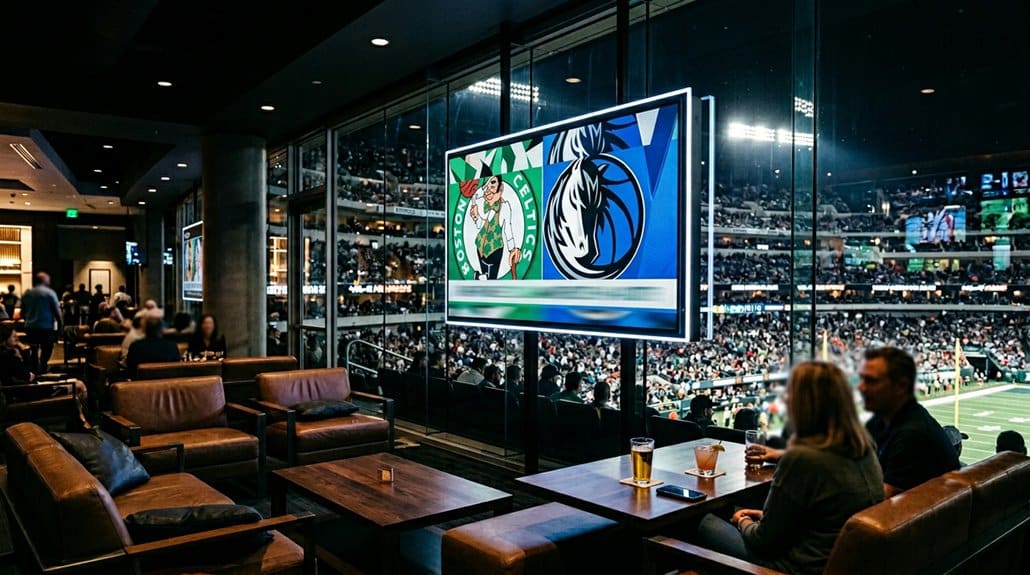
To successfully establish ESPN on your digital signage platform, start by ensuring you’ve got the right tools: an OptiSigns-capable device and at least a Free plan for proper integration. Begin installation by logging into the OptiSigns portal, heading to the Files/Assets section. Here, add the ESPN Wall App to stream live sports news.
For a smooth setup, select your desired region and category, while adjusting themes, scrolling speeds, and font sizes to enhance visibility. Save your configuration before assigning it to a screen or integrating it into a playlist. If issues arise, make sure your device meets specifications, and check that you’ve selected the correct app settings. Regular resets and updates can resolve common glitches, ensuring your display runs seamlessly.
Customize ESPN Content to Match Your Venue’s Audience
Crafting a compelling ESPN experience on your digital signage begins with tailoring content to your audience’s passions, much like a sports commentator crafting the perfect game narrative. By understanding your venue’s audience segmentation, you can select news feeds that align with their favorite sports genres—be it NFL, NBA, or NHL—maximizing engagement through content personalization. Adjusting display settings such as font size and background color guarantees readability, while choosing between light or dark themes aligns with your venue’s brand aesthetic. Set ideal slide durations to keep your audience engaged without overwhelming them. Explore advanced configurations to customize date formats and scrolling speeds. This thoughtful personalization of ESPN content cultivates a viewing experience that truly resonates with your patrons.
Enhance Your Audience Experience With Live Sports Updates
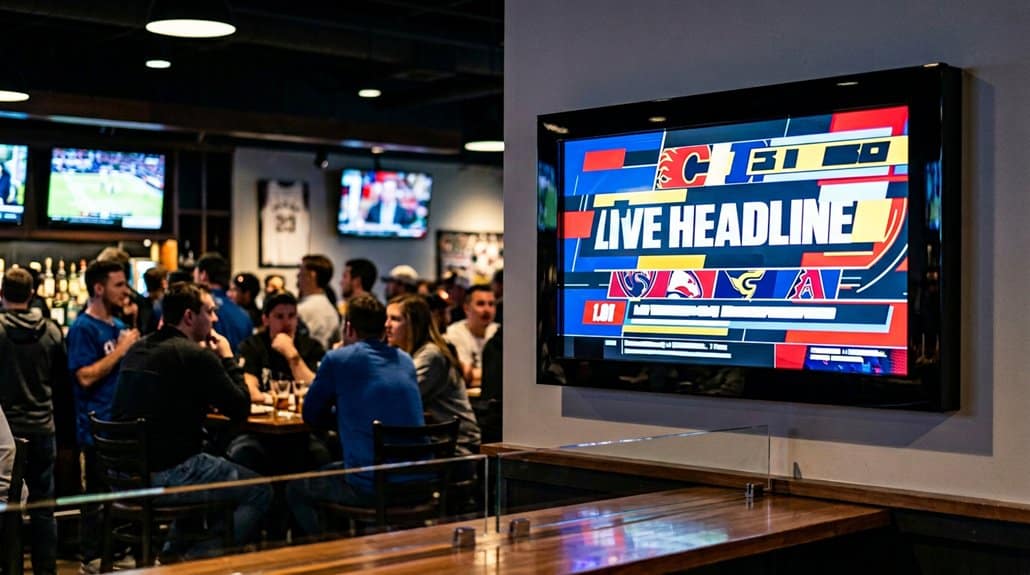
Imagine the excitement in the air as your patrons get real-time game scores and highlights right at their fingertips with ESPN’s live sports updates on your digital signage. Fan engagement skyrockets as customers become immersed in every thrilling moment, adding energy to your venue. With real-time updates, you’re able to keep your audience informed and entertained, creating a dynamic atmosphere that keeps them coming back for more.
Customizable display settings let you tailor the content to maximize appeal, while ensuring the updates are visible and engaging for everyone. Whether you’re running a sports bar or a gym, integrating ESPN news feeds enhances your audience’s experience. This approach not only boosts customer satisfaction but also bolsters retention by providing fans exactly what they crave.
Use ESPN News Displays to Maximize Venue Appeal
After creating an electrifying atmosphere with live sports updates, let’s elevate your venue’s appeal by integrating ESPN news displays into your digital signage. Utilize venue engagement strategies by tailoring ESPN’s customizable options—like font size and theme—to fit your venue’s ambiance, ensuring your patrons feel at home. Target your sports audience effectively by segmenting news coverage that caters to various interests. Enhance interactions with engaging content, featuring ESPN’s thrilling sports videos and enchanting images. Here’s how you can maximize impact:
- Customize displays to align with your venue’s aesthetic and audience preferences.
- Offer segmented sports news to cater to diverse fan interests.
- Use engaging visuals to trigger lively discussions among patrons.
- Retain customers by providing the timely, relevant information they crave.
Overcome Setup Challenges and Unlock ESPN’s Full Potential
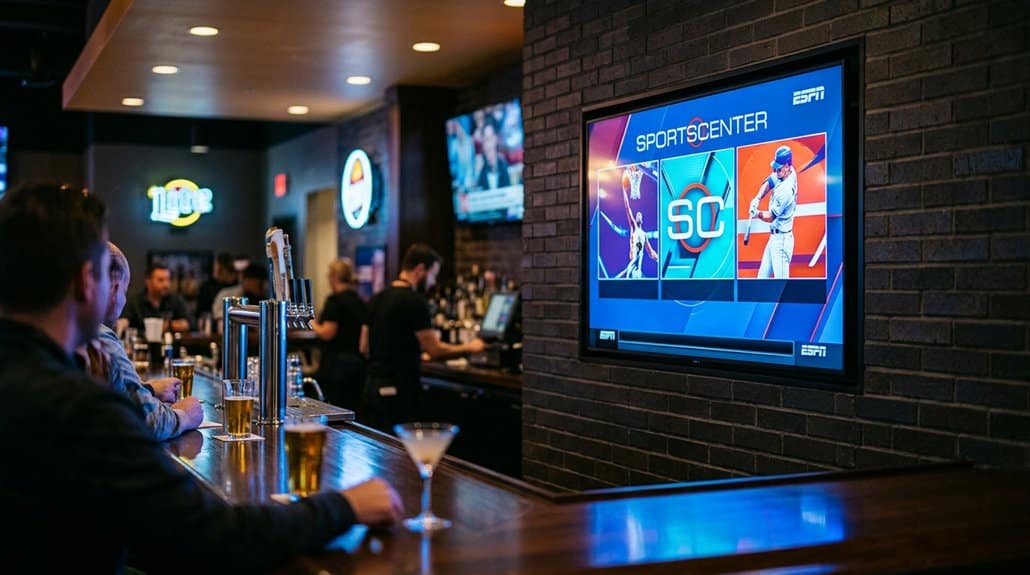
While setting up ESPN on your digital signage might initially seem intimidating, with the right approach, you can seamlessly integrate and access its full potential. Start by ensuring your screens are compatible with your chosen platform like OptiSigns. Troubleshoot connectivity by logging into the app portal and adding the ESPN app for customizable news feeds. Configuration settings such as theme color, font size, and scrolling speed should be adjusted to optimize performance and enhance your audience’s engagement. Advanced customization options allow you to tailor date formats and displays, aligning with your venue’s branding. Regularly review and save updates to maintain the timely relevance of sports news and scores. This way, you’ll enable seamless ESPN integration and optimize your digital signage experience.
Frequently Asked Questions
How to Use Smart TV as Digital Signage?
To use your Smart TV as digital signage, make certain you’ve got internet access and compatible apps for content management. Optimize the display by adjusting settings for continuous play and customize content appearance for engaging visual presentations.
How to Get Live Events From ESPN?
To get live events from ESPN, you’ll need to access their live streaming options. Focus on the ESPN feeds via their official website or app, ensuring you’ve got the right subscription level for uninterrupted sports action.
What Is the Difference Between Digital Signage TV and Regular TV?
You’ll find digital signage TVs are designed for constant operation and offer content management features. They provide more brightness and content versatility compared to regular TVs, which lack the same robust performance and interactive capabilities.
How to Turn TV Into Digital Signage for Free?
Transforming your TV into a digital signage wonderland couldn’t be easier! With free options and powerful software tools like OptiSigns, you’ll customize content galore. Plunge into settings, showcase real-time updates, and captivate audiences effortlessly!
Conclusion
You’ve successfully set up ESPN on your digital signage, ensuring exciting, engaging experiences for everyone. By customizing content, you captivate your crowd, keeping them connected to live sports action. Overcoming obstacles has opened opportunities, optimizing your venue’s vibe. With dynamic displays, you both boost your brand and broaden your audience appeal. Continue to creatively customize and you’ll consistently cultivate enthusiastic environments. So, stay savvy and let ESPN elevate your entertainment experience every single day.