
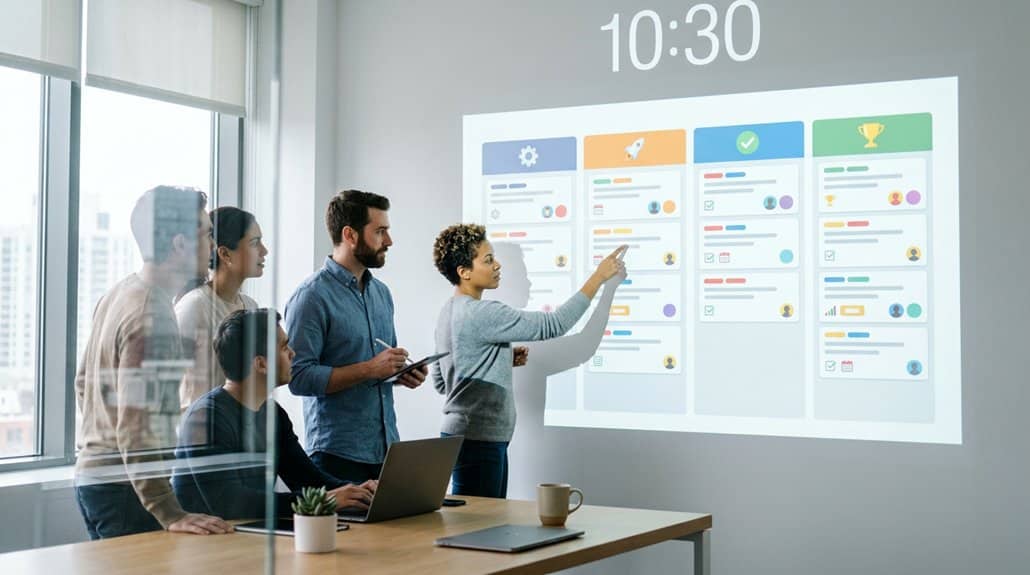
By displaying Trello boards on digital signage, you enhance team alignment with real-time project visibility, enabling seamless workflow management. Integrated tools like DAKboard optimize task prioritization and team collaboration, minimizing miscommunication. Instant updates keep everyone informed of task progress and shifts in project goals. This centralized access supports confidence in swift decision-making, while visible responsibilities promote accountability and engagement. Discover the strategic advantages of integrating Trello with displays for a more cohesive team dynamic.
Key Takeaways
- Displays Trello boards on digital signage for real-time project visibility, enhancing team collaboration and task prioritization.
- Provides instant project status access, reducing miscommunication and ensuring efficient workflows across departments.
- Allows real-time tracking of task progress, fostering accountability and encouraging timely completion of responsibilities.
- Enhances decision-making with visual task insights, supporting quick, informed responses to project challenges.
- Centralizes task information visually, improving productivity and team alignment by highlighting critical activities and milestones.
Enhance Visibility With Trello Boards on Displays
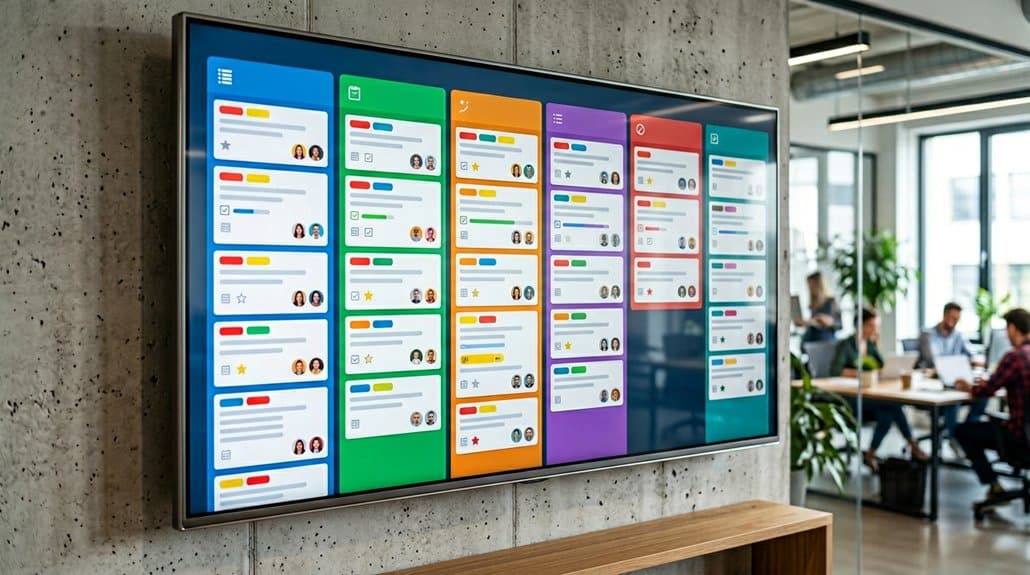
Displaying Trello boards on digital signage can dramatically enhance your team’s visibility into project statuses and deadlines. By showcasing these boards on office TVs, you remove the need for team members to individually check updates on their devices, fostering a culture of shared responsibility. It enables you to implement task prioritization strategies effectively as everyone can quickly identify high-priority tasks and real-time changes. Visual workflow management becomes seamless, guaranteeing that priorities are clear and adjustments are promptly communicated. Integrating Trello with digital signage tools like DAKboard or Fugo CMS allows tailored presentations, highlighting key project information while maintaining clarity and focus. This strategic setup guarantees your team stays informed and aligned, greatly improving task management and efficiency.
Streamline Communication and Team Alignment
When you display Trello boards on digital signage, you gain real-time project visibility that can greatly enhance team collaboration. This instantaneous access to project statuses and deadlines allows everyone to stay informed and aligned, reducing the chances of miscommunication. By visibly tracking task progress and responsibilities, you empower your team to make swift decisions and adjustments, ensuring cohesive effort towards shared goals.
Real-Time Project Visibility
With real-time project visibility brought to digital signage, your team instantly gains access to task updates and deadlines, considerably enhancing responsiveness to potential delays. Displaying Trello boards on screens guarantees project transparency as everyone views the same visual metrics simultaneously, eliminating the need for constant email and chat check-ins. This centralized access highlights ongoing activities, encouraging accountability since all can clearly see who’s meeting their responsibilities. The visibility of Trello’s visual metrics offers immediate context, streamlining meetings and boosting decision-making processes. Centralizing important project data on digital displays helps your team quickly identify bottlenecks and adjust priorities efficiently. This visibility ensures that workflows remain efficient and inter-departmental alignment improves, fostering a more coordinated and proactive team environment.
Enhanced Team Collaboration
Building on the foundation of real-time project visibility, enhanced team collaboration is the next step towards a more aligned and strategic workflow. By using collaborative tools like Trello on digital signage, team dynamics markedly improve. It serves as a common reference point, reducing miscommunication and synchronizing priorities across departments. The visual presentation of tasks guarantees seamless interaction and keeps everyone focused on shared objectives. With real-time updates prominently displayed, you and your team can swiftly respond to changes and make decisions that improve alignment and workflow efficiency. Additionally, discussions become more effective as visual progress helps in prioritizing tasks, eliminating lengthy verbal updates. Displayed accountability promotes a culture of commitment, ensuring everyone stays on track and aligned.
Stay Updated With Real-Time Changes
With Trello integrated into your digital signage, you’re empowered to instantly track project status, ensuring nothing slips through the cracks. Quickly identifying goal shifts becomes second nature, as real-time updates help you adapt strategically to changes. Effortlessly monitor task progress on your office displays, maintaining alignment and focus on shared objectives without missing a beat.
Instantly Track Project Status
A seamless way to keep your team in sync is by displaying Trello boards on digital signage, which provides real-time updates on project status. This method allows team members to receive instant status updates without constantly accessing individual devices. With instant alerts for task completion or deadline adjustments, your team can guarantee efficient project tracking and respond promptly to changes. This visibility cuts down on excessive email communication, enhancing streamlined workflows and effective coordination. By having the status of tasks and deadlines accessible to everyone, you promote a shared responsibility culture. Real-time tracking fosters accountability, and teams can quickly pinpoint urgent tasks, minimizing delays and boosting adaptability. This strategic approach greatly improves your team’s ability to manage projects efficiently and effectively.
Quickly Identify Goal Shifts
Harness the power of Trello’s real-time updates to swiftly identify and adapt to goal shifts. With instant visibility on digital displays, your team gains essential insights for effective goal assessment, minimizing the lag in priority adjustments. By showcasing Trello boards throughout the day, everyone stays informed about task shifts and deadline changes. This continuous digital presence enhances accountability and fosters proactive responses.
- Immediate Alerts: Real-time updates guarantee every team member spots priority adjustments as they occur.
- Visual Clarity: Active task lists on screens provide clear visibility into evolving project landscapes.
- Collaborative Discussion: Regular updates spark dialogue during meetings, aligning team efforts seamlessly.
- Personal Responsibility: Visible task assignments directly from Trello keep members accountable for new tasks.
Strategically use these features to maintain momentum, even amid shifting project demands.
Effortlessly Monitor Task Progress
Even when juggling multiple projects, Trello’s integration with digital signage guarantees you’re always on top of task progress. With progress tracking displayed directly on office TVs, your team’s dynamics improve as everyone gains instant access to real-time updates. This setup allows each member to quickly identify any delays or updates, ensuring swift adjustments without needing to log into personal devices. By enhancing visibility, digital signage promotes accountability—showing current responsibilities and deadlines for all to see. This shared insight fosters transparency, helping your team make informed decisions based on the most recent data. Plus, by reducing constant emails or messages, communication becomes streamlined, emphasizing shared goals and enhancing team cohesion. Your team stays aligned and productive with this strategic approach.
Boost Productivity With Centralized Information
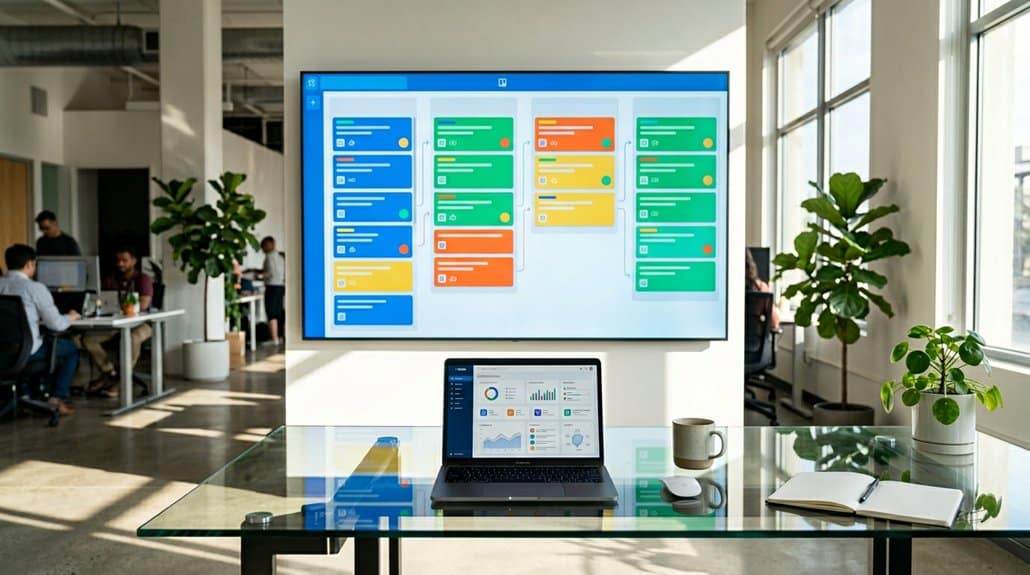
While managing multiple projects can be complex, displaying centralized information through Trello boards on digital signage considerably enhances team productivity. By integrating Trello engagement into your digital displays, you tap into a centralized workflow that keeps your team aligned. Real-time updates guarantee team members access the latest task statuses without the need for personal devices. This setup boosts productivity by:
- Providing clear, visual task prioritization that allows teams to quickly identify and focus on critical activities.
- Minimizing delays in responding to changes by keeping everyone informed of project progress instantly.
- Fostering accountability and responsibility by reducing frequent device checking and communication silos.
- Motivating members with visible milestones that serve as continuous reminders to meet deadlines and improve collective efficiency.
Facilitate Confident Decision Making
Confidence in decision-making often stems from clarity and access to thorough information. Trello’s visual task statuses on digital signage give your team decision clarity by quickly evaluating project developments. You’ll find that the centralized display eliminates confusion over priorities, allowing clearer choices during meetings. Real-time updates provide strategic insights by offering immediate contextual information, empowering swift responses to challenges as they emerge. This enhanced visibility helps in effective tracking and prioritization through readily accessible, up-to-date data, making sure you can confidently address project needs. In addition, the clear visual representation of ongoing activities enables your team to understand project timelines and responsibilities, promoting efficiency. Trello’s integration guarantees your decisions are timely, informed, and aligned with project goals.
Encourage Accountability and Task Ownership
As you leverage Trello’s enhanced decision-making capabilities through clear and accessible information, you’re also setting the stage for increased accountability and task ownership within your team. By publicly displaying Trello boards, you clarify individual task responsibilities, which bolsters accountability.
- Visible milestones: Motivate your team to stay engaged and align efforts toward achieving goals while celebrating contributions.
- Shared visibility: Promotes discussions about task ownership, lessens misunderstandings, and helps everyone see what needs attention.
- Updated task statuses: Keep everyone informed about approaching deadlines, inspiring proactive management and ownership.
- Team motivation: When responsibilities are transparent and acknowledged, team members endeavor to meet (or exceed) expectations, reinforcing commitment.
Digital signage fosters an environment where accountability naturally arises, empowering each member to take charge.
Integrate Trello With Displays for Better Collaboration
Enhance team collaboration by integrating Trello with digital displays, granting real-time project visibility and keeping everyone on the same page. By showcasing Trello boards on platforms like RocketScreens or DAKboard, your team can easily access up-to-date information without drowning in emails. This seamless connectivity fosters team engagement by displaying tasks, deadlines, and progress in a centralized location, supporting efficient workflows and shared accountability.
Display customization options empower you to tailor these visual presentations to your team’s specific needs, whether by spotlighting certain boards or highlighting critical metrics. This strategic approach guarantees that relevant data is always visible, aiding decision-making and driving productivity. Ultimately, integration boosts alignment, minimizing communication silos and consistently reinforcing collaborative goals across departments.
Frequently Asked Questions
Can Trello Sync With Teams?
Yes, Trello integrates with Microsoft Teams. You can manage Trello boards within Teams, ensuring synchronized communication. Receive real-time updates and attach Trello cards to conversations, enhancing strategic task discussion with these powerful communication tools. Efficient and seamless!
What Are the Disadvantages of Using Trello?
Trello limitations include the burden of board clutter and connectivity constraints. You’re dealing with delayed data updates and dreary organization demands. A user’s experience struggles without substantial analytics and stumbles on sync lapses, reducing overall efficiency.
How to Mirror a Board in Trello?
To mirror a board in Trello, navigate to the desired board, select “Show Menu,” then “More,” and choose “Copy Board.” Use Trello templates for strategic board customization. Adjust settings, rename, and share with collaborators.
Is Trello Good for Team Management?
Yes, Trello’s excellent for team management. Its features like Kanban boards enhance team collaboration by clarifying roles, tasks, and deadlines. You’d streamline workflows and boost efficiency, ensuring everyone’s aligned and focused on strategic goals.
Conclusion
Imagine your team standing before a vibrant digital display, each Trello board meticulously organized, like well-tuned instruments in an orchestra. With real-time updates swirling like a gentle breeze, you’re all seamlessly aligned, communicating effortlessly. Decisions are made confidently, as each card becomes a stepping stone to success. Centralized information streams in like a river, fueling productivity. By integrating Trello with displays, your team isn’t just working—they’re engaging dynamically, owning tasks with a renewed sense of accountability.