
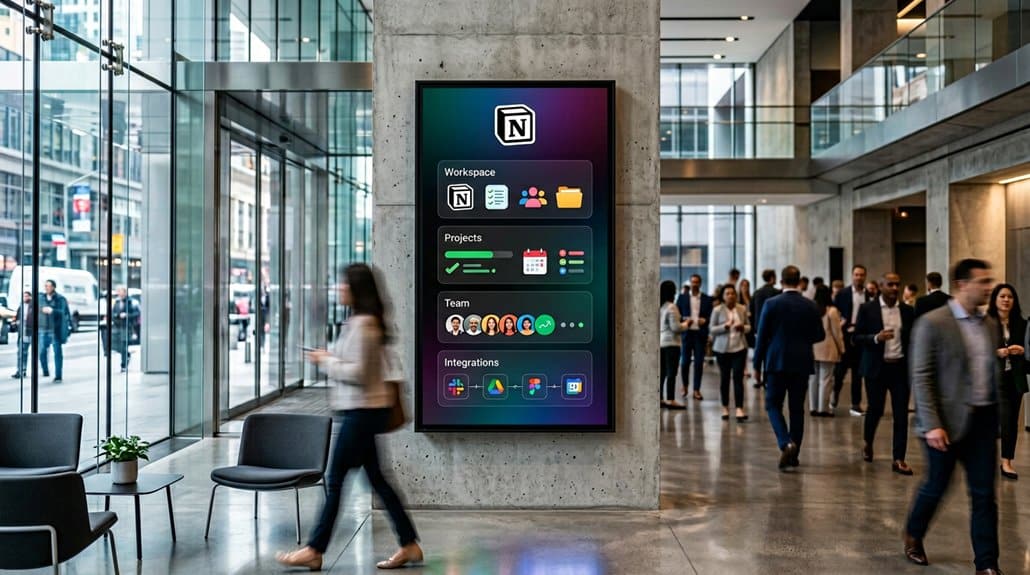
Incorporating Notion into your digital signage displays revolutionizes team communication and collaboration. You’ll benefit from real-time updates and centralized information, reducing clutter and boosting efficiency. Interactive features like touchscreen functions transform meetings into dynamic sessions where everyone can engage directly. Automation eliminates manual updates, freeing up valuable time. Plus, with Kanban boards and document accessibility, you’re always one step ahead in project management. Discover how these enhancements can elevate your team’s productivity and engagement.
Key Takeaways
- Real-time updates from Notion transform digital signage into dynamic, interactive communication hubs improving team alignment and efficiency.
- Centralized project information reduces cluttered emails and enhances clarity in team communication.
- Interactive touchscreen displays allow team members to interact with and update information directly, boosting engagement.
- Visual insights through Kanban boards aid in smooth task management and project tracking during meetings.
- Automation of Notion content on digital signage keeps displays consistently up to date without manual maintenance.
Enhance Communication With Real-Time Screen Updates
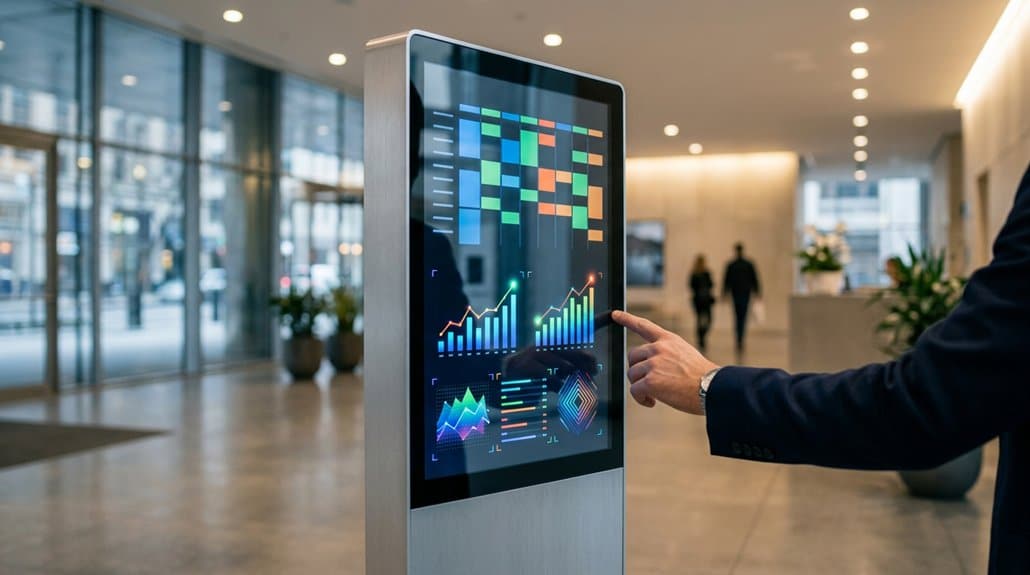
When it comes to keeping everyone informed, real-time screen updates via Notion can revolutionize communication dynamics within a team. By enabling real time collaboration, everyone gets access to the latest information, which eliminates discrepancies caused by outdated materials. Automatic syncing in Notion means less time spent on manual updates and more efficiency in communication. Visual updates of current project statuses and company announcements on digital signage guarantee your team remains informed and aligned, reducing the need for excessive meetings.
With Notion’s interactive pages, team members can engage with the content directly on the screens, allowing for immediate feedback during discussions. This not only promotes transparency but also fosters knowledge sharing, boosting overall team collaboration and performance.
Transform Your Displays: Make Them Interactive
Building on the communication efficiency gained through real-time screen updates, transforming your displays into interactive hubs takes engagement to another level. With Notion, you can shift from passive viewing to interactive storytelling, where users can scroll, complete tasks, and leave comments directly on touchscreen setups. This user-centered design empowers teams to engage actively, allowing them to modify and update information in real time during meetings or collaborative sessions. By integrating visual tools like Kanban boards and checklists, you’d enable your team to track project progress seamlessly, enhancing task management interactively. Notion’s capability to automatically update content guarantees a dynamic communication environment, minimizing manual updates and fostering greater participation and collaboration by showcasing live, editable documents.
Centralize Information for Team Alignment
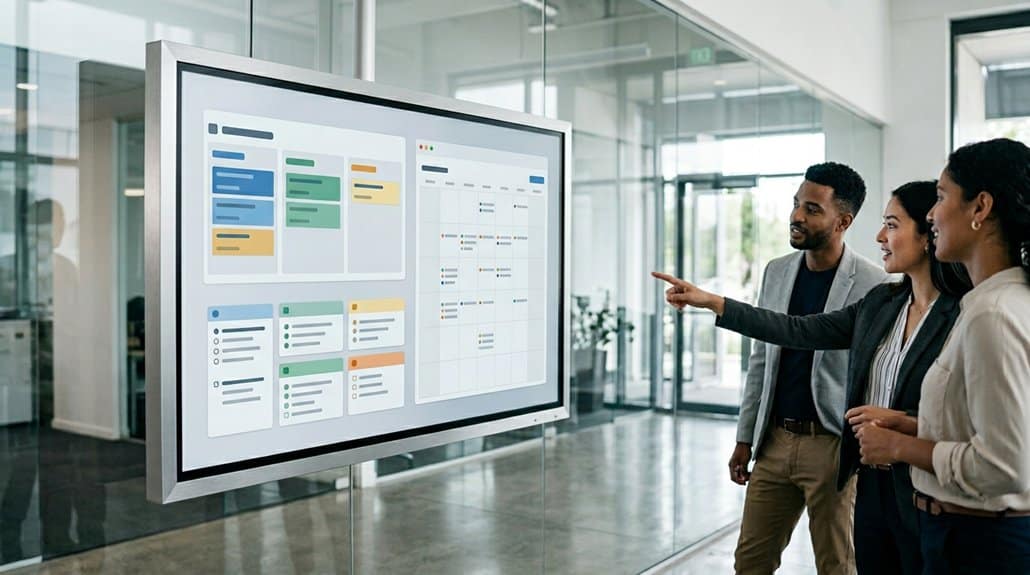
Imagine reducing cluttered email chains and streamlining your communication channels with Notion—it’s all about getting everyone on the same page seamlessly. By integrating real-time updates and access to visual task tracking directly on your digital signage displays, you can foster more cohesive collaboration among your team members. This approach guarantees everyone can see the latest project priorities and assignments, keeping the entire team aligned and focused on shared goals.
Streamline Communication Channels
A digital command center is what every team needs to align their communication channels, and Notion rises to the occasion by centralizing information effortlessly. With all company updates, meeting notes, and project documents in one place, you won’t need to sift through countless emails or files. Real-time updates guarantee everyone has the most current information, leading to improved feedback and enhanced decision-making. Displaying this content on digital signage allows teams to visualize task assignments, completed items, and upcoming priorities, creating clarity and focus. Notion’s integration with digital signage means automatic syncing, eliminating manual updates and promoting efficiency in communication. This streamlined setup not only bolsters dynamic team interactions but also nurtures an environment of transparency and alignment.
Foster Team Collaboration
Centralizing information is crucial for effective team collaboration, and with Notion at your fingertips, this becomes a seamless endeavor. By hosting all updates, meeting notes, and project documents in one space, Notion guarantees every team member can effortlessly access relevant information, enhancing team dynamics. Forget the hassle of sifting through emails; everything you need is right at hand.
Integrating Notion with your digital signage fosters a collaborative culture, offering visual insights through Kanban boards and checklists. This transparency supports a smoother workflow where task assignments and completions are visible to your entire team. Additionally, displaying real-time project updates and meeting agendas on shared screens not only promotes clarity but also bolsters communication, guaranteeing your team aligns towards common goals efficiently.
Access Real-Time Updates
Picture a workspace where critical information is always updated and accessible at a glance with minimal friction. Integrating Notion with digital signage transforms this vision into reality, providing real-time notifications and automated content updates. No more manual revisions; your displays continuously refresh, ensuring team members see the latest information instantly. This seamless access to current data bolsters team alignment, cutting through the noise of email chains and redundant meetings. With everything centralized, updates on projects or company announcements are just a screen away, allowing you to focus on more strategic tasks. During meetings, the ability to view and contribute to live Notion documents enhances engagement, fostering a dynamic environment where everyone can participate meaningfully and stay in sync.
Create Dynamic Meetings With Live Docs on Screens
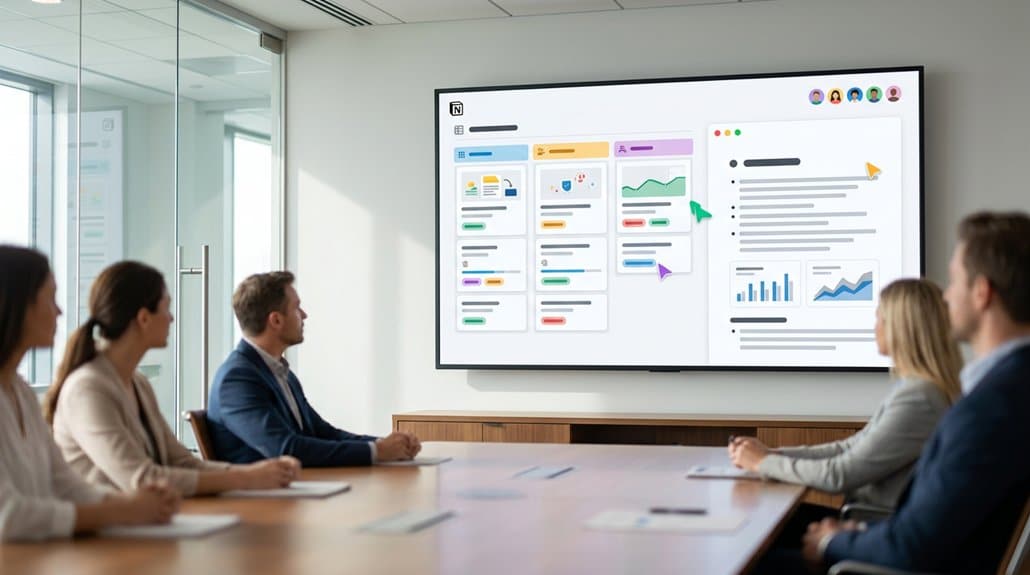
You can transform your meetings into dynamic collaboration sessions by displaying live Notion documents on digital signage screens. This approach encourages real-time document sharing and updates, ensuring every team member is in sync and actively contributes. With everyone viewing the same, up-to-the-minute information, you can greatly reduce communication gaps and streamline the flow of ideas.
Enhance Team Collaboration
When seeking to transform meetings into collaborative powerhouses, integrating Notion with digital signage emerges as a game-changer by allowing teams to display live documents on screens. This setup encourages creative brainstorming and inclusive feedback. As team members engage with live updates and contribute in real-time, the interactive dynamics on touchscreen displays foster a participative environment. Presentations of agendas and notes on screens also maintain a structured focus, ensuring your discussions align with strategic objectives. By visualizing task progress with tools like Kanban boards, you’ll better track responsibilities, driving more effective decision-making and task management. Ultimately, this integration reduces the need for paper handouts and cumbersome email chains, streamlining information flow and enhancing overall collaboration in meetings.
Real-Time Document Sharing
To elevate meetings into truly interactive sessions, embrace real-time document sharing through Notion on digital signage. You’re not just observing updates—you’re experiencing live collaboration, where every team member can access the latest documents instantly. This document accessibility guarantees everyone stays aligned and no one falls behind. Imagine making updates or adding comments directly on the screen as your discussions unfold, creating an engaging and focused meeting environment.
Notion’s automatic syncing feature takes efficiency to the next level, removing the need for manual slide updates. Display live meeting agendas directly on screens to further boost engagement and interaction. If you incorporate touchscreen displays, interaction becomes even more dynamic, allowing participants to edit, complete tasks, and provide input in real-time, making meetings more productive than ever.
Streamline Training via Interactive Learning Hubs
While traditional training sessions can often feel static and cumbersome, integrating interactive learning hubs like Notion with digital signage presents an innovative solution. With interactive onboarding, new hires can instantly access essential training resources displayed on screens, ensuring a smooth start. Real-time updates allow content to reflect the latest procedures, fostering a dynamic learning environment without frequent physical manual revisions.
Meeting agendas, notes, and visual task tracking such as Kanban boards can be showcased on digital signage, aiding understanding and clear responsibility distribution. This approach not only encourages collaboration but also enhances engagement and retention.
| Feature | Benefit | Outcome |
|---|---|---|
| Interactive Onboarding | Instant access to resources | Streamlined employee integration |
| Real-Time Updates | Latest information reflected | Enhanced training relevance |
| Visual Task Tracking | Clear progress display | Improved understanding |
Incorporating Notion redefines training.
Boost Engagement With Custom Signage Widgets
As you explore the potential of enhancing viewer engagement, embedding custom signage widgets within Notion could be the game-changer you’ve been seeking. With custom designs, you can display real-time data, like countdown timers and habit trackers, adding a dynamic and interactive element to your displays. This not only captures viewer interest but also encourages active participation. Including visual elements such as charts and calendars makes information concise and visually appealing, boosting viewer retention.
Moreover, interactive features provide a unique opportunity for viewers to navigate content or leave feedback directly, increasing interaction. By integrating these widgets, you streamline workflow, ensuring essential data like project deadlines is accessible. Ultimately, these engaging, tailored widgets enhance your digital signage with a touch of real-time interactivity.
Use Kanban Boards for Effective Project Tracking
Harnessing Kanban boards in Notion offers a highly efficient method for tracking project progress, ensuring that your team remains organized and focused. With a visual, interactive layout, these boards help you manage task prioritization through movable columns, quickly indicating each stage of a task’s life cycle. This setup enhances workflow optimization by tailoring processes to suit your project requirements, consequently boosting productivity. Real-time updates mean your team is always on the same page, reinforcing transparency and accountability. It’s particularly effective when Kanban boards are displayed on digital signage, enhancing visibility during meetings and collaborative sessions. Each task is clearly assigned, making it easy to monitor responsibilities and deadlines, and keep everyone synchronized on the latest developments.
Access Crucial Documents Anytime, Anywhere
After utilizing Kanban boards to keep project tasks aligned and transparent, it’s equally important to guarantee that your team can access important documents whenever they need them. In today’s remote work environment, document accessibility is vital. Notion centralizes key documents, offering seamless access anytime, anywhere, via digital signage displays. Tools like Yodeck make certain these documents are updated in real-time, eliminating management headaches with ease.
Your team members can seamlessly browse how-to guides, analyze project roadmaps, or review meeting notes directly on-screen. This enhanced visibility is a game-changer for hybrid teams, improving collaboration and reducing bottlenecks. Touchscreen functions further amplify interactivity, allowing employees to scroll, complete tasks, or leave comments directly from the display; making sure everyone remains informed and connected.
Reduce Manual Workflows: Automate Updates
Streamline your team’s workflow by embracing automation to keep your digital signage displays up to date with Notion. Forget about error-prone manual updates and harness automation tools to guarantee real-time accuracy. The seamless integration between Notion and digital signage solutions like Yodeck allows you to display dynamic company updates effortlessly. With error reduction strategies built in, you can maintain consistency and precision across all displays.
By minimizing routine tasks, you’ll have more time for strategic pursuits and boost overall productivity. Plus, automated updates eliminate the need for excessive meetings or lengthy email chains, facilitating efficient communication. Get ready to leverage automated updates for a smoother workflow, freeing up your team for the most important tasks.
| Benefit | Description | Result |
|---|---|---|
| Real-time Updates | Automatic sync with Notion | Accurate, up-to-date displays |
| Error Reduction | Eliminates manual errors | Consistent information |
| Time Efficiency | Cuts down on routine tasks | Focus on strategic activities |
Ensure Screen-to-Device Consistency for Hybrid Teams
When you’re managing a hybrid team, ensuring screen-to-device consistency is essential for maintaining alignment and efficiency. Notion excels by providing uniform content access across laptops, tablets, and smartphones, regardless of where team members are located. With integrations like Yodeck, you can display Notion pages on screens, guaranteeing that everyone sees the same real-time updates, which fosters seamless collaboration and communication.
Consistent Content Across Platforms
Although hybrid teams endeavor for seamless collaboration, achieving consistent content across different platforms can sometimes be a challenging task. However, Notion’s integration with digital signage assures content synchronization, offering platform compatibility that’s key for uniformity. As updates are made on Notion documents, these changes automatically reflect on digital signage displays. This eliminates any discrepancies between on-screen presentations and what teammates access on personal devices, ensuring everyone’s always on the same page.
Moreover, touch-enabled digital signage allows for interactive engagement, so you can effortlessly scroll through and interact with Notion content. Whether it’s project updates, meeting notes, or task lists, accessing the same information fosters alignment. No need for additional communication tools—everyone gets the same real-time updates, whether they’re on-site or remote.
Seamless Hybrid Team Integration
In today’s fast-evolving work environments, seamless hybrid team integration is essential. Integrating Notion with digital signage guarantees your team has remote access to the same content, whether in the office or elsewhere. This fosters uniform communication and collaboration. With Yodeck, Notion updates are instantly reflected on your screens, eliminating mismatches between digital and physical settings. Additionally, touchscreen tools allow for interactive brainstorming, enabling everyone to engage and collaborate efficiently during meetings, regardless of their location. Real-time updates from Notion on screens keep all members informed and aligned with ongoing project developments. The ability to simply paste Notion page links into digital signage apps guarantees efficient information dissemination, maintaining consistency and a cohesive experience across devices for your hybrid teams.
Frequently Asked Questions
Why Are People Leaving Notion?
You’re leaving Notion because user feedback highlights its overwhelming interface and steep learning curve, impacting your user experience. Missing features and offline limitations add frustration while pricing makes alternatives more appealing for similar functionalities.
What Are the Advantages of Using Notion?
You’ll find that Notion’s collaboration features boost teamwork by centralizing updates and documents. Its real-time syncing enhances productivity, keeping your projects dynamic and organized. This alignment guarantees tasks are clear, reducing clutter and unnecessary communication.
What Are the Best Practices for Digital Signage?
Channel your inner Da Vinci with digital signage by mastering concise content management and user engagement. Use intuitive design, real-time updates, and interactive features to create displays that inform, captivate, and resonate with your audience’s current needs.
Is Notion a Chinese App?
Notion’s not a Chinese app; it’s American, created by Notion Labs Inc. in San Francisco. Considering Notion features can elevate productivity, exploring Notion alternatives is essential if you’re seeking a more tailored collaboration tool.
Conclusion
In the vast digital constellation, adding Notion to your digital signage transforms each screen into a guiding star, leading teams toward streamlined efficiency. It’s like wielding a compass that aligns everyone, everywhere, harmonizing real-time updates like a well-conducted orchestra. By injecting productivity with vibrant interactivity and ensuring every document is a touch away, you’re not just adopting a tool but crafting a tapestry of seamless connectivity that bridges devices and minds alike. Embrace this constellation and illuminate your workspace.