


By integrating Confluence with digital signage, you transform team collaboration into a dynamic, real-time experience. You’ll streamline workflows with real-time updates, customizable playlists, and live Confluence pages, reducing context switching and keeping everyone synchronized. Version control is a breeze with automated revision histories, ensuring content accuracy and accountability. This powerful synergy boosts engagement while minimizing miscommunication. Discover innovative ways to foster collaboration and communication with cutting-edge digital signage strategies when you explore further.
Key Takeaways
- Live Confluence integration ensures real-time project updates on digital signage, reducing potential miscommunication.
- Automated alerts on digital displays prompt immediate team discussions, fostering collaboration and idea generation.
- Centralized data from Confluence maintains accuracy and consistency, enhancing team transparency and accountability.
- Customizable signage playlists align with project goals, supporting cohesive visual storytelling and engagement.
- User-level permissions in Confluence protect sensitive data while organizing effective communication on digital signage.
Unlock the Potential of Digital Signage With Confluence
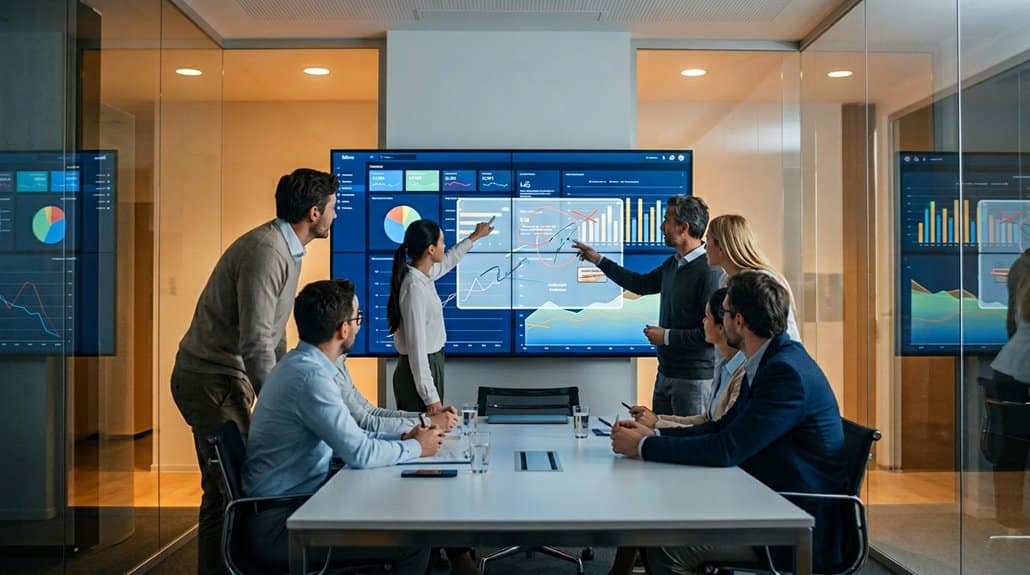
Imagine a workspace where information flows seamlessly and updates are always at your fingertips. With Confluence, digital signage becomes a dynamic engagement strategy, transforming how teams interact with information. By curating content in real-time on digital displays, you’re guaranteeing that everyone stays informed with the latest updates and decisions vital for project success. The auto-refresh feature guarantees your team never misses a beat, enhancing communication efficiency across various departments.
Customizable playlists mean you can tailor what’s shown to align with project milestones, campaigns, or specific goals, streamlining the flow of information effortlessly. When integrating different tools into your signage, you centralize essential data, making it accessible to everyone and fostering a culture of transparency and accountability. Ultimately, Confluence helps you access the full potential of digital signage.
Elevate Team Collaboration Through Confluence Integration
Harnessing Confluence integration with digital signage transforms workflow efficiency by delivering real-time updates directly to your team’s fingertips, keeping everyone in sync with minimal effort. You’ll foster creative collaboration through customizable displays and automated alerts, ensuring your team’s innovative ideas don’t get lost in the shuffle. With seamless processes in place, you’ll cut down on context switching, paving the way for a smoother, more integrated approach to team dynamics.
Enhance Workflow Efficiency
In today’s fast-paced digital workplace, leveraging Confluence’s integration with digital signage can considerably enhance workflow efficiency. By seamlessly displaying live Confluence pages, you guarantee that your team is continuously informed and aligned on task management, helping you track performance with precision. The auto-refresh feature means no manual updates, so everyone always has the most current info at their fingertips.
Custom playlists sync relevant data from various tools, streamlining communication during important meetings. This guarantees your team stays focused and reduces bottlenecks. Centralizing project info helps eradicate version control issues and provides one reliable source of truth. Displaying decision reports and project progress on digital signage boosts visibility, improving accountability and keeping everyone engaged in a unified direction.
Foster Creative Collaboration
Seamlessly enhancing workflow efficiency sets the stage for transforming how teams collaborate creatively through Confluence integration. Picture a dynamic collaborative environment where creativity boosters thrive. Confluence’s seamless connection with digital signage means real-time project updates and collaborative documents display prominently, inviting interaction. You can embed Confluence pages directly onto digital displays, inviting spontaneous collaboration and boosting team engagement.
Imagine using Confluence’s brainstorming tools on a display where every idea springs to life, enhancing your team’s ability to think collectively. These visualized interactions ignite creativity and refine collaborative sessions. With centralized access to project timelines and strategies, you align efforts and minimize miscommunication. Instant feedback and agile discussions facilitated through Confluence’s integration promote innovation, allowing your team to respond swiftly to project developments.
Integrate Seamless Processes
When you integrate digital signage with Confluence, the synergy transforms your team’s workflow into a seamless and efficient powerhouse. Automated processes guarantee information flows through integrated communication, keeping everyone in sync with live project updates. By embedding Confluence pages in digital signage, you create a centralized information hub that minimizes confusion and maximizes collaboration.
Here’s how it works:
- Live Updates: Display real-time project status, guaranteeing your team stays informed and proactive.
- Content Scheduling: Align digitally displayed information with current priorities, directing focus where it’s needed most.
- Custom Playlists: Tailor information delivery to specific audiences for enhanced engagement and relevance.
With encrypted connections, your team accesses vital updates securely, fostering confidence and integration across your operations. Embrace seamless processes with Confluence-powered digital signage.
Create Dynamic Displays With Flexible Documentation
You’ll supercharge visual collaboration by seamlessly integrating dynamic content from Confluence into your digital signage. With Confluence’s flexible documentation features, such as rich text and visuals, you can create visually compelling displays that engage and keep everyone informed. Plus, Confluence’s auto-refresh guarantees your digital signage updates in real-time, eliminating the need for manual updates and keeping your team one step ahead.
Enhance Visual Collaboration Tools
Elevate your team’s visual collaboration by harnessing Confluence’s capability to create dynamic displays intertwined with flexible documentation. This enables interactive brainstorming sessions and solidifies visual feedback loops through real-time updates on digital signage. Imagine transforming your workspace with:
- Engaging Displays: Customize playlists to include videos, images, and Confluence pages, catering to diverse communication needs and capturing attention.
- Real-Time Collaboration: Auto-refresh features guarantee every team member sees the latest project updates without manual intervention, making certain everyone’s aligned.
- Integrated Tools: Incorporate diverse documentation, from Figma designs to Google Docs, providing a thorough project view directly on the screen.
These tech-savvy innovations keep your content current, sharpen decision-making, and fuel creativity, positioning your team at the forefront of digital collaboration.
Integrate Dynamic Content Seamlessly
Visual collaboration tools have just been enhanced, and now it’s time to seamlessly integrate dynamic content. With Confluence, you can achieve dynamic integrations that bring your digital signage to life. Imagine the power of content automation—real-time updates are pulled from Confluence pages, ensuring your displays remain fresh and relevant. Flexible documentation options mean you can mix text, images, and files effortlessly from various sources, providing a multifaceted visual presentation.
Say goodbye to manual updates. Confluence’s auto-refresh feature automatically updates your digital signage, keeping stakeholders informed without lifting a finger. Integrate your favorite tools directly into Confluence for a holistic view of projects, showcasing everything on dynamic displays. Engage your audience with live interactions, adapting to user input or live data changes seamlessly.
Streamline Real-Time Updates
Revolutionize your approach to collaboration with Confluence’s real-time update capabilities, elevating digital displays into dynamic canvases of information. Empowered by live displays of Confluence pages, digital signage guarantees stakeholders are instantly informed with the latest updates. Embrace flexible documentation with features like auto-refresh, allowing seamless dynamic content curation without manual effort.
Consider these enhancements for your content strategy:
- Auto-refresh Functionality: Automatically update digital displays, providing real-time content without disruptions.
- Content Scheduling: Align communication strategies with business objectives by showing time-sensitive visuals.
- Integrative Playlists: Use customizable tools to weave cohesive and interconnected visual storytelling across varied platforms.
Confluence enables secure, private, and controlled data sharing through encrypted connections and user-level permissions, perfecting digital signage for modern collaboration.
Streamline Team Workflow Through Automated Content Handoffs
Efficient team collaboration hinges on seamless communication and timely access to information, and Confluence’s automated content handoff features deliver precisely that. By facilitating automated changes between project phases, you eliminate manual interventions and boost content accuracy. Integrating digital signage with Confluence pages means you can automate updates, reducing the risk of outdated data. Everyone stays informed in real-time through automated alerts, allowing swift responses to project changes.
Here’s how it benefits your workflow:
| Feature | Benefit |
|---|---|
| Automated Changes | Eliminates manual steps, saves time |
| Content Accuracy | Guarantees up-to-date information |
| Automated Alerts | Keeps team members informed |
| Digital Signage Integration | Minimizes outdated information risk |
Streamlined workflows from Confluence guarantee effective marketing communications, optimizing content approvals and scheduling with ease.
Maintain Clarity Using Version Control

Confluence’s version control feature is a game-changer for maintaining clarity and organization in collaborative projects. By offering robust version tracking and change management capabilities, it guarantees your team stays aligned and informed. Here’s how it works:
- Revert with Confidence: Easily view and revert to previous document versions. This feature assures clarity and consistency, letting you confidently follow the project’s evolution.
- Complete Change Log: An automated revision history documents all modifications, providing an easy-to-follow timeline of progress. This increases accountability with clear visibility into who made changes and when.
- Side-By-Side Comparison: Compare various document versions side-by-side to identify key updates quickly. This minimizes miscommunication risks and maintains a single source of truth, streamlining information sharing.
Embrace Confluence’s tech-savvy version control for superior collaboration!
Enhance Creativity With Real-Time Collaboration Tools
As teams continue to stay aligned and informed through version control, the next stride in collaborative harmony embraces real-time creativity. Immerse yourself in creative ideation with Confluence whiteboards, where you can simultaneously brainstorm with your teammates using innovative tools. Visual aids like sticky notes and drawing features stimulate your brainstorming techniques, enabling a dynamic flow of ideas. Confluence takes this further by integrating digital signage, allowing the live display of your collaborative genius, instantly engaging everyone involved. Enhance sessions with stamps, timers, and smart sections that make your creative process more structured and focused. Transform visual concepts into actionable items within the platform, streamlining your journey from ideation to execution efficiently. Revolutionize how your team works creatively in real-time.
Seamlessly Integrate With Existing Workflows
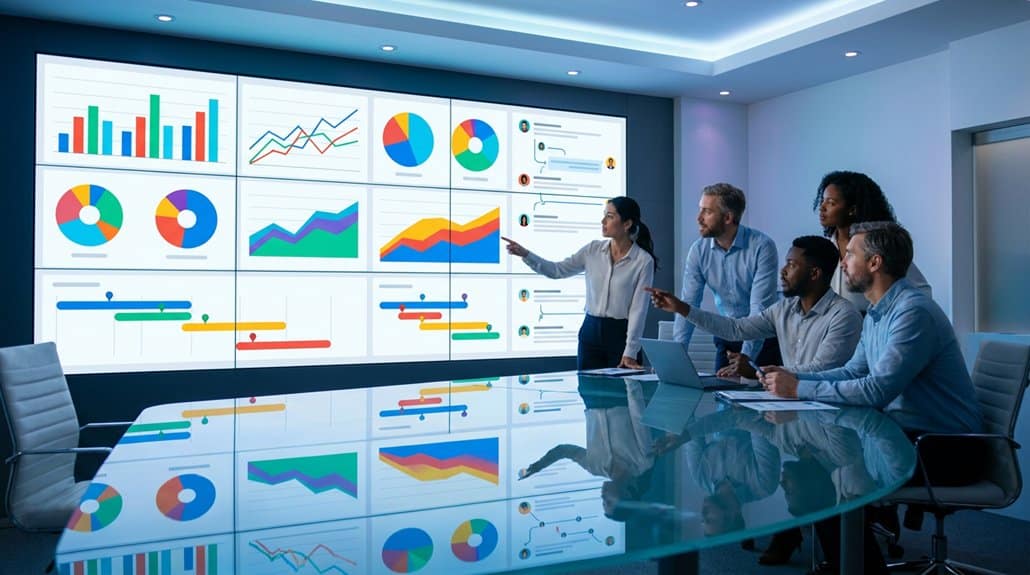
One major advantage of digital signage integration in Confluence lies in its seamless alignment with existing workflows. With workflow optimization at its core, digital signage displays live updates from Confluence pages, ensuring your team stays informed with real-time project statuses and decisions. Here’s how integration is a game-changer:
- Live Content Feeds: Automatically refresh signage with updated content, removing manual work and keeping everyone on the same page effortlessly.
- Embedded Pages: Directly embed Confluence pages into signage for instant access to critical documents and resources, enhancing content curation.
- Automated Alerts: Configure alerts to display important announcements or deadlines—streamlining communications without disrupting work.
Boost Communication With Dynamic Signage
You’ll transform team communication with Confluence’s dynamic signage, designed to enhance synchronization and streamline real-time updates. Customize playlists to guarantee your team sees information that directly aligns with their projects, all while enjoying the peace of mind that comes with automatic page refreshes. Integrated with robust communication tools, this dynamic approach reduces information silos and keeps everyone on the same page.
Enhance Team Synchronization
In today’s fast-paced digital landscape, enhancing team synchronization hinges on innovative solutions like Confluence’s dynamic digital signage. This tool revolutionizes team alignment and project visibility by displaying real-time Confluence pages, ensuring everyone accesses up-to-date information. You’ll benefit from the auto-refresh feature that keeps content fresh and reduces the chances of miscommunication.
Consider these three perks for boosting communication:
- Live Project Visibility: Essential metrics and project status are showcased for heightened accountability.
- Custom Alerts: Automated alerts help the team stay aligned with key milestones and deadlines.
- Seamless Integration: Quickly reference work across platforms for consistent coordination and less context switching.
Adopt dynamic signage to maintain your team’s pulse, facilitating sharper focus and collaboration without breaking stride.
Facilitate Real-Time Updates
As digital landscapes evolve, leveraging platforms like Confluence can truly transform how your team communicates by facilitating real-time updates through dynamic signage. With Confluence’s capability to display live updates, your team gains real-time visibility into ongoing projects and vital announcements. By integrating Confluence pages onto digital screens, you enhance communication effectiveness with dynamic visibility, ensuring everyone’s on the same page.
Thanks to content synchronization and the auto-refresh feature, you’ll minimize the display of outdated content, keeping your information crisp and current. Customizable playlists enable you to curate specific content for different audiences, boosting engagement. Plus, with encrypted connections, data security isn’t compromised, allowing sensitive information to be shared confidently. Your team’s collaboration consequently becomes seamless, innovative, and secure.
Get Ready for the Future: Digital Signage Strategies With Confluence
While the digital landscape evolves, leveraging Confluence for digital signage can dramatically improve team collaboration and information flow. You can harness Confluence in crafting digital transformation strategies and employ team engagement tactics like never before. Here’s how:
- Live Display & Context: Integrate live Confluence pages on digital signage—keeping everyone updated with real-time insights, minimizing the need for constant switching between platforms.
- Customized Playlists: Utilize customizable playlists through Confluence’s deep integration, ensuring announcements reach the right teams with maximum impact and appropriate timing.
- Schedule Critical Updates: Schedule project updates or key decisions on signage, optimizing engagement and ensuring all stakeholders are informed and aligned effortlessly.
With Confluence, you’ll be prepared for the future of seamless, interactive team communications, driving your digital transformation journey forward.
Implementing Best Practices for Collaborative Signage
Harnessing the power of Confluence in digital signage not only prepares you for future challenges but opens the door to implementing best practices for collaborative signage. Leverage real-time content curation to guarantee your displays reflect current project updates, minimizing miscommunication. The auto-refresh feature keeps information fresh, while customizable playlists present relevant content for enhanced visibility. Encouraging collaborative feedback through Confluence’s centralized platform makes integrating team insights seamless, fostering a culture of engagement.
| Feature | Benefit |
|---|---|
| Live Confluence Pages | Real-time collaboration |
| Customizable Playlists | Enhanced content visibility |
| Auto-refresh | Minimizes miscommunication |
| User-level Permissions | Secure collaborative environment |
With user-level permissions, sensitive data remains secure, letting you focus on innovation without risking data integrity. Adopting these practices lays a robust foundation for successful digital communication.
Frequently Asked Questions
Is Confluence Good for Collaboration?
Absolutely, you’re gonna find Confluence exceptional for collaboration. Its features support teamwork benefits through real-time editing, centralized information, and seamless integration. It’s an innovative platform that enhances project communication, keeps your team aligned, and boosts productivity.
What Are the Advantages of Using Confluence?
You’ll find Confluence advantageous for boosting collaboration through dynamic knowledge sharing and thorough project documentation. Its tech-savvy features promote innovative teamwork by ensuring everyone’s got access to the latest data on a centralized, secure platform.
Why Use Confluence Instead of Sharepoint?
Choosing Confluence over SharePoint is like opting for a sleek, high-speed network instead of a tangled web. Confluence advantages include agile integrations, intuitive interface, real-time updates; SharePoint limitations involve complexity and slower communication. Embrace innovation.
How to Collaborate on Confluence?
In Confluence, collaborate by using real-time editing for seamless updates. Engage your team with in-line comments and @ mentions to keep everyone informed. Leverage its integration with tools for efficient workflows and unified teamwork.
Conclusion
You’ve started on a tech-savvy journey where Confluence and digital signage unite to transform collaboration. Imagine dynamic displays, automated workflows, and seamless integration enhancing every team move. With Confluence, your signage isn’t just a tool; it’s a catalyst for innovation. As you implement best practices, remember: you’re not just communicating, you’re engaging, evolving, and elevating. Set the stage for a future where clarity meets creativity, and success is just a screen away.