
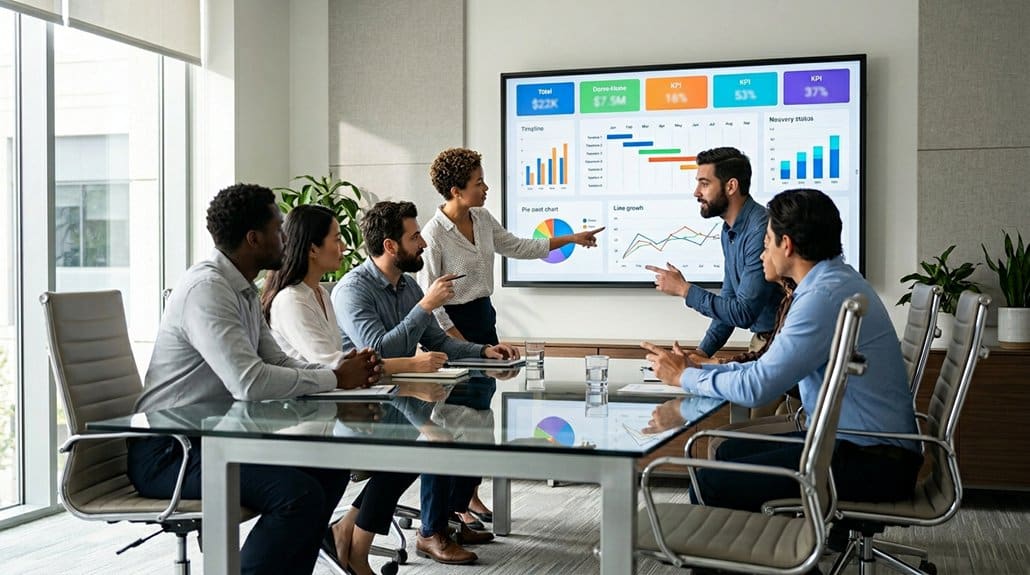
Infogram keeps your team aligned on digital signage with robust, real-time collaboration features, enabling simultaneous editing to streamline teamwork. Use customizable templates for consistent branding across projects, while effortless data integration guarantees accuracy and minimizes manual tasks. Infogram’s analytics empower you to optimize engagement by visualizing data instantly. Simplify project management with built-in tools that enhance coordination and speed up progress tracking. Discover how Infogram’s latest features can drive even greater project success.
Key Takeaways
- Real-time collaboration features in Infogram improve team alignment through instant edits and feedback on digital signage projects.
- Consistent branding is maintained across digital signage using customizable templates, ensuring team adherence to brand guidelines.
- Infogram integrates with cloud services, allowing seamless data access and management for digital signage projects.
- Engagement metrics and KPIs are tracked in real-time, enabling teams to refine digital signage strategies through data-driven insights.
- Built-in project management tools facilitate streamlined progress tracking and team coordination on digital signage efforts.
Start Collaborating in Real Time With Infogram

Release the power of seamless teamwork with Infogram’s real-time collaboration feature. This advanced functionality lets your team engage in collaborative brainstorming, markedly streamlining digital signage projects. By facilitating simultaneous contributions, Infogram reduces email chains and ensures each member’s input is visible instantaneously. You’ll see who’s editing what, improving coordination and making certain everyone’s aligned on the project’s content. The built-in tools for project management in the Team plan allow you to keep a finger on the pulse of progress, guaranteeing deadlines are met with precision. Real-time feedback is vital, enabling immediate adjustments based on the latest insights or data shifts. The collaborative environment is not just a tool—it’s a strategic asset to optimize your digital signage’s impact.
Ensure Consistent Branding Using Infogram Templates
Leveraging Infogram’s templates, you can effortlessly maintain brand consistency across various digital signage initiatives. Infogram’s pre-designed templates reduce dependency on advanced graphic design skills, providing swift project turnarounds. Template customization is key; tailor these templates to adhere to your specific brand guidelines, maximizing uniformity in all signage displays. This guarantees that your brand identity is always reinforced across departments, whether it’s marketing, sales, or HR generating the content. With Infogram, the workflow becomes streamlined, minimizing time spent on design decisions while focusing on crafting strategic messages that align with organizational objectives. Collaborate efficiently by utilizing shared team templates, ensuring every output meets your branding standards. This approach enhances project management and solidifies your brand’s visual presence.
Fast Track Data Management With Infogram Integrations
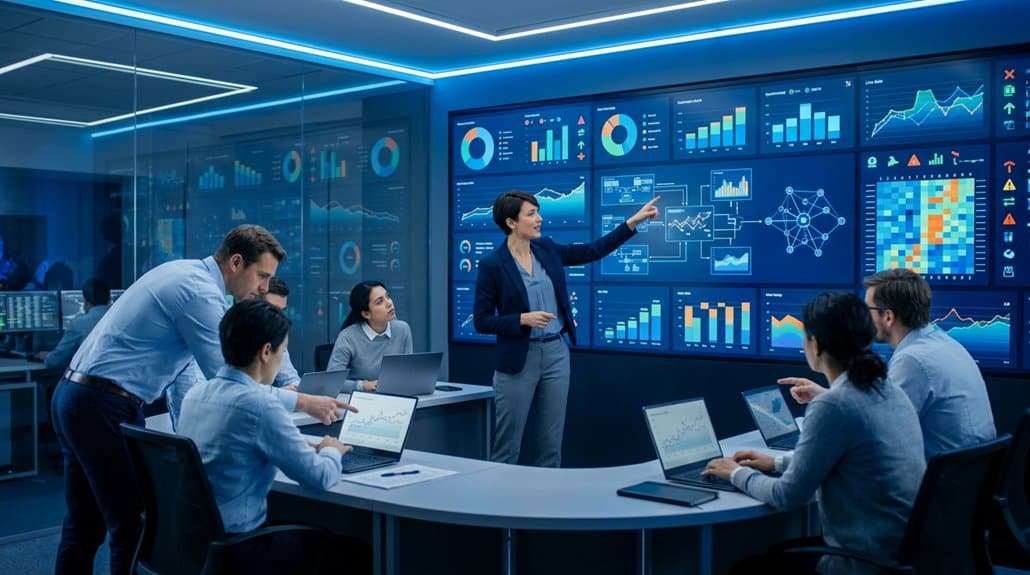
You’re empowered to streamline data importation with Infogram’s robust integrations, supporting diverse file formats like xls, xlsx, and csv. Leverage compatibility with cloud sources such as Google Drive and Dropbox for efficient project organization, ensuring quick access and seamless data updates. This integration capability enhances accuracy and minimizes errors, allowing you to maintain engagement with timely, data-driven digital signage displays.
Streamlined Data Importation
While managing vast datasets can be intimidating, Infogram brings efficiency to the forefront by streamlining data importation with its robust integrations. By facilitating seamless data migration from sources like Google Drive, Dropbox, and MySQL, it simplifies complexities involved in data management workflows. Infogram’s format versatility allows you to upload xls, xlsx, and csv files, minimizing manual entry and optimizing project setup times. The platform’s quick integration capabilities empower you to effortlessly adapt to data updates, ensuring your team can focus on producing compelling visualizations rather than getting tangled in data logistics. With Infogram’s powerful compatibility with diverse data sources, teams achieve heightened alignment and agility, enabling rapid content updates necessary for state-of-the-art digital signage solutions.
Efficient Project Organization
Efficiency stands at the forefront of data management with Infogram’s advanced integration tools, transforming how teams organize projects. By supporting multiple formats like xls, xlsx, and csv, Infogram minimizes manual entry, streamlining project organization for optimal project timelines. Its seamless compatibility with platforms like Google Drive and Dropbox facilitates rapid data import, essential for data-driven decisions in digital signage campaigns.
Infogram enables teams to focus more on visually compelling content rather than tedious data entry, enhancing efficiency. Real-time project updates guarantee all team members share an accurate understanding of current data, fostering cohesive collaboration. This alignment guarantees project timelines are met, maximizing the impact of your digital signage. Implementing Infogram’s integrations is critical for agile and synchronized team efforts.
Easily Access and Share Content With Infogram’s Tools
Release the potential of seamless content sharing with Infogram’s cutting-edge tools designed for digital signage. Optimize your content organization and enhance material accessibility with Infogram’s extensive content library and robust functionality. Its built-in sharing options and support for multiple file formats enable effortless dissemination across platforms. Collaboration is a breeze with real-time editing capabilities, eliminating the need for endless email exchanges. Plus, leverage custom templates to guarantee your digital signage materials are on-brand and tailored to specifications.
- Extensive content library: Streamline your search for visual assets.
- Real-time collaboration: Multiple users can edit simultaneously.
- File format support: Seamless integration with diverse content types.
- Custom templates: Maintain brand compliance effortlessly.
- Built-in sharing: Distribute completed projects in versatile formats.
Visualize Data in Real Time to Boost Engagement
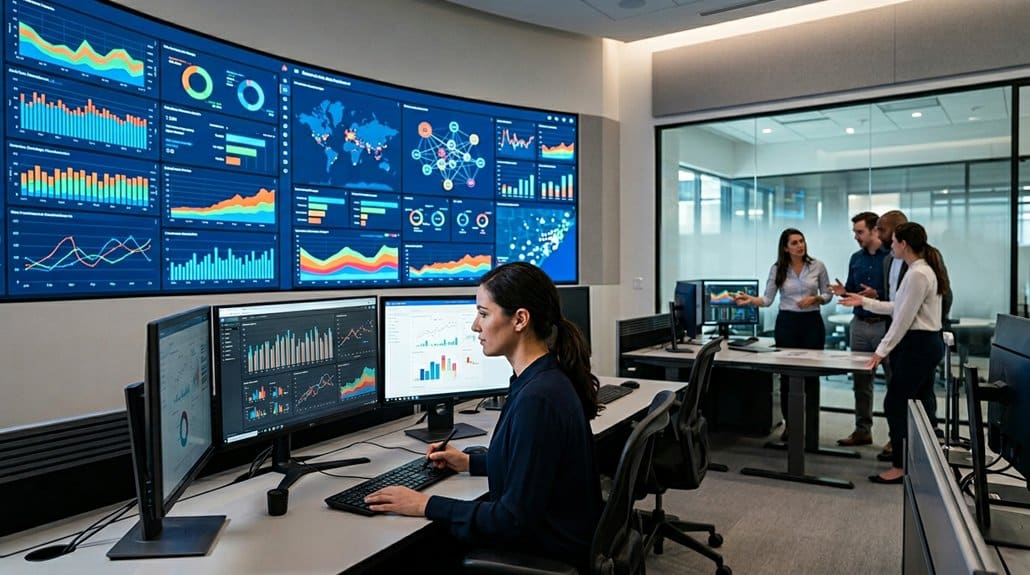
With Infogram, you can elevate team collaboration by visualizing data in real time, enabling synchronous content edits and minimizing unnecessary communication delays. Seamlessly integrating various data sources like Google Drive and MySQL not only streamlines data sharing but also guarantees your team stays aligned with real-time updates. This real-time visibility directly enhances engagement metrics by maintaining transparency and helping teams focus on key performance indicators.
Enhance Team Collaboration
When teams need to collaborate on digital signage projects, Infogram offers an efficient solution by enabling real-time data visualization and interaction. Infogram’s collaborative tools empower your team to streamline teamwork strategies, guaranteeing each member efficiently contributes to project goals. By allowing multiple users to edit projects simultaneously, you eliminate time-consuming email exchanges.
- Visibility tracking: Monitor who’s working on project elements, enhancing coordination.
- Pre-designed templates: Ascertain content adheres to brand guidelines, streamlining creation.
- Fast data integrations: Minimize manual data entry, boosting project efficiency.
- Content library access: Quickly source compliant images and videos, facilitating faster turnaround.
- Simultaneous editing: Leverage collective expertise without redundancies in efforts.
Infogram’s technical capabilities enhance team collaboration, simplifying complex project tasks, ensuring alignment, and boosting productivity.
Streamline Data Sharing
Harnessing real-time data visualization is critical for maximizing engagement in digital signage projects. Infogram excels at streamlining data sharing by enabling real-time updates, enhancing both data transparency and user accessibility. Integrate seamlessly with robust data sources like Google Drive or MySQL to eliminate tedious manual entry, guaranteeing swift data flow and reducing latency. Infogram’s customizable templates uphold brand consistency while aligning with project objectives, giving your visualizations a cohesive, professional edge. The platform promotes real-time collaboration, allowing multiple team members to simultaneously refine visualizations, effectively cutting down design iterations and optimizing workflow. By providing dynamic content updates, Infogram guarantees that your digital displays consistently present relevant, engaging information, thereby fostering continuous viewer engagement and informed decision-making.
Increase Engagement Metrics
Infogram transforms engagement metrics by visualizing them in real time, making it indispensable for teams requiring immediate insights into project performance. By integrating diverse data sources like Google Drive and MySQL, you can streamline engagement strategies, guaranteeing seamless tracking of metrics across campaigns. Automatic updates keep audiences connected with real-time insights, inviting timely audience feedback. Customizable templates help maintain brand coherence, crafting visualizations that captivate while adhering to your brand guidelines. Stay ahead of the curve with continuous learning about data visualization trends for maximizing your strategy’s effectiveness.
- Real-time data visualization enhances immediate project insight.
- Automatic updates ensure the most current data representation.
- Integrate Google Drive and MySQL for thorough metric tracking.
- Templates align with brand guidelines to engage audiences effectively.
- Access to data visualization trends supports strategy optimization.
Keep Your Team Innovative With Infogram’s Latest Features
Elevate your team’s creativity and efficiency with the cutting-edge features of Infogram, designed to foster innovation in digital signage. Harness the power of real-time collaboration to facilitate dynamic creative brainstorming sessions and innovation workshops. Infogram’s diverse pre-designed template library reduces graphic design bottlenecks, allowing your team to concentrate on impactful messaging. Stay ahead with continuous updates on new data visualization trends, guaranteeing your team remains at the forefront of technological advancements. Effortless data integrations with various formats enable seamless content management and real-time data utilization for compelling displays. Infogram’s team templates guarantee brand consistency while permitting innovative adaptations tailored to specific audience needs. These features position your team for sustained innovation and strategic digital signage execution.
Simplify Team and Project Management With Infogram
When managing complex digital signage projects, seamless collaboration becomes essential; hence, simplifying team and project management with Infogram proves indispensable. By leveraging Infogram’s Team or Enterprise accounts, you centralize project collaboration, enhancing project visibility and optimizing team dynamics. Real-time collaboration features eliminate inefficient email exchanges, empowering teams to edit content live.
Centralize collaboration with Infogram to enhance project visibility and streamline team dynamics for digital signage.
- Project Visibility: Infogram centralizes project data, providing a singular view for all stakeholders.
- Streamlined Team Dynamics: Real-time collaboration hones efficiency, refining team communication pathways.
- Consistent Branding: Customizable templates maintain adherence to brand guidelines.
- Efficient Data Integration: Automating data updates minimizes manual entry, enhancing logistical efficiency.
- Robust Content Library: Pre-curated assets speed up content sourcing, ensuring copyright compliance.
Simplify your digital signage workflow, keeping your team agile and aligned.
Best Practices for Communicating via Digital Signage
Efficient project management with Infogram sets a strong foundation for implementing digital signage communication strategies. Leveraging message clarity is paramount; make certain your signage conveys concise, crucial information to your employees, particularly in high-traffic areas. Utilize a one-page campaign brief to effectively define key messages and audience targeting, making certain communication remains sharp and focused. By strategically combining digital signage with SMS, you can enhance message reach and engagement, particularly for deskless and field employees, maintaining a high open rate. Regularly updating content and employing a detailed content strategy is essential to avoid outdated messaging and sustain employee interest. Finally, prioritize effective signage placement using visible design principles, making sure it resonates with your target audience for maximum impact.
Track and Analyze Your Digital Signage Success
Harness the capability of Infogram’s tracking tools to monitor and analyze your digital signage success with precision. By leveraging performance metrics, you’ll gain real-time insights into key performance indicators (KPIs), vital for evaluating your campaign’s efficacy. Infogram’s automation features swiftly detect content errors and adjust, optimizing digital signage campaigns for maximum impact. Seamlessly integrate with diverse data sources to extract and visualize data, facilitating campaign optimization and elevating return on investment (ROI).
- Monitor KPIs to assess digital signage effectiveness instantly.
- Automate error detection for improved content accuracy.
- Refine content strategies with data-driven insights over time.
- Visualize data easily through seamless systems integration.
- Document findings to inform future campaigns, fostering iterative improvements.
Refined strategies guarantee enhanced engagement and measurable outcomes.
Frequently Asked Questions
How Do You Configure Digital Signage on Teams Rooms?
To configure digital signage on Teams Rooms, install the Teams app on the device. Use content scheduling to manage multimedia content, set screen layouts through the interface, and guarantee stable network connectivity for consistent updates and communication.
Which Solutions Are Supported by Microsoft Teams Rooms on Windows With Digital Signage?
Microsoft Teams Rooms on Windows supports solutions like Power BI for dynamic data integration and content creation. Utilize customizable display options for smoother presentations, incorporating live data feeds and real-time updates to optimize your team’s collaboration and engagement.
How to Manage Digital Signage?
To manage digital signage effectively, explore if content scheduling influences audience engagement. Implement a CMS for streamlined scheduling, guarantee high-visibility placement, and perform regular audits. Train your team on technical maintenance to prevent disruptions and enhance communication.
Is Digital Signage Interactive?
Yes, digital signage is interactive, providing engagement strategies through interactive elements like touch-screen quizzes and surveys. It enhances user experience by integrating mobile devices, driving engagement, ensuring seamless user interactions, and offering real-time data to optimize content effectively.
Conclusion
As you navigate the dynamic world of digital signage, there’s one tool that promises to revolutionize your team’s workflow: Infogram. Can you imagine a platform that doesn’t just enhance branding consistency but also streamlines data integration and fosters real-time collaboration? Picture your projects completing seamlessly, your engagement metrics soaring, and your team perpetually innovating. Infogram isn’t just a tool—it’s the future of digital signage management. Are you ready to transform your visual communication strategy with unprecedented precision and clarity?