
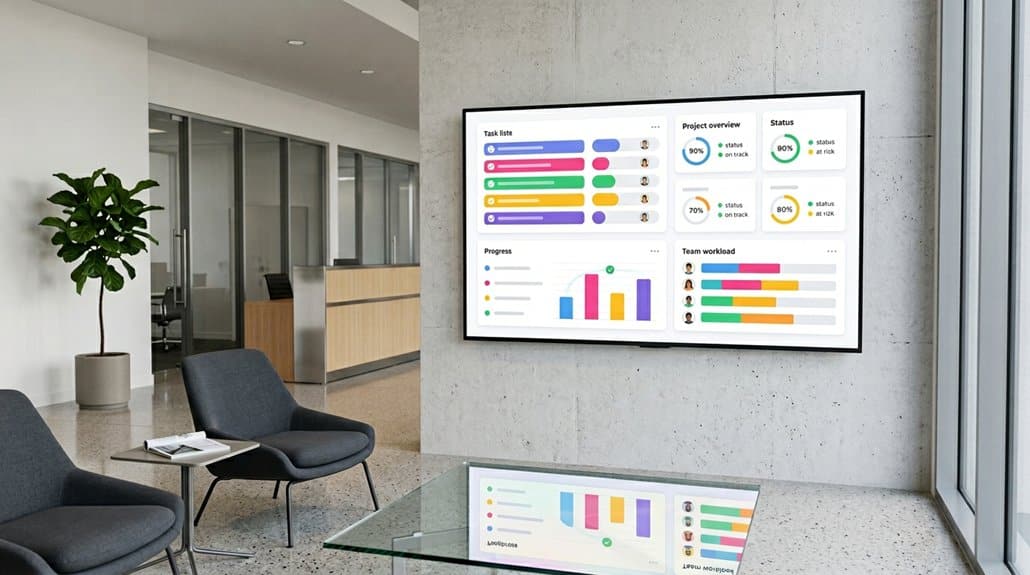
Integrating ClickUp with digital signage boosts productivity by streamlining workflows and centralizing task management, reducing tool complexity and fostering accountability with real-time updates. Enhance team collaboration through unified communication and automated task conversions. Customize your displays with tailored dashboards and widgets, ensuring ideal task visualization and engagement. Protect your content with robust security measures. Explore seamless integrations and automation features, maximizing efficiency and content impact. Continue to discover more compelling benefits with ClickUp.
Key Takeaways
- Integrate ClickUp dashboards in digital signage for dynamic updates and interactive presentations.
- Centralize real-time project updates visible to entire teams, improving team alignment and accountability.
- Use customizable dashboards for precise communication of specific metrics and workflow enhancement.
- Enhance task visualization and engagement with live data and role-based access controls.
- Automate updates and permissions to ensure security and save time on task management.
How Does ClickUp Transform Digital Signage?
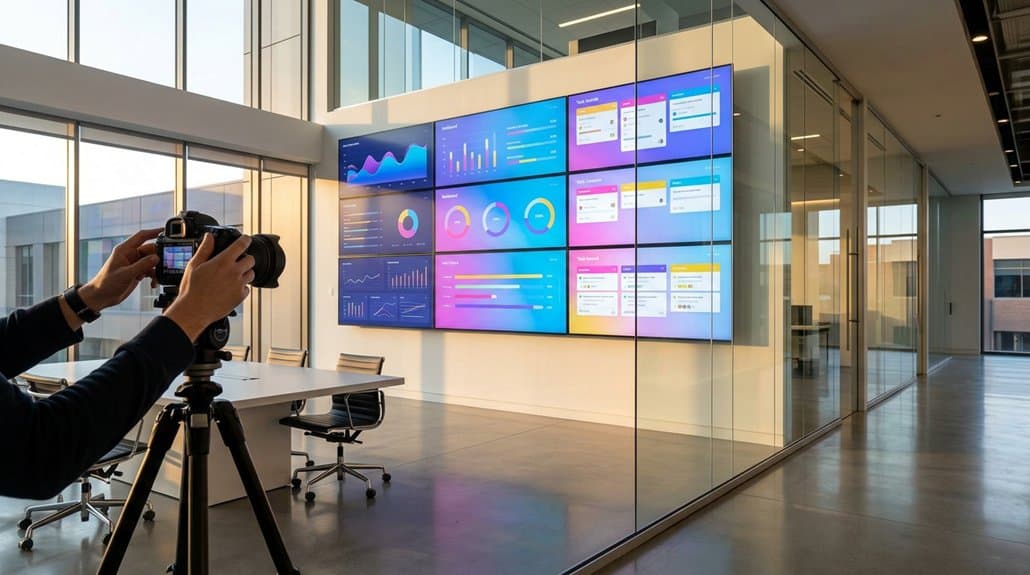
How exactly does ClickUp revolutionize digital signage? By integrating seamlessly with platforms like ScreenCloud, ClickUp enhances audience interaction and digital engagement strategies. Real-time project updates and task assignments become visible on larger screens, ensuring everyone’s on the same page. You can effortlessly embed ClickUp dashboards into digital signage, presenting key metrics, deadlines, and visualizations engagingly. Thanks to iFrame sharing, these updates are dynamic, eliminating the need for manual changes. ClickUp’s customizable dashboards allow you to tailor content based on specific metrics and projects, promoting focused communication. By showcasing Gantt charts or Kanban boards, your team can highlight various work aspects, thereby boosting engagement and clarity across your organization. Fundamentally, ClickUp transforms static displays into agile, interactive information hubs.
Streamline Processes With Centralized Workflow
With ClickUp, you can enhance workflow efficiency by centralizing task management, simplifying campaign execution and reducing tool complexity. Integrating ClickUp with your digital signage displays guarantees real-time updates, fostering accountability and minute-by-minute insights. By unifying communication and asset tracking, you’re aligning stakeholders and minimizing miscommunication, enabling quicker adaptation to market demands.
Enhance Workflow Efficiency
By integrating ClickUp into your digital signage displays, you centralize workflows, allowing your team to manage tasks, deadlines, and project updates within a single platform, greatly reducing the inefficiencies associated with toggling between multiple applications. This workflow optimization empowers your team by providing:
- Real-time project visibility: Maintain every team member is aligned with up-to-date information, reducing miscommunications.
- Transparency and accountability: Easily access workload distribution and task status for improved responsibility sharing.
- Enhanced decision-making: Use ClickUp dashboards to track KPIs and adjust workflows, boosting productivity.
- Streamlined processes: Optimize digital signage integration for better prioritization and workflow adjustments.
Such integration not only promotes transparency and efficiency but also enables more effective decision-making, improving overall team productivity.
Centralize Task Management
Building on workflow efficiency, centralizing task management in ClickUp offers a streamlined process by consolidating all project elements into one accessible location. By integrating ClickUp with digital signage, you’ll experience unparalleled project alignment and task prioritization. No more juggling disparate tools—real-time updates, deadlines, and assignments are all in one place, visible to the entire team. Customizable dashboards showcase workload distribution, allowing you to make informed decisions with ease. As priorities shift, task adjustments are made quickly across the board, minimizing misunderstandings and maximizing productivity. Automation within ClickUp further enhances this by updating task statuses and communicating deadlines without manual input. This consolidation guarantees your team stays focused and aligned, driving projects forward efficiently and effectively.
Enhance Team Collaboration With Clickup
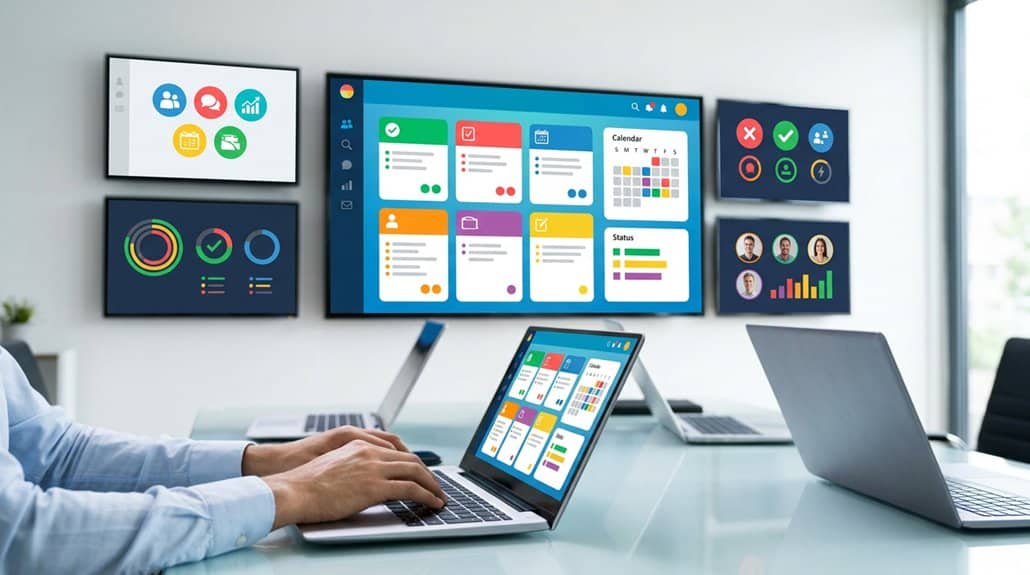
Transform your team’s collaboration dynamics through ClickUp’s cutting-edge tools and features. Perfect for remote teamwork and managing project updates, ClickUp offers an all-in-one solution.
Elevate team collaboration with ClickUp’s tools, ideal for seamless remote teamwork and streamlined project management.
- Integrated Communication Tools: Engage in real-time discussions linked to specific tasks, minimizing external emails and enhancing team alignment.
- Customizable Dashboards: Get a centralized view of team progress, making task management efficient and improving the transparency of project statuses.
- AI-Enhanced Collaboration: Automatically convert key discussion points into tasks to keep your projects on track without losing context.
- Visual Workflow: Utilize multiple views, such as Kanban and Gantt charts, to collaboratively adjust priorities and timelines.
With role-based access and granular permissions, guarantee everyone engages effectively with the right information, boosting collaboration effortlessly.
Leverage Real-Time Data and Reporting
While enhancing collaboration within your team, you shouldn’t overlook the power of using real-time data and reporting. ClickUp’s real-time reporting capabilities guarantee your digital signage always shows current and relevant information. By integrating your ClickUp dashboards, you can display live metrics and performance indicators that empower your team to quickly respond to changes and make informed, data-driven decisions. This access to real-time insights into workload and progress boosts accountability and dynamism within your work environment. Furthermore, ClickUp’s automated reporting features eliminate manual updates, streamlining the process of sharing essential insights. Making sure that stakeholders have visibility into the latest project updates and achievements fosters transparency and promotes seamless collaboration across teams, all through your digital signage displays.
Achieve Flexibility and Customization With Clickup
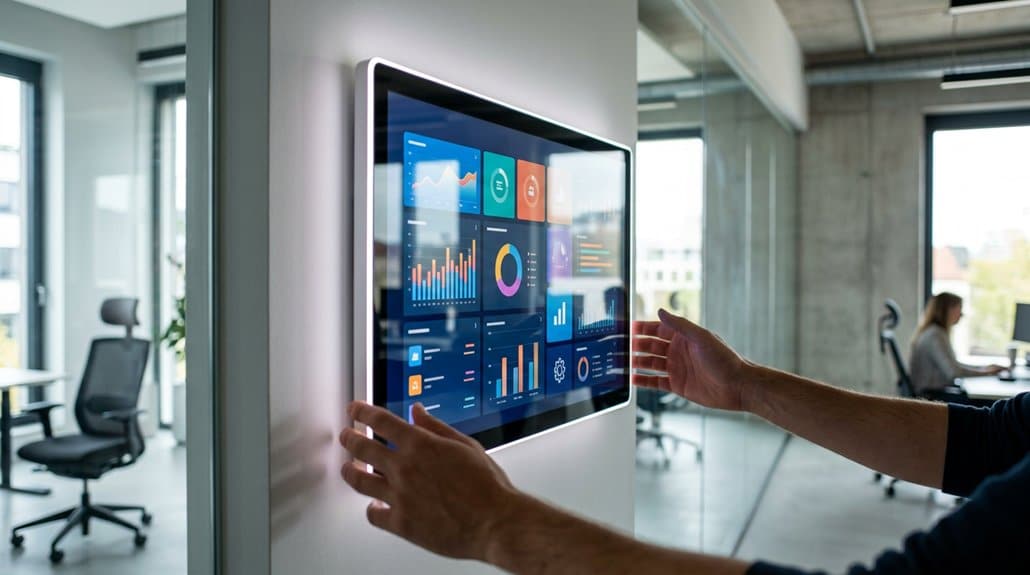
With ClickUp, you can achieve unparalleled flexibility in your digital signage displays through personalized dashboard options that reflect real-time project data. Tailor task visualization and integrate custom automation workflows to guarantee your team sees the most relevant information on large-format displays. By aligning dashboards with your company’s branding and objectives, ClickUp enables effective communication of project metrics and progress.
Personalized Dashboard Options
Although managing multiple projects can be a challenging task, ClickUp offers a dynamic solution with its personalized dashboard options, which empower teams to maintain flexibility and customization. Take advantage of custom widgets and dashboard layouts to create a visual representation that aligns perfectly with your organization’s needs. ClickUp’s features allow you to:
- Use the Add Card button to mix and match widgets like Task List and Workload by Status for tailored data displays.
- Utilize the customizable grid system to optimize layout flexibility and enhance focus on essential metrics.
- Incorporate text blocks for context, clarifying the significance of presented information.
- Benefit from real-time updates on digital signage displays, providing instant visibility of task statuses and project progress without manual intervention.
Tailored Task Visualization
As you endeavor for greater agility and efficiency, tailored task visualization in ClickUp empowers you to optimize your digital signage displays by focusing on the most relevant project information. By customizing dashboard widgets, you guarantee your visual display showcases only essential data. Leverage ClickUp’s integration with ScreenCloud to visually present dashboards, highlighting real-time task statuses and team workload effectively.
With flexible options to embed Task Lists and Gantt charts, you’ll enhance task engagement by displaying dynamic, real-time updates. Use ClickUp’s grid system to organize widget layouts, meeting specific branding and visibility needs on larger screens. Additionally, customizable fields guarantee your digital signage reflects the most current insights, keeping your team aligned and proactive in task management.
Custom Automation Workflows
Harness the power of ClickUp’s custom automation workflows to transform your project management efficiency. By embracing task optimization and workflow customization, you’ll streamline operations and maximize productivity. Here’s how ClickUp can revolutionize your processes:
- Streamline Processes: Automate repetitive tasks based on status changes or trigger events to greatly enhance efficiency.
- Reduce Manual Entry: Utilize AI Fields to analyze context and automatically populate custom fields, boosting accuracy in task management.
- Design Unique Workflows: Tailor workflows to your team’s operations with conditional triggers and notifications, making certain projects stay on track.
- Integrate with Tools: Use platforms like Zapier for seamless task creation and synchronization, enhancing data management and maintaining consistency.
Leverage ClickUp to adapt swiftly to project demands, optimize resources, and make sure timelines are met.
Visualize Tasks More Effectively
Imagine transforming your team’s task management efficiency with ClickUp on digital signage displays. By utilizing ClickUp dashboards, you can boost task clarity and visual engagement. Real-time visual access to Gantt charts and task lists keeps everyone aligned, minimizing miscommunication and enhancing accountability. Integrations with platforms like ScreenCloud bring these customizable views to life, delivering a clear understanding of ongoing projects at a glance.
Displaying live updates encourages better decision-making and productivity by engaging team members with critical tasks prominently in view. As tasks evolve, the dynamic flow of information allows for quick adjustments to project plans, thereby optimizing overall performance. Overall, ClickUp’s integration with digital signage cultivates a focused and efficient collaborative environment where everyone is on the same page.
Which Tools Integrate Seamlessly With Clickup?
When enhancing your team’s productivity and project management, the seamless integration capabilities of ClickUp make it a powerhouse. With compatibility spanning over 1000 tools, ClickUp’s ability to integrate facilitates impressive workflow enhancement and data synchronization. You’re able to streamline tasks and maximize efficiency using the following integrations:
ClickUp’s integrations streamline tasks, boost productivity, and synchronize data effortlessly across numerous platforms.
- Slack Integration: Boosts team communication by embedding task updates directly.
- Zoom Collaboration: Enhances virtual meetings with real-time document access.
- Microsoft Teams: Facilitates cohesive team discussions and updates within the platform.
- Google Workspace: Allows seamless access and management of documents across projects.
Secure Your Display Content With Permissions
Although managing digital signage content effectively is essential, ensuring its security is equally important. With ClickUp, you can set up granular content permissions on your digital displays. This means only authorized team members can access or modify sensitive display content, enhancing your display security. Leveraging role-based access control lets you prevent unauthorized changes to your digital signage. You’ll have the flexibility to customize permission levels for each user, tailoring who can view, edit, or share project views embedded on displays. Utilizing ClickUp’s two-factor authentication adds another layer of protection, minimizing the risk of unauthorized access to sensitive data. With these robust display security features, your team can confidently share real-time project updates without fearing information leaks.
Optimize Efficiency Using ClickUp’s Automation Features
By using ClickUp’s automation features, you can streamline task management and save 2-3 hours per week per user, greatly boosting your team’s productivity. Automatic task assignments based on project status changes guarantee timely updates, while real-time data integration keeps your digital signage displays current without the need for manual input. With these automations, you’re not just managing tasks more efficiently; you’re also optimizing communication and engagement, enhancing your overall digital signage strategy.
Streamline Task Management
Harness the power of ClickUp’s automation features to streamline task management and boost efficiency. You can guarantee task updates are immediate with automation that assigns tasks based on status changes. This reduces manual intervention, minimizing potential errors in task management. ClickUp’s notification triggers enhance accountability, keeping everyone informed about critical updates without relying on cumbersome email chains.
By integrating these capabilities, you:
- Save time by automating repetitive tasks like updating project statuses.
- Boost collaboration with tools integration via Zapier, automatically pulling tasks for seamless data management.
- Use conditional workflows for real-time task notifications, enhancing team coordination.
- Visualize all automated tasks and their statuses through customizable dashboards, fostering better task tracking across your digital signage displays.
Capitalize on these features to optimize your operations effectively.
Enhance Workflow Productivity
When you harness ClickUp’s automation features, you activate powerful tools to enhance workflow productivity, simplifying repetitive tasks that would otherwise consume valuable time. Teams can save between 2-3 hours weekly per member by automating task assignments based on project status changes, ensuring real-time notifications to keep everyone engaged. This seamless integration minimizes manual updates, which can lead to improved accountability tracking and workflow efficiency. Additionally, ClickUp’s conditional workflows trigger notifications or actions based on specific criteria, ensuring no important steps are missed in digital signage campaigns. By integrating with tools like Zapier, you maintain an effortless data flow between ClickUp and other apps, ensuring information displayed is current and relevant. This boosts both project completion speeds and promotional strategy effectiveness.
How Can ClickUp Maximize Your Content Impact?
How effectively are you leveraging your team’s tools to boost digital signage content? With ClickUp, you can transform your content strategy and amplify audience engagement seamlessly. Here’s how ClickUp maximizes your content’s impact:
- Customizable Dashboards: Track project progress and visualize workload in real-time to guarantee displays are updated with fresh content.
- Seamless Integration: Embed ClickUp views using ScreenCloud for enhanced project data presentation, promoting team transparency.
- Task Management: Assign specific tasks for content creation and updates, improving accountability and boosting efficiency.
- AI Tools: Utilize ClickUp Brain to generate content and streamline workflows, ensuring impactful promotional messages.
Harnessing ClickUp’s centralized workspace lets you plan, execute, and measure campaigns effectively, aligning content strategically across multiple digital channels.
Frequently Asked Questions
What Are the Benefits of Using Clickup?
You’re leveraging ClickUp’s task management and productivity tools to consolidate workflows, save time, and improve efficiency. With customizable dashboards and real-time collaboration, you’ll optimize project management, streamline communication, and gain invaluable clarity on tasks and deadlines.
Is There Anything Better Than Clickup?
Yes, depending on your needs, task management alternatives like Asana or project collaboration tools like Monday.com might suit you better. They offer user-friendly interfaces or advanced real-time collaboration features that could surpass ClickUp in specific aspects.
Who Is Clickup Best For?
ClickUp’s perfect for small to medium teams needing efficient task management and remote collaboration. Its features, like automation and integrations with Zapier, streamline workflows, making it ideal for marketing agencies and geographically dispersed remote teams.
What Are the Benefits of Digital Signage?
Imagine your message becoming the life of the party. Digital signage gives you that magic touch, enhancing engagement with visually alluring content and providing real-time updates that keep your audience informed and intrigued, all while cutting costs.
Conclusion
By integrating ClickUp, you’re not just enhancing your digital signage, you’re initiating a journey akin to Odysseus steering through the complexities of the digital age. With streamlined workflows, enriched collaboration, and real-time insights, it’s like wielding a modern philosopher’s stone for your content strategy. Leverage seamless integrations, robust security, and automation to guarantee your message not only reaches its destination but leaves an indelible impact. Embrace ClickUp, and transform your digital signage into a dynamic storyteller.