
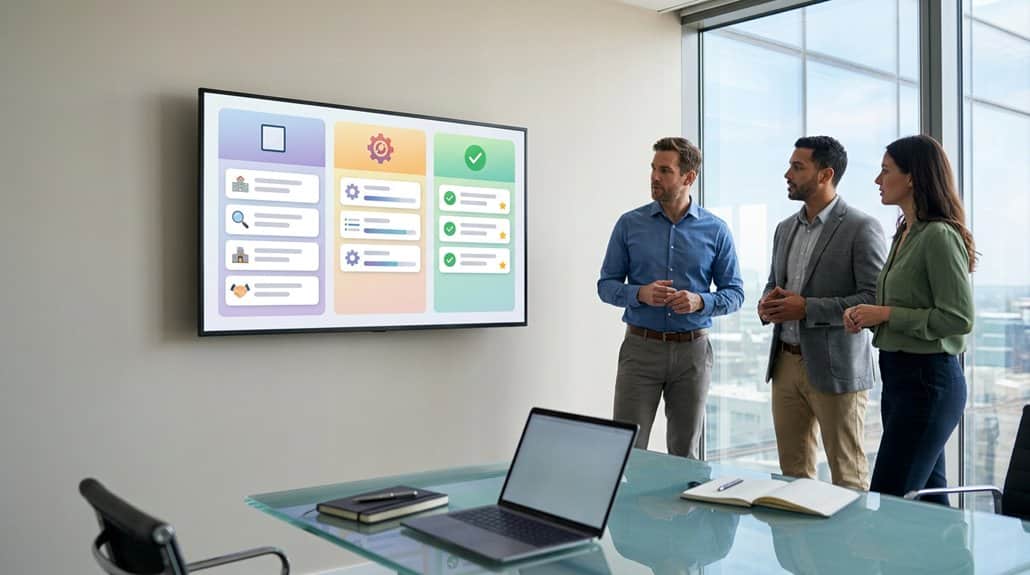
Digital signage screens revolutionize team communication by displaying real-time task checklists that boost accountability and streamline workflows. You’ll find that interactive features like touch screens and gamification drive engagement and motivation among team members. With real-time updates, there are no misunderstandings about priorities or deadlines. Tailored content for specific departments guarantees that all teams stay aligned with their goals. Explore further to understand how this cutting-edge approach can transform your workplace efficiency.
Key Takeaways
- Real-time accessibility to task checklists ensures team alignment and minimizes confusion.
- Digital signage displays provide visual reminders, boosting task clarity and responsibility.
- Color-coded visuals and countdowns enhance awareness of priorities and approaching deadlines.
- Regular updates on digital screens drive engagement and maintain task relevance.
- Centralized visuals optimize workflow efficiency and reduce the need for manual information searching.
How Digital Signage Elevates Task Awareness in Workplaces
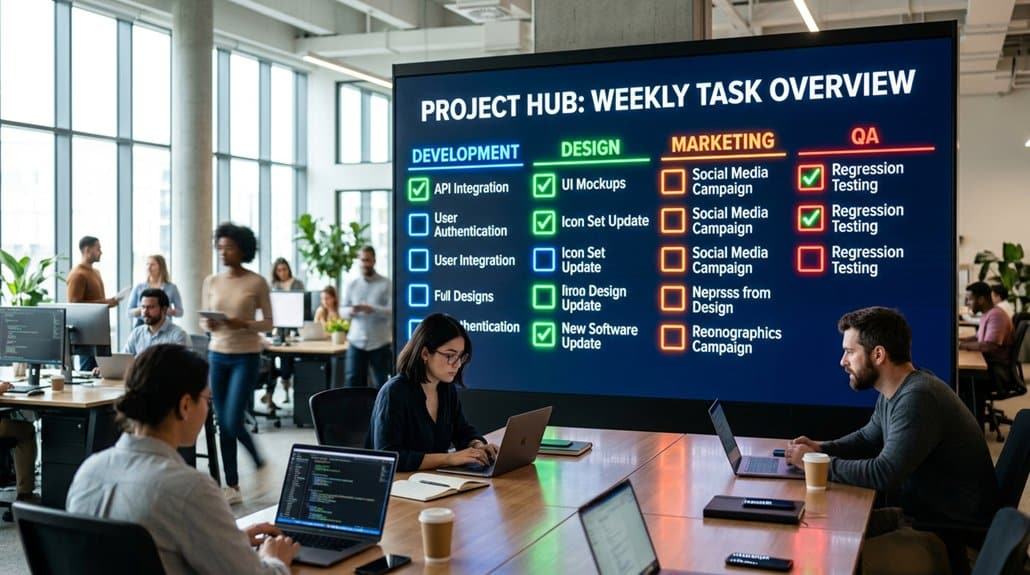
In today’s fast-paced workplaces, digital signage is revolutionizing task awareness by providing real-time accessibility to task checklists. Task visualization through centralized screens guarantees team alignment and minimizes confusion over responsibilities. These displays serve as powerful engagement strategies by delivering visual reminders and reducing priority misunderstandings. The immediate availability of task lists promotes employee focus, which is critical in high-pressure environments.
Dynamic updates on digital signage enhance information flow, allowing for quick communication of task adjustments. This guarantees your team remains agile and accountable for their deliverables. Research backs that visual communication embedded into these systems bolsters information retention, which correlates with higher task completion rates. By optimizing engagement through strategic task visualization, your team can maintain peak efficiency and effectiveness in project execution.
Using Checklists to Streamline Project Management
You can’t underestimate the power of digital signage checklists in boosting team accountability and enhancing task clarity in project management. By providing real-time updates and visual cues, these checklists guarantee everyone knows exactly what’s expected and when tasks are due. As a result, your team can focus more on executing their responsibilities efficiently, reducing miscommunication and fostering a culture of transparency.
Boost Team Accountability
While optimizing project management can seem intimidating, incorporating checklists on digital signage screens is a strategic move to boost team accountability. By displaying real-time task checklists, you guarantee clarity of responsibilities and deadlines, strengthening responsibility ownership. This visual approach to project tracking not only enhances team motivation but also cultivates a culture steeped in collaboration. With progress charts and checklists prominently featured, you’re enabling your team to track completion rates efficiently, which is essential in meeting project milestones.
Moreover, the interactive feature allowing team members to mark tasks as completed provides immediate feedback, mitigating ambiguity and fostering accountability. Regular updates on task achievements visible on digital signage reinforce team effort, promoting sustained motivation and reducing reliance on lengthy verbal updates.
Enhance Task Clarity
Leveraging digital signage screens for task checklists not only boosts team accountability but also greatly enhances task clarity by streamlining project management. By visualizing tasks with checklist organization, you promote task transparency, ensuring everyone stays aligned. Real-time updates on digital displays reduce confusion and clarify individual and collective duties, optimizing efficiency. This method not only facilitates immediate task tracking and status updates but also provides centralized, effortless access to critical project info, fostering collaboration.
| Feature | Benefit | Result |
|---|---|---|
| Real-time Updates | Improved Task Visibility | Enhanced Task Transparency |
| Visual Checklists | Clear Duty Outlines | Reduced Confusion |
| Centralized Access | Unified Information Source | Greater Team Collaboration |
Promoting Accountability With Shared Displays
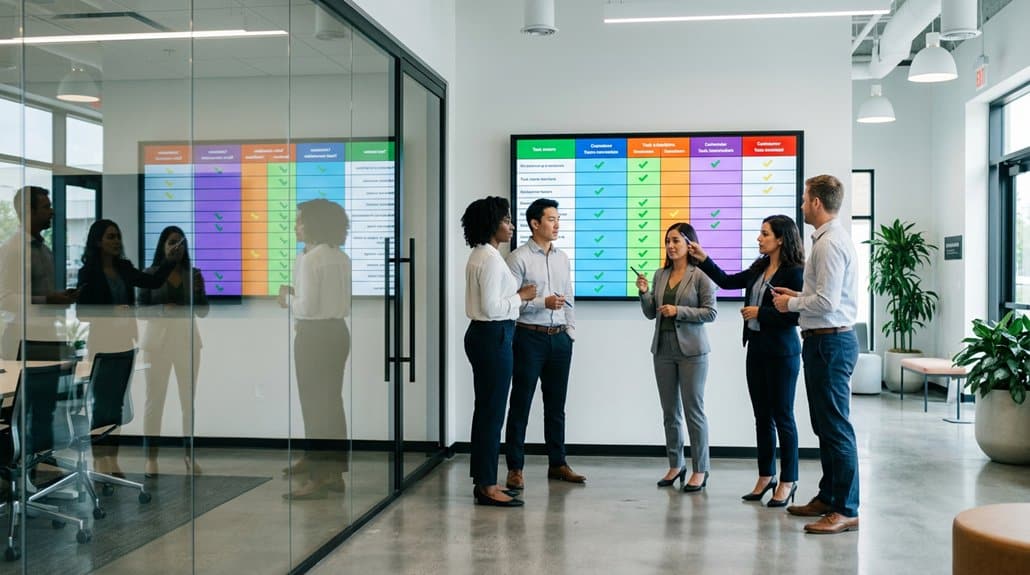
Incorporating shared displays in your workflow fosters a heightened sense of accountability among team members by clearly presenting task checklists. With digital inclusion at its core, centralized digital signage enhances teamwork dynamics by making responsibilities visible to everyone. This real-time visibility guarantees that all members are aligned on their tasks, reducing miscommunication and keeping current priorities in focus. As digital screens consistently update, clarity is further reinforced, minimizing confusion and enabling quick references to obligations.
Furthermore, displaying progress on shared task lists cultivates a culture of transparency and collaboration, amplifying team contributions towards collective goals. Regular updates serve as motivational tools, driving members to complete tasks promptly. Ultimately, such visibility not only boosts group accountability but also enhances productivity across the board.
How to Keep Deadlines Visible for Everyone
Shared displays are a powerful tool for reinforcing accountability by making tasks visible and fostering collaboration. By integrating deadline reminders prominently on digital signage screens, you guarantee that timelines are always front and center for your team. Utilize real-time countdowns to keep everyone aligned and aware of approaching deadlines. Regularly update the task checklist on the screens with highlighted due dates, which emphasizes priority tasks and bolsters team alignment. Adopting color-coded visuals can help differentiate between urgent deadlines, upcoming tasks, and completed items, enhancing clarity. Additionally, progress bars alongside due dates visualize goal tracking, illustrating how collective efforts drive project success. Finally, schedule regular announcements via digital signage to proactively remind team members of imminent deadlines, guaranteeing nothing slips through the cracks.
Facilitating Instant Updates With Digital Signage
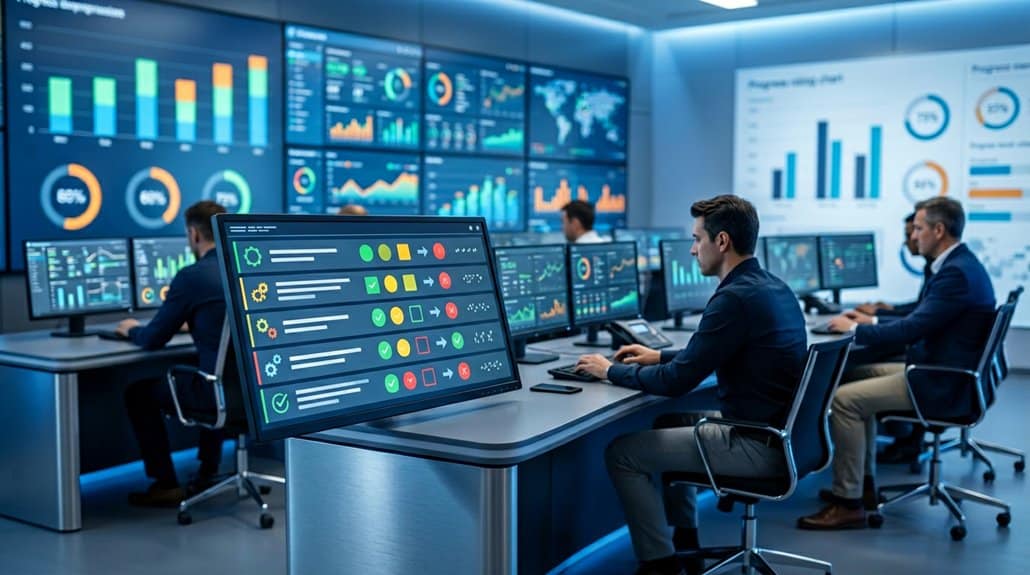
When real-time communication is essential, digital signage emerges as a tool of unparalleled significance in managing workplace dynamics. Leveraging real time notifications, these systems guarantee your team is instantly aware of responsibility shifts. The integration of real-time digital task checklists not only enhances transparency but also boosts visual engagement, assuring everyone’s aligned with current priorities.
| Benefit | Feature |
|---|---|
| Swift Reaction to Changes | Real-Time Notifications |
| Enhanced Accountability | Visible Task Checklists |
| Improved Clarity | Visual Organization |
| Transparent Communication | Shared, Up-to-Date Information |
Boosting Engagement via Interactive Content
As digital transformation reshapes workplace communication, integrating interactive content in digital signage is swiftly becoming a cornerstone for enhancing employee engagement. By leveraging interactive features like touch screens, you’re able to transform traditional task checklists into dynamic tools. Real-time interaction fosters a deeper understanding and ownership of responsibilities, bridging the gap between digital and manual task management. Through visual storytelling, engaging visuals coupled with user interactions considerably boost information retention. This empowers you to not only recall tasks effectively but also execute them with efficiency. Incorporating gamification, such as progress bars or completion rewards, adds a motivational layer, driving team momentum towards milestones. Regular updates keep the content fresh, ensuring your team remains informed and actively participatory.
Tailoring Content for Teams and Departments
You can optimize the impact of digital signage screens by developing customized messaging strategies that reflect the unique objectives of each department. Implementing department-specific content plans allows for targeted communication, ensuring that team members engage with relevant information. Involving your teams in collaborative content creation not only enriches the material but also promotes ownership and enhances the effectiveness of digital signage in achieving organizational goals.
Customized Messaging Strategies
Implementing customized messaging strategies can greatly enhance internal communication by tailoring content to specific teams and departments. By focusing on messaging personalization, you guarantee that each team gets the information they need without the clutter of unnecessary data. This specificity boosts team engagement by making the content relevant and engaging. Consider the following steps:
- Role-Based Access: Use content management systems with role-based access to deliver pertinent messages tailored to each team’s functions.
- Interactive Displays: Leverage interactive screens to gather feedback, allowing ongoing refinement of messaging that meets team needs.
- Visual Personalization: Include visual elements, like team logos and color schemes, in task checklists to strengthen team identity and foster inclusion.
These strategies enhance the effectiveness of your digital signage solutions.
Department-Specific Content Plans
Ever wondered how to optimize digital signage to align perfectly with departmental aspirations? Tailoring content on digital signage screens to match each department’s goals enhances department engagement. By displaying visual checklists of departmental goals, tasks, and deadlines, team members receive contextually relevant information, essential for keeping them informed and aligned. Engaging department heads in content creation guarantees content alignment with team priorities, fostering ownership and investment in digital communications. Regular updates keep the content fresh, relevant, and focused on ongoing projects and performance metrics. In addition, implementing a standardized format for department-specific content guarantees seamless navigation and comprehension. This strategy bridges communication gaps, maintains focus, and propels departmental success in the evolving digital workplace.
Collaborative Content Creation
Optimizing digital signage to align with departmental aspirations naturally leads to exploring collaborative content creation. Embrace cross department collaboration by involving various teams in crafting content specifically geared towards their objectives. Establish effective content curation strategies by implementing these approaches:
- Streamlined Submission Process: Make it easy for all departments to contribute, even if they’re not tech-savvy, by using a simplified process.
- Shared Folders & Guidelines: Utilize shared folders and clear guidelines, ensuring uniformity across submissions, and simplifying management.
- Engagement through Competition: Foster an environment of dynamic participation with friendly contests or recognition programs to enhance content variety.
These strategies drive a focused, engaging, and inclusive digital signage experience, fostering a sense of ownership and relevance in the displayed information.
Reducing Information Overload With Visuals
Sometimes, simplifying complexity starts with how information is presented. In the fast-paced work environment, visual task checklists displayed on digital signage screens effectively reduce visual clutter, ensuring employee focus remains sharp. By employing bullet points, icons, and color-coding, digital screens highlight important updates without overwhelming staff. With real-time updates, these displays guarantee that everyone is synchronized with immediate priorities and vital deadlines, minimizing potential confusion.
Transforming to-do lists into visual formats not only promotes transparency but also enhances accountability across teams. Trust in digital signage to communicate seamlessly—eschewing lengthy emails and scattered reminders—empowers a collective understanding and tracking of tasks. Interactive, engaging content naturally captures employee attention, greatly boosting retention and comprehension of essential responsibilities in today’s digital-era workplace.
Centralizing Information for Efficient Workflows
Visuals have paved the way for more streamlined information sharing by simplifying complex data, but the next step is integrating that information in a centralized, easily accessible format to enhance workflow efficiency. By utilizing digital signage screens, you can achieve significant workflow optimization through information aggregation. Here’s how:
- Real-time Updates: Centralizing task checklists allows team members to see real-time status updates on responsibilities and deadlines, promoting alignment with project goals.
- Enhanced Communication: Digital displays minimize the need for manual information searching, offering instant access to tasks and priority items, thereby boosting efficiency.
- Accountability and Coordination: Automating task list displays empowers your team with the ability to track progress seamlessly, facilitating transparency and encouraging faster decision-making.
Adopting this approach guarantees more efficient team collaboration and productivity.
Frequently Asked Questions
Does Teams Do Digital Signage?
Yes, Teams supports digital signage, fostering effective communication and enhancing team collaboration. By leveraging technology trends, you can streamline task management, ensuring all members stay updated with interactive displays, improving project transparency and efficiency in real-time.
How to Keep Team Members Informed?
To keep team members informed, prioritize robust communication strategies and enhance team engagement through cutting-edge digital platforms, real-time updates, and interactive tools. Leveraging trending technologies guarantees everyone stays aligned, informed, and motivated toward mutual goals effectively.
How to Manage Digital Signage?
To manage digital signage effectively, utilize a robust content management system for effortless scheduling. Confirm real-time screen updates to maintain information accuracy. Stay trend-aware by consistently reviewing engagement metrics and integrate employee training for seamless content contributions.
What Enhancements Does Digital Signage in Teams Rooms on Windows Enable?
Digital signage in Teams Rooms symbolizes a beacon of innovation, enabling content customization with precision, and harnessing engagement metrics. These enhancements turn ordinary data into dynamic visual narratives that captivate, ensuring your team’s communication stands at the forefront of industry trends.
Conclusion
Leveraging digital signage transforms team dynamics by visually centralizing key project information. Did you know that 65% of people are visual learners? Incorporating task checklists and project updates on digital screens not only enhances awareness but also promotes accountability. By displaying deadlines and instant updates in high-traffic areas, you keep everyone on the same page without overwhelming them with information. This trend of using digital visuals effectively boosts engagement and streamlines workflow across departments, maximizing operational efficiency.