

By syncing calendar events with digital signage, you convert static displays into dynamic, real-time dashboards, boosting communication and operational efficiency. Automatic updates guarantee event schedules, synced with Google or Outlook, reflect the latest changes, eliminating manual updates and reducing misunderstandings. Tailor views to your needs—daily, weekly, or monthly—with interactive, color-coded layouts that engage your audience and align with your brand. Discover the potential of seamless integration to further enhance workplace efficiency.
Key Takeaways
- Calendar integration ensures digital signage reflects real-time updates, making it a dynamic information source.
- Syncing with Google or Outlook calendars allows diverse, real-time content formats to display crucial event information.
- Automated updates eliminate manual management, ensuring digital signage remains accurate and relevant.
- Interactive dashboards improve communication by showcasing performance metrics and upcoming events.
- Dynamic displays enhance visibility and engagement, fostering seamless information flow and increased workplace motivation.
How Calendar Events Transform Digital Signage
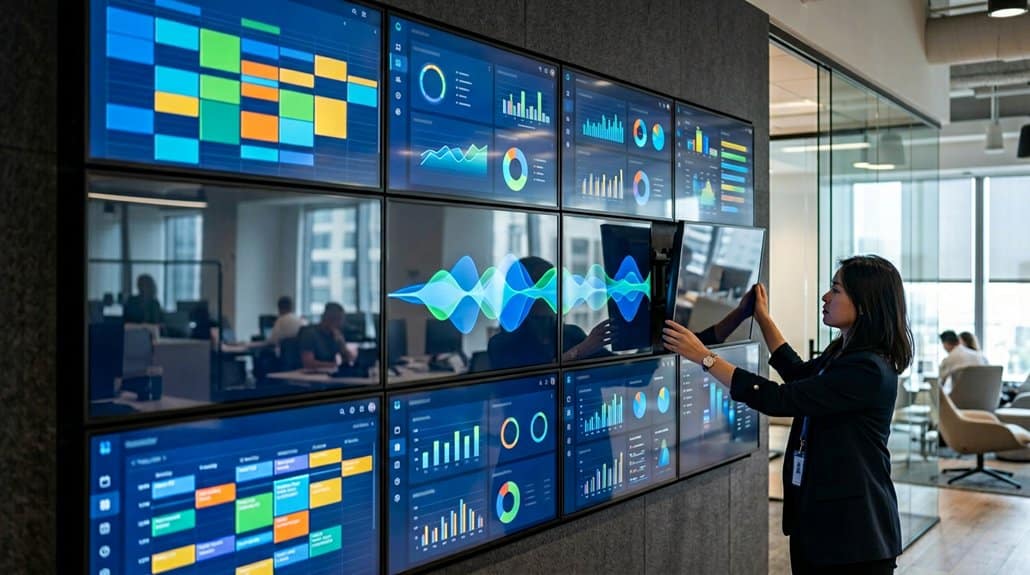
With the seamless integration of calendar events into digital signage, businesses can elevate their operations by guaranteeing real-time updates that enhance efficiency and engagement. By automatically reflecting changes in meeting times and event schedules, you guarantee superior event visibility, keeping everyone informed. Digital signage systems synced with tools like Google or Outlook calendars remove the manual update hassle, offering constant, up-to-date information in visually enchanting formats. This automation amplifies audience engagement by drawing viewers in with dynamic content, ultimately boosting attendance rates for meetings and events. Tailored displays, complete with countdowns and integrated views, align with organizational needs and branding, making certain your message stands out. Utilizing these systems, you’ve set the stage for operational efficiency and consistent communication of essential details.
Reaping the Benefits of Real-Time Digital Signage in Your Workplace
Moving from event-focused enhancements, the impact of real-time digital signage on workplace efficiency becomes evident. By displaying auto-updating content, you guarantee communication improvement and reduce misunderstandings. When calendar events update automatically, employees access the latest information about meetings and deadlines without manual input. This real-time accuracy not only bolsters employee engagement but also keeps everyone aligned on company happenings. Digital signage goes beyond static displays, turning into interactive dashboards that showcase performance metrics and upcoming events. This feature adapts to unique workplace needs, whether it’s displaying health notices or class schedules. By fostering an environment where information flows seamlessly, you improve both productivity and motivation, leading to a more dynamic and well-informed workplace culture.
Seamless Calendar Integration With Google and Outlook
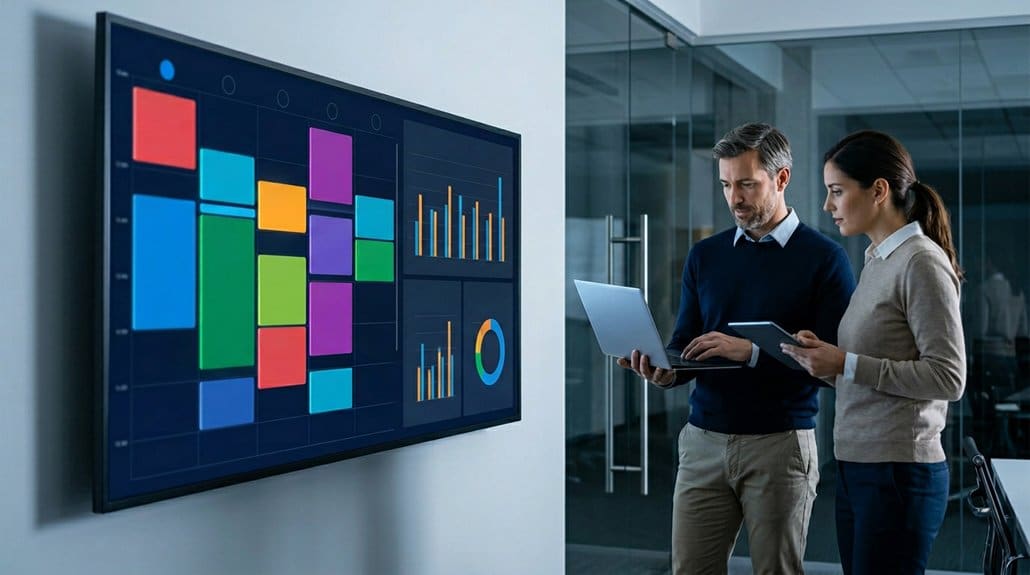
Imagine a workplace where communication hurdles and scheduling mishaps are almost nonexistent. Seamless integration with Google and Outlook calendars enhances this reality through calendar synchronization and digital signage integration. Automatically sync real-time event updates directly to your displays, ensuring information is always current. Connect multiple calendar feeds in ScreenCloud for flexibility, showcasing different departments’ schedules simultaneously. This integration accommodates diverse viewing preferences via daily, weekly, or monthly formats, catering to varied audience needs. Additionally, import external calendars using iCalendar (.ics) files to display third-party events alongside internal schedules. With automatic updates whenever events are added or modified, manual content management becomes a thing of the past. Elevate your workplace efficiency and communication with these advanced integration capabilities.
Design Tips for Eye-Catching Digital Wall Calendars
Crafting an eye-catching digital wall calendar requires strategic design choices and a keen understanding of viewer engagement. Use visual hierarchy by incorporating oversized dates and month overviews. This setup, combined with event lists and countdown timers, enhances visibility and attracts attention to key items. Event accessibility is boosted by using color coding and branding elements, allowing viewers to quickly identify relevant information. Facilitate diverse calendar views by utilizing multiple widget layouts, preventing overcrowding. Keep your content dynamic with real-time updates linked to Google or Outlook calendars. Finally, maintain simplicity with clean visuals and legible fonts for quick comprehension. Here’s a quick design tip overview:
| Design Strategy | Purpose |
|---|---|
| Oversized Dates | Enhances visibility |
| Color Coding | Eases event identification |
| Multipurpose Layouts | Offers flexible calendar views |
Boost Efficiency With Smart Automation Features
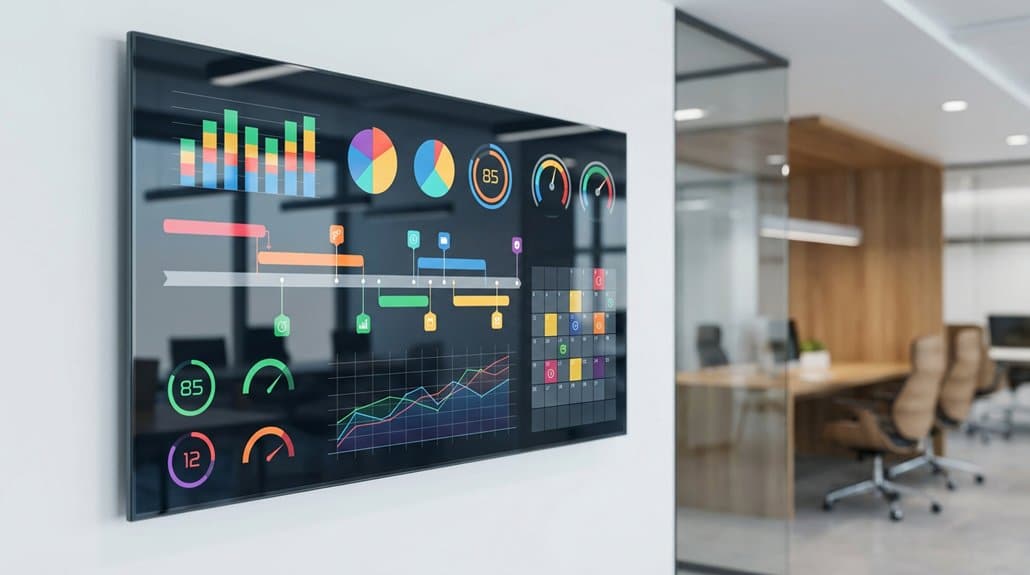
After perfecting eye-catching digital wall calendars, let’s focus on maximizing efficiency with smart automation features in your digital signage. Leveraging tools like Zapier, you can integrate Google or Outlook calendars to automate real-time updates. This guarantees that content consistency is maintained as new events are seamlessly added without manual intervention. Smart automation not only keeps your digital signage content fresh but also boosts visitor engagement with automated greetings, enhancing their overall experience.
Frequently Asked Questions
How Do Digital Signage Dashboards Handle Sensitive Calendar Information Securely?
Digital signage dashboards secure sensitive calendar information through data encryption, ensuring data protection. You’ll use user authentication to control access, providing a robust method to guarantee that only authorized users interact with the confidential data displayed.
Can Calendar Events From Multiple Teams Be Displayed on a Single Dashboard?
Yes, you can put all your eggs in one basket by displaying calendar events from multiple teams on a single dashboard. Event synchronization fosters seamless team collaboration, ensuring everyone’s always on the same page efficiently.
What Hardware Is Required to Set up Digital Signage for Live Dashboards?
You’ll need a reliable display technology, like an LED screen or smart TV, and a computing device to run the user interface software. It’s vital for ensuring seamless updates and compatibility with your live dashboards for efficient data-driven display.
How Frequently Do the Calendar Events Update on Digital Signage?
Isn’t it coincidental how smoothly life aligns with digital updates? You’ll find calendar events typically update every 5 to 15 minutes on digital signage, depending on your system’s settings for event frequency and update intervals for accuracy.
Is There a Limit to the Number of Events That Can Be Displayed at Once?
Yes, there’s often a limit to prevent visual clutter and guarantee content remains clear. Event display limits vary according to your system configuration, but they’re vital for effectively managing multiple events without overwhelming the audience’s visual experience.
Conclusion
Imagine your workplace’s digital signage as a dynamic conductor, orchestrating a symphony of real-time information. By integrating with calendar tools like Google and Outlook, you’ll harness the power of seamless data flow, transforming static visuals into vibrant, live dashboards. Design with purpose and automation, and you’ll watch efficiency soar as your team stays on the same page. Don’t just display information—let your digital signage communicate and engage, turning data into action.