

With Tableau, you can transform digital signage into dynamic live dashboards by using visual analytics to convert raw data into interactive, real-time storytelling frameworks. The process involves generating actionable insights and boosting productivity by up to 25% with automated updates. Customization aligns dashboard displays with specific departmental needs, enhancing engagement by 22%. Real-time data visualization promotes smarter decisions and improved performance metrics. Explore further to discover how this transformation maximizes communication efficiency and employee involvement.
Key Takeaways
- Tableau transforms raw data into interactive visual narratives, creating dynamic and live dashboards for digital signage.
- Real-time updates through Tableau enhance decision-making by providing immediate access to critical data on digital displays.
- Tableau dashboards automatically refresh, ensuring digital signage always showcases the most current information seamlessly.
- Integration with platforms like RocketScreens enables live dashboard updates for more engaging digital signage content.
- User authentication and encryption methods in Tableau safeguard data, ensuring secure digital signage displays.
The Power of Tableau in Signage
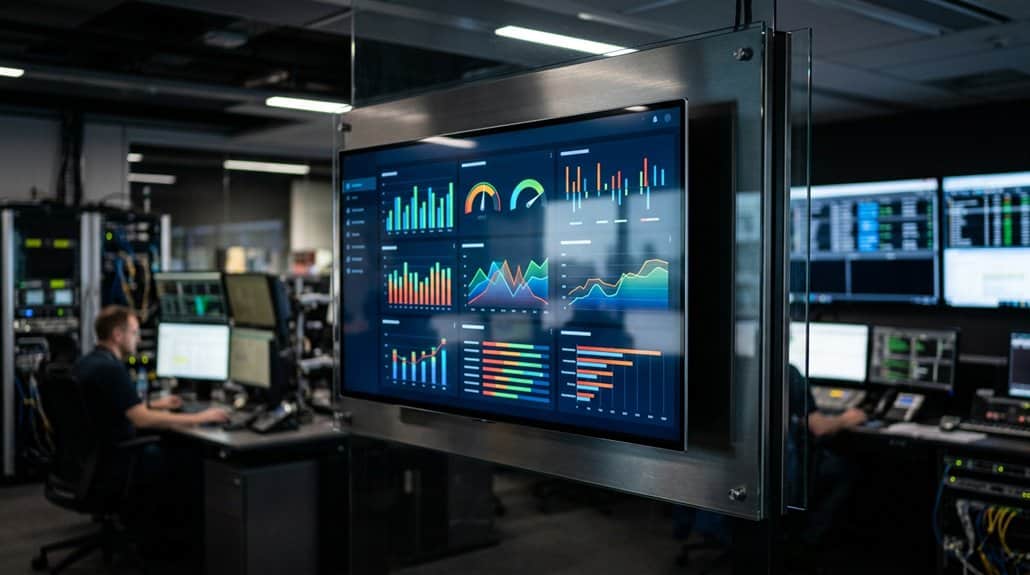
While businesses increasingly aim for efficiency and engagement, the power of Tableau in digital signage offers a cutting-edge solution. By transforming raw data into interactive storytelling frameworks through its visual analytics prowess, Tableau enables you to create dashboards that communicate complex information clearly and dynamically. This setup enhances real-time data visualization, keeping your teams aligned with the latest performance metrics and analytics. Significantly, businesses report an 86% spike in employee engagement due to the compelling display of actionable insights. Simultaneously, productivity improves by 25% as Tableau’s dashboards, which require no manual updates, provide a continuous stream of current data. This dynamic environment promotes smarter decision-making, ensuring that your organization stays ahead of the curve by leveraging real-time visual narratives effectively.
How to Set up Digital Signage With Tableau
To integrate Tableau with RocketScreens, first verify you generate a Personal Access Token in your Tableau account settings for seamless compatibility. Install necessary software on a compatible device, and create a Tableau App within RocketScreens, carefully configuring display and update settings to match your data’s refresh requirements. For best results, maintain a stable internet connection and adjust your dashboard display settings to best suit your content’s specific timing and volatility.
Integrating Tableau With RocketScreens
Integrating Tableau with RocketScreens opens a seamless path to dynamic digital signage by utilizing a Personal Access Token (PAT) for secure data communication. Start by generating a PAT in your Tableau account settings. This token allows you to guarantee the privacy of your data visualization journey. Input the PAT details—domain, site name, PAT name, and secret—into RocketScreens to establish the connection. Next, create a Tableau App in RocketScreens, giving it a descriptive name to enhance easy identification. Select your preferred workbook and align the display timing with your metrics’ refresh rates for consistent updates. Finally, publish the app through channels, enabling real-time updates so viewers always see the most current data on your digital displays.
Optimizing Dashboard Display Settings
Having established a secure connection between Tableau and RocketScreens, it’s time to focus on optimizing dashboard display settings for your digital signage. Start by confirming your display dimensions suit a modern TV or monitor with an HDMI port for seamless compatibility. Use a player device like Chromecast or Fire Stick and install the RocketScreens app for effective content management. Establish a visual hierarchy in your dashboard, emphasizing critical data with high-contrast colors and legible fonts to maintain readability. Set refresh rates based on data volatility—1-2 minutes for rapid changes and less frequent for stable data. Regular viewer feedback is essential; use it to fine-tune your settings, consistently adjusting display dimensions and visual hierarchy to confirm engaging, relevant information delivery.
How Real-Time Dashboards Drive Actionable Insights
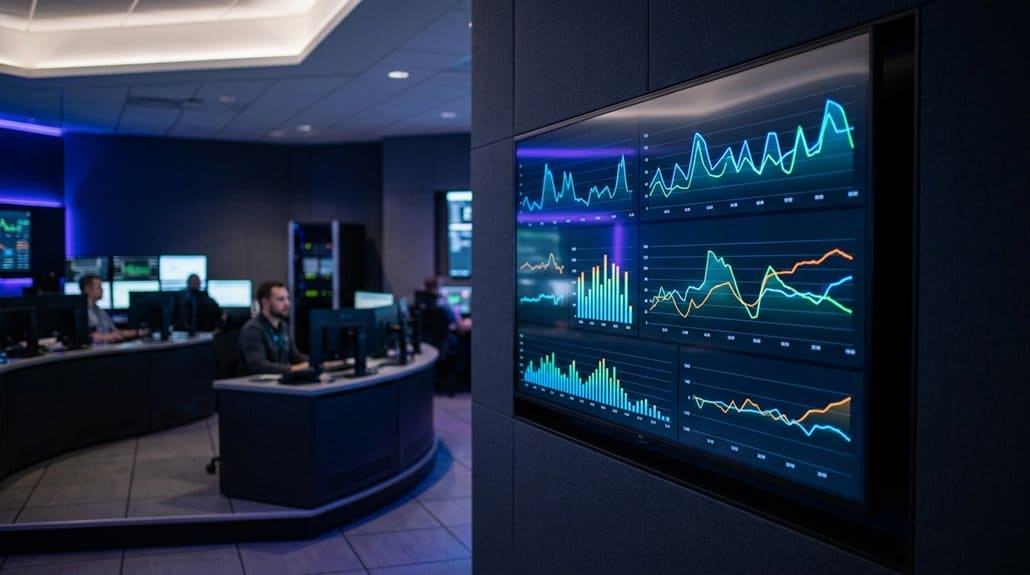
When you’ve got real-time dashboards in place, you’re boosting organizational transparency by giving everyone immediate access to critical data. This access not only engages employees but also enhances decision-making efficiency, as teams can swiftly identify trends or gaps. It’s this shared visibility that empowers teams to transform raw data into actionable insights, ultimately improving outcomes.
Boost Organizational Transparency
Achieving organizational transparency hinges on the effective use of real-time dashboards, which provide immediate visibility into key performance indicators (KPIs). This enhanced data visibility is essential, as it fosters an environment of openness and trust. When employees can see and understand organizational goals, their engagement rises by 22%, aligning their efforts with strategic objectives. Real-time insights also help identify trends and pinpoint operational gaps swiftly, which can be vital in optimizing strategies.
Furthermore, using tools like Tableau for digital signage democratizes data access. Team members from various departments gain insight into performance metrics, promoting accountability. Companies leveraging this approach have reported up to a 25% increase in employee productivity. Therefore, real-time dashboards not only boost transparency but also drive actionable organizational improvements.
Enhance Decision-Making Efficiency
Frequently, organizations find that effective decision-making hinges on having access to the most current and relevant data. By integrating real-time dashboards, you’re equipped with potent data analysis tools essential for refining decision-making techniques. Leveraging up-to-the-minute key performance data, your team can quickly identify trends or gaps, making adjustments that drive faster, informed decisions. Real-time dashboards enhance decision-making efficiency by transforming raw data into actionable insights, promoting proactive responses and collaboration. This approach leads to a 25% increase in productivity and boosts employee engagement by 22%, fostering a data-driven culture. Ultimately, incorporating live data visualization into your strategic arsenal not only optimizes operational efficiency but markedly improves performance metrics, impacting both processes and sales outcomes positively.
Optimizing Dashboard Performance for Clarity and Refresh Rates
To optimize dashboard performance for clarity and refresh rates, it is vital to calibrate these aspects carefully to match data volatility. Set data refresh intervals—1-2 minutes for fluctuating metrics, or hourly for more stable data—to maintain timeliness. Employ content clipping in RocketScreens to highlight content relevance, ensuring key information remains in focus. Simplicity reigns; design simplicity with minimalist charts or graphs elevates clarity enhancement and avoids overloading screens. Opt for legible font selection and high-contrast colors to meet visibility standards, enhancing viewer engagement. Performance adjustments are essential; continuously monitor feedback to refine your approach, ensuring dashboards remain intelligible and effective. Tailoring these elements drives viewer satisfaction and maximizes the impact of your digital signage.
Keeping Your Data Secure on Digital Displays
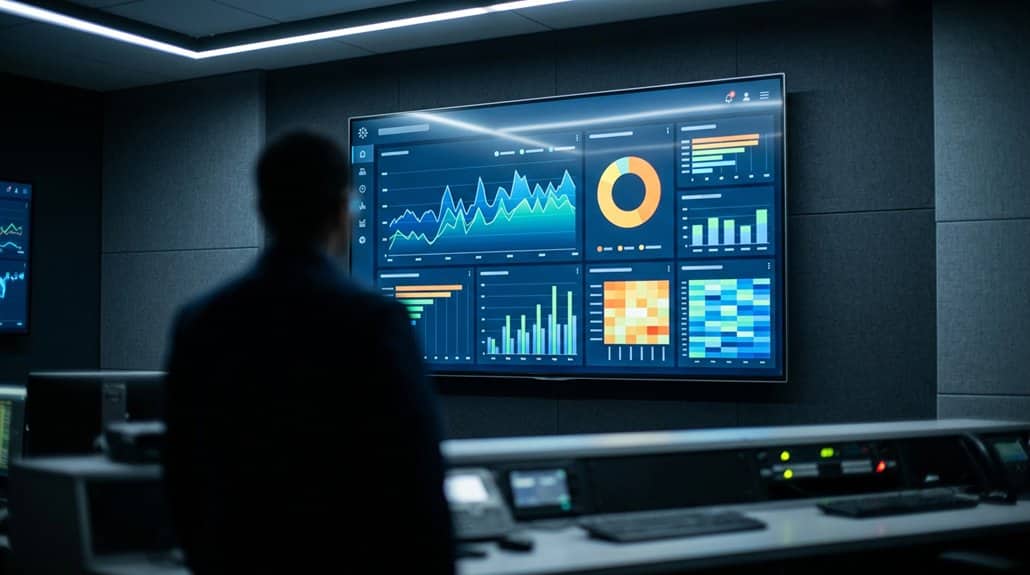
While optimizing dashboard performance enhances visibility and engagement on digital displays, guaranteeing data security is equally important. You must prioritize data integrity by implementing robust access controls and encryption methods. HTTPS connections should be utilized to encrypt data transmission, safeguarding private information. User authentication guarantees only authorized viewers can access sensitive data, adding an essential layer of security protocols. It’s imperative to regularly monitor session activity to identify and address potential security breaches promptly. Consider performing a risk assessment to evaluate potential vulnerabilities in your system. Properly manage dashboard permissions to prevent unauthorized access. By creating Connected Apps in Tableau Cloud, you can securely embed dashboards in platforms like EasySignage, guaranteeing that data remains protected.
Solving Common Problems and Measuring Success
Integrating digital signage with Tableau presents several challenges, but understanding and addressing these issues can substantially enhance its effectiveness. Slow updates might occur; resolving this involves ensuring a stable internet connection and optimizing refresh rates based on data’s volatility. The aim is to achieve real-time visibility, improving productivity by 25%. Monitoring engagement metrics before and after implementation is critical for measuring success. Regular employee feedback and surveys provide insight, indicating a 22% uptick in engagement due to live dashboards. Calculating ROI by comparing the value of improvements against costs provides a clearer picture of the system’s benefits.
| Issue | Solution | Measurement |
|---|---|---|
| Slow updates | Improve connectivity | Responsiveness |
| Engagement levels | Conduct regular surveys | Engagement metrics |
| Success measurement | ROI analysis | Cost analysis |
| Data visibility | Optimize refresh rates | Performance increase |
| Employee motivation | Gather feedback | Awareness improvement |
Expanding Your Digital Signage Impact With Tableau
Building on the potential solutions for improving digital signage with Tableau, further expanding your impact involves leveraging additional dynamic capabilities. You can customize Tableau dashboards to offer content personalization, tailoring visualizations to specific departmental requirements. This customization isn’t just about aesthetics—it’s a catalyst for increasing audience engagement. Real-time data showcases boost employee involvement by 22%, while supporting quicker reactions to performance metrics, driving a 25% productivity increase. In retail settings, dynamic content powered by Tableau can lift sales by up to 33%. Seamlessly connecting Tableau with platforms like RocketScreens guarantees constant live updates and enhances communication efficiency. By optimizing your digital signage approach with personalized, engaging content, you’re poised to maximize Tableau’s full potential.
Frequently Asked Questions
How to Make Live Dashboards in Tableau?
To make live dashboards in Tableau, guarantee a real-time data connection, then focus on data visualization techniques and include interactive user experiences with filters and parameters. Set refresh rates, publish securely, and use high-contrast, legible designs.
Can Chatgpt Create Tableau Dashboards?
No, ChatGPT can’t create Tableau dashboards directly. However, it guides you through Tableau capabilities, offering advice on dashboard integration. You can learn to connect data, format visualizations, and guarantee your dashboard efficiently represents data.
What Is Dynamic Digital Signage?
Dynamic digital signage boosts workplace productivity by 25%. It uses interactive content to enhance audience engagement through real-time updates. You’ll see videos, animations, and curated media, making communication dynamic and responsive to trends and needs.
How Does Tableau Refer to Dashboard Elements That Can Be Moved Freely Within a Dashboard?
Tableau refers to these dashboard elements as “floating” objects. They’re movable components providing interactive features. You can drag them freely, resize, and layer to optimize your custom dashboard’s design and improve the user experience.
Conclusion
In a world where static displays once reigned, Tableau transforms digital signage into dynamic dashboards. You’re no longer merely an observer; instead, you’re empowered with real-time insights driving actionable decisions. While optimizing dashboard clarity and refresh rates, don’t overlook data security—it’s essential. Solving common issues becomes second nature, setting you up for measuring success. As your digital signage impact expands with Tableau, static becomes dynamic, and curiosity turns into understanding, forever changing the way you see data.