
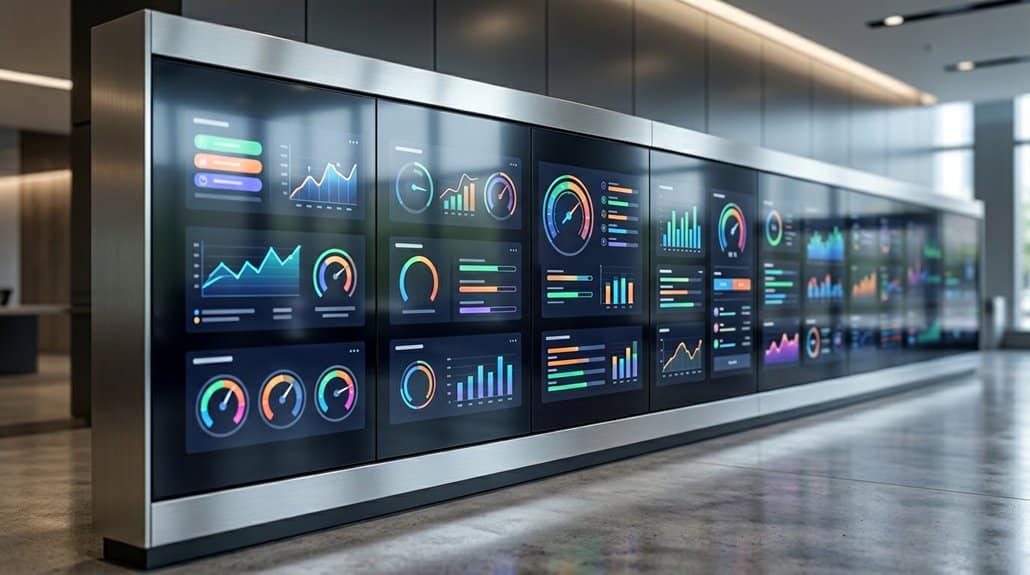
Transform your digital signage into live dashboards by integrating Google Sheets. This seamless connection allows real-time updates, ensuring your displays reflect the latest information without manual intervention. You can effortlessly manage menu specials or pricing, keeping content current and engaging. Automatic syncing reduces time spent on updates and minimizes errors. Optimize visibility with consistent formatting and high-contrast designs. Explore how this integration maximizes efficiency and customer engagement in your business operations.
Key Takeaways
- Google Sheets integration enables real-time digital signage updates, turning them into live dashboards without manual intervention.
- Instantaneous syncing ensures displays always showcase the most current menu items and pricing.
- Dynamic updates from Sheets enhance audience engagement by providing timely and relevant information.
- Automation reduces manual errors, maintaining information accuracy and enhancing brand trust.
- Visual hierarchy and structured data in Sheets improve readability and viewer engagement on displays.
Revolutionize Displays With Google Sheets
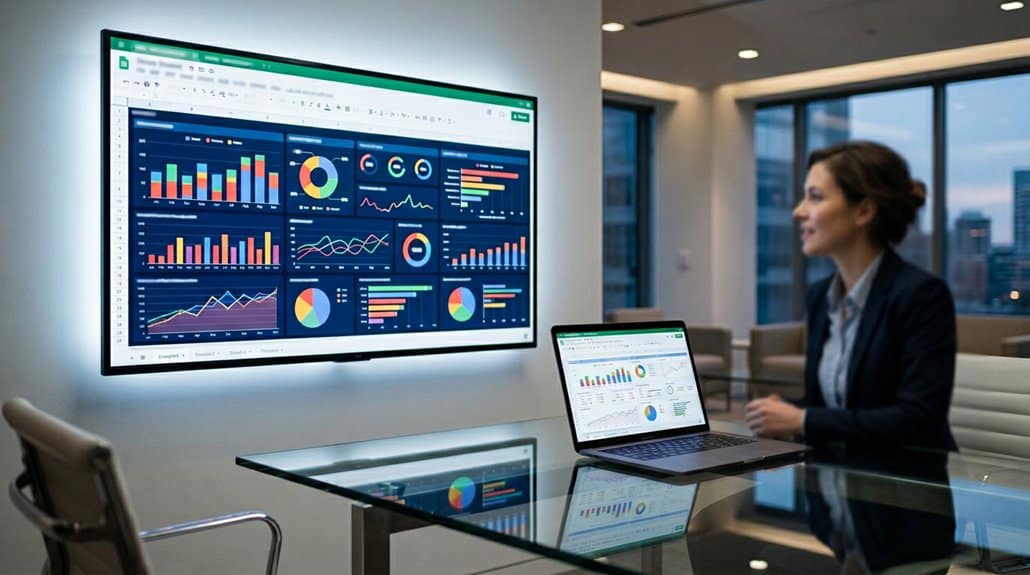
In today’s fast-paced digital world, integrating Google Sheets with your digital signage can transform the way you deliver information, ensuring content is always real-time and relevant. By leveraging Google Sheets, you create a dynamic environment where data visualization becomes effortless and engaging. With features like automatic syncing, your interactive displays are always up-to-date without manual intervention.
The ability to edit directly within Google Sheets and see those changes instantly reflected on your digital signage means you can present timely data efficiently. Formatting your Sheets with clear tables and structured data maximizes readability, keeping your audience informed and engaged. Publish your Google Sheets to the web, and platforms like EasySignage enable seamless integration, turning static screens into live, informative displays.
Benefits of Google Sheets for Real-Time Menus
With Google Sheets powering your digital signage, dynamic content updates transform menu management into a seamless, automated process. You’re able to display current specials and pricing without manual input, ensuring that everything on-screen reflects the latest offerings. This real-time capability not only streamlines operations but also enhances customer engagement by keeping your menus fresh and interactive.
Dynamic Content Updates
Imagine a seamless digital menu that automatically updates, courtesy of Google Sheets—a game-changer for businesses needing real-time content updates. By leveraging content automation and data synchronization, any amendments you make in Google Sheets are instantly reflected on your digital signage. This powerful integration guarantees that your screens always showcase accurate and relevant information, whether it’s updated pricing, new specials, or available products.
Particularly advantageous for restaurants and cafes, this system eliminates the headache of manual updates, reducing errors and saving time. These real-time updates also enhance customer experience by displaying precise information about menus and promotions. With everything managed from a single, centralized source, your digital signage is not just dynamic—it’s efficient and customer-focused, providing a competitive edge.
Seamless Menu Management
Leveraging the power of Google Sheets for real-time menu management revolutionizes how businesses handle their digital signage content. It guarantees enhanced menu visibility and impeccable data accuracy by allowing instantaneous updates to daily specials and pricing. With automatic syncing, any change you make in Google Sheets is reflected immediately on digital screens, eliminating manual intervention and boosting operational efficiency.
Integrating Google Sheets with digital signage streamlines your process for displaying dynamic content, reducing the need for frequent updates. The user-friendly data organization of Google Sheets lets you adjust items, descriptions, and prices easily within a structured format. This seamless connection saves time, minimizes errors, and keeps your menus engaging with up-to-date information—ultimately transforming your business’s digital presence into a dynamic, reliable live dashboard.
Steps to Seamlessly Link Google Sheets to Digital Signage
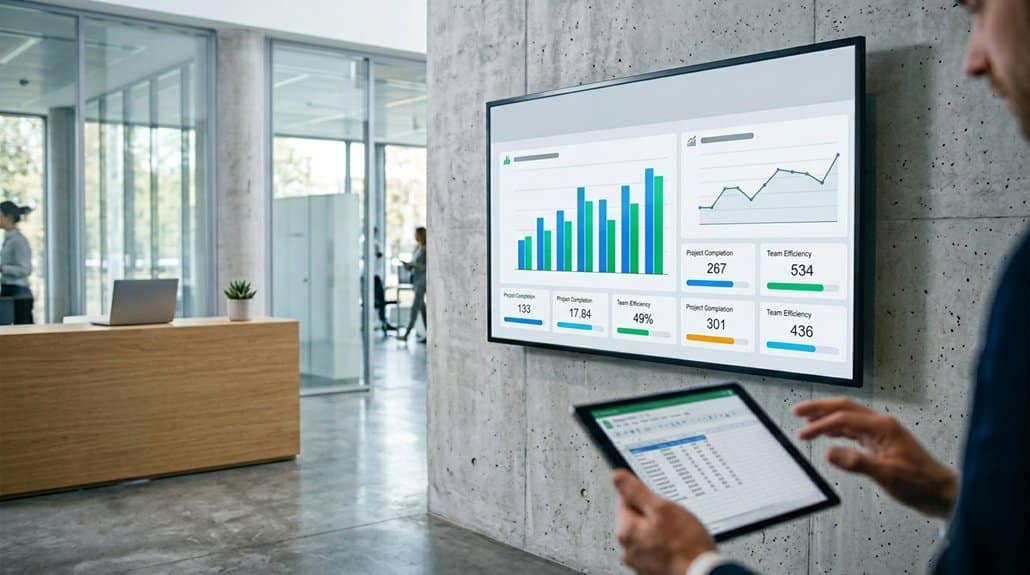
To seamlessly link Google Sheets to your digital signage, start by organizing your data efficiently in the sheet and setting the sharing permissions to publish it to the web. Next, use the EasySignage management console to paste the Google Sheet URL, which enables automatic data display on your screens. This setup guarantees that any updates in Google Sheets are instantly reflected on your signage, keeping your information current without extra effort.
Preparing Google Sheets
Although setting up Google Sheets for digital signage might seem overwhelming at first, breaking it down into clear steps makes the process straightforward. Start by focusing on Google organization: arrange your sheet with distinct data headers like Dish Name, Description, and Price. This structure assists in seamlessly transferring information to your display. Next, verify your sheet’s accessibility by adjusting sharing settings: go to “File” and select “Publish to the web.” This step generates a public URL required for integration. Once published, copy this link to input later into your digital signage management tool. Regular updates in your Google Sheets automatically sync with your signage, keeping it current and ensuring that your audience receives real-time, engaging content.
Linking Sheets to Signage
With your Google Sheets primed for digital signage, it’s now time to seamlessly link them to your signage display. Begin by organizing your data for ideal data visualization and use the “Publish to web” option under the File menu to make your sheet publicly accessible. Next, grab the Google Sheet’s URL and head to the EasySignage management console. Paste the URL to automatically connect and enable real-time content synchronization with your digital signage system. This setup guarantees that any updates in the Google Sheets are instantly mirrored on your signage, creating a dynamic information flow. Remember to adjust sharing permissions to keep your system secure while maintaining access for data updates. Clearly format your sheets with concise headers for improved readability on screen.
Practical Menu Use Cases for Digital Signage
Digital signage has become a versatile tool across various industries, showcasing its capability to dynamically update and display essential information. For restaurants, it streamlines menu personalization. You can effortlessly update daily specials or pricing from Google Sheets, ensuring visual consistency that reflects your brand. Fitness centers benefit by displaying up-to-date class schedules, keeping members informed and engaged with real-time insights pulled from Sheets.
Event organizers can deploy digital signage to present current itineraries, enhancing attendee experience through seamless, timely updates. In organizational settings, managing employee rosters becomes straightforward by syncing Sheets with digital displays, boosting internal communication. Furthermore, KPI dashboards present real-time data such as sales figures and inventory, directly from Sheets, ensuring your digital signage remains a reliable, accurate tool.
Designing Google Sheets for Impactful Displays
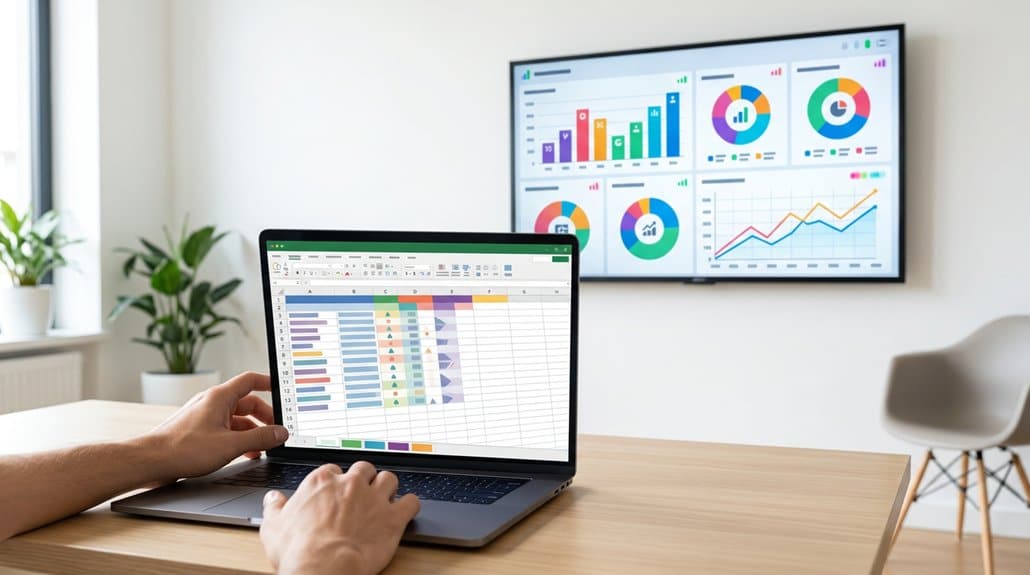
Harnessing the power of digital signage starts with a well-organized foundation in your Google Sheets. Establish visual hierarchy by using relevant columns, such as Dish Name, Description, and Price. This structure enhances navigation and guarantees readability when your data is translated to a display. For ideal content alignment, maintain consistent formatting with uniform rows and columns. Utilize headers effectively, denoting distinct content categories for swift comprehension. Enhance legibility by opting for large fonts and high-contrast color schemes, essential for visibility from afar. To maintain viewer engagement, limit displayed information to focus only on vital data points. Through strategic organization and presentation, your Google Sheets become a powerful tool for creating impactful digital signage, driving clear and concise communication.
Streamline Integration With EasySignage
Effortless integration of Google Sheets into digital signage becomes a reality with EasySignage. Leveraging this tool’s robust features, you can seamlessly display live updates from your Google Sheets. EasySignage advantages enable you to overcome typical integration challenges by simplifying the process; just organize your data effectively, set the right sharing permissions, and publish it for access.
Once your Google Sheet URL is linked in the EasySignage management console, every sheet update is reflected in real-time on your displays. This streamlines content management, particularly beneficial for businesses like restaurants desiring dynamic, up-to-date menus. Without the need to directly access your digital signage platform, EasySignage offers operational flexibility and enhances audience engagement with timely, relevant information.
Keep Your Audience Hooked With Live Data
Seamless integration of Google Sheets with digital signage doesn’t just simplify the process—it opens up a world of real-time engagement. Imagine engaging your audience with dynamic displays that reflect live updates directly from your Google Sheets. Here’s how you enhance audience engagement:
- Timely Information: Automatically update menus, event schedules, or specials to keep your displays current and your audience informed.
- Interactive Experience: Provide relevant data-driven content, enhancing customer interaction and satisfaction by showcasing live data feeds.
- Maintain Integrity: Eliminate the risk of outdated information with instantaneous updates to digital signage—that means always conveying the right message.
- Flexible Operations: Foster a dynamic environment with automatic syncing, guaranteeing operational changes from Google Sheets are reflected instantly.
These features guarantee your digital signage remains a powerful tool for connecting with your audience.
Frequently Asked Questions
How Do I Turn Google Sheets Into a Dashboard?
To turn Google Sheets into a dashboard, organize your data for readable visualization. Publish the sheet online, link it with digital signage tools for real-time updates, and manage content settings. Optimize this for enhanced user engagement.
How Do Digital Menu Boards Work?
Ever wondered how digital signage displays fresh data? Digital menu boards work through menu integration with tools like Google Sheets. They offer real-time updates and data visualization, ensuring your menu’s always current and aesthetically engaging for every customer.
How to Make Interactive Charts in Google Sheets?
To make interactive charts in Google Sheets, select your data range and choose “Chart” from the “Insert” menu. Customize via the “Chart Editor” for user engagement. Guarantee real-time updates for dynamic data visualization and responsive interactions.
How to Make a Google Sheet Dynamic?
You can make a Google Sheet dynamic by using IMPORTRANGE, QUERY, and FILTER for dynamic data integration. Set up automatic recalculations and data validation for live updates, enhancing real-time interactivity and ensuring critical information is always visible.
Conclusion
You’ve seen how Google Sheets can transform digital signage into dynamic, real-time dashboards that captivate your audience. Did you know that businesses using updated digital displays report a 33% increase in engagement? By seamlessly connecting Google Sheets to your signage, you guarantee up-to-the-minute accuracy and efficiency. Design impactful displays and make use of tools like EasySignage to streamline integration. Keep viewers engaged and informed with live data, revolutionizing the way you present information.